I don’t. know if I can explain this the best, but will give. it a shot. You need to bring up the text. editor view and run the. script.
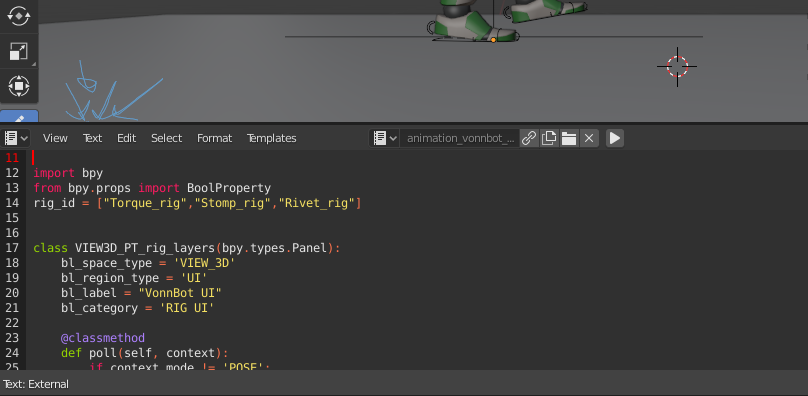
– the. run option. is under “Text” drop down menu
– you also need to be. in pose mode to. see the options for the controls, they’ll show up as “RIG UI” on the right hand side in the. 3d menu.
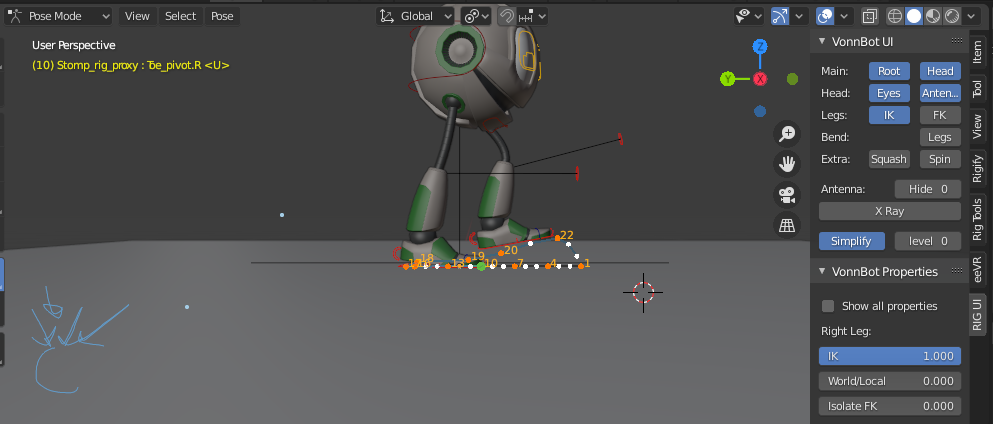
– you can edit your preferences so it automatically runs the. script, so you don’t. have. to do it. manually. Wayne explains in the. video how. to. do that.
– you may have to. select the. file for the. text. editor
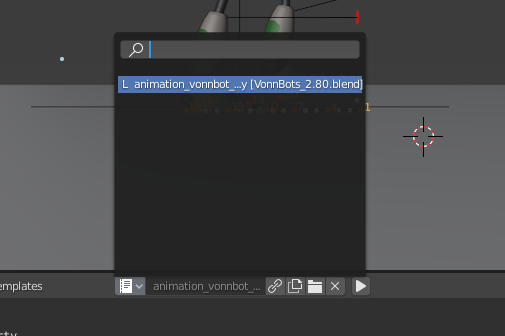
– if this doesn’t. work you will have to link the python. script, just like you did the. von bot mesh you picked except it is under. the scripts and. not.the collections.
– make sure. you turn the simplify option down, so everything runs faster.
Good luck, the. class. is great and the von bots are fun to play with. Hope this made some sense.

