
Reply To: Volume darker than it should be.
Forum Archive › Volume darker than it should be. › Reply To: Volume darker than it should be.

All object colors, including volume smoke, will be affected by the ambient light color.
Also the object itself will depend on how much of the ambient light is reflected, thus distorting the object color.
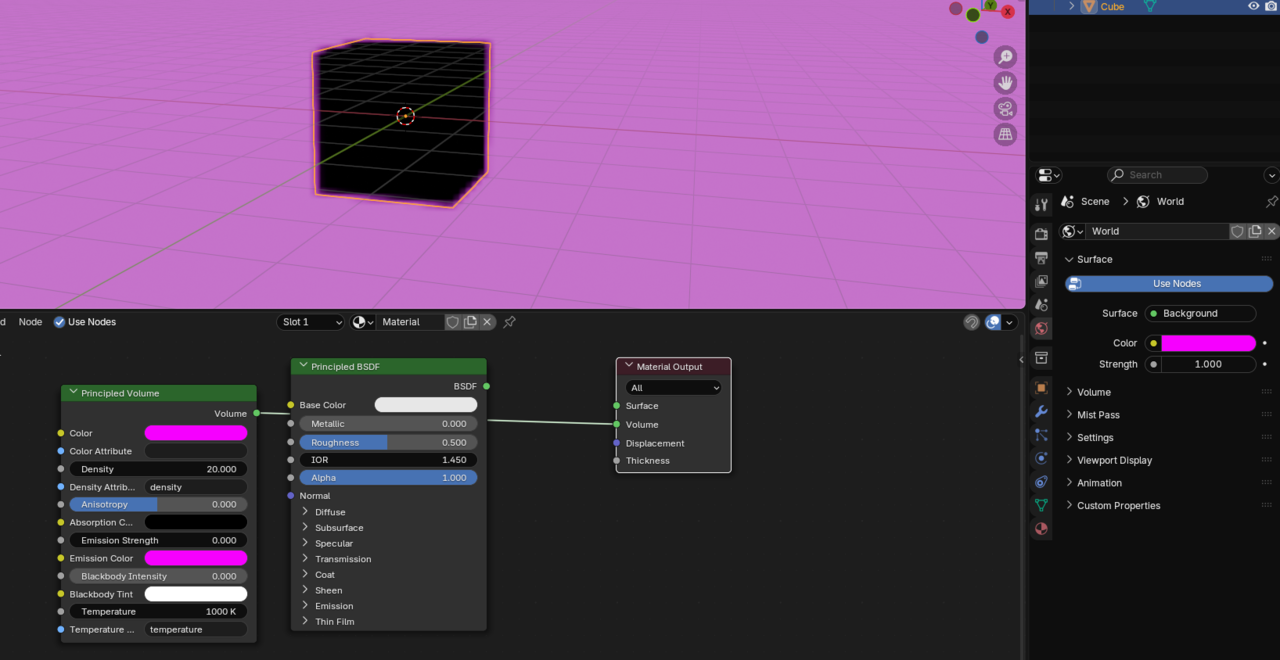
In your example you set the density to 20, this is not far off looking like a solid object.
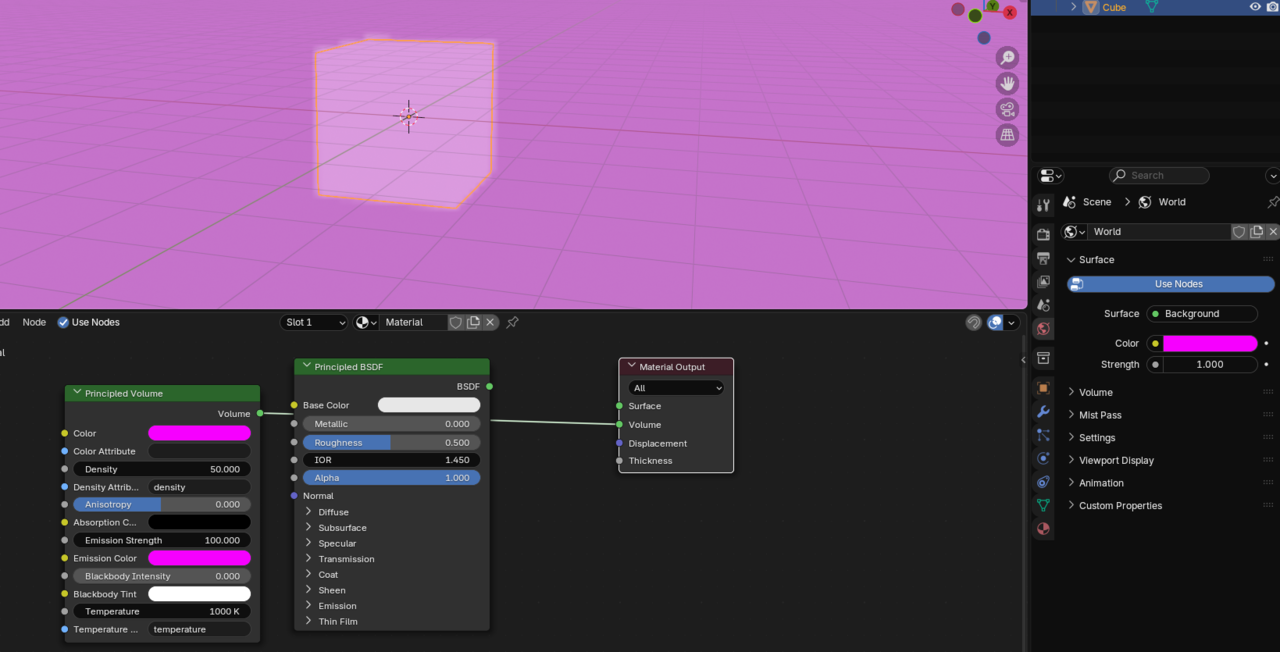
If you need the density that high for any reason, try setting the emission color exactly the same as the main color (and the ambient color if necessary),
and the emission strength the same as the density.
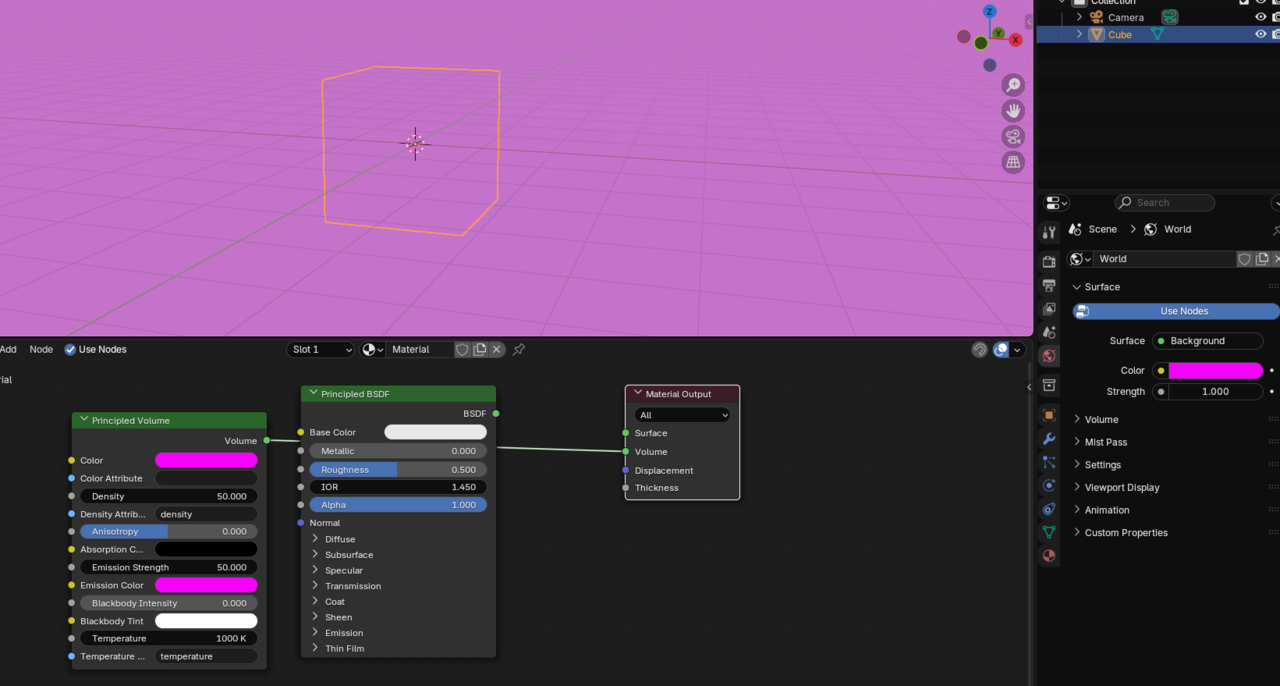
Zero emission strength results is black, anything higher than the equal value will result in a lighter shade and the higher you increase the emission the closer to white you’ll get.
Color in Blender, and other 3d software, considers more factors than just the individual color set on an object. The ambient color, light color, bounce light from other objects in the scene, all effect the color of an object.
When using software such as Photoshop which is ultimately 2d without using any other light source or color, setting the exact color is easy.
Blender is different, there are more factors to consider, like those mentioned.
3d isn’t, do this and do that and you get the expected result. We can try and predict the effect of all the factors together, and with experience those predictions can be more accurate, but rarely perfect. Some amount of tweaking is always needed.