Hey there!
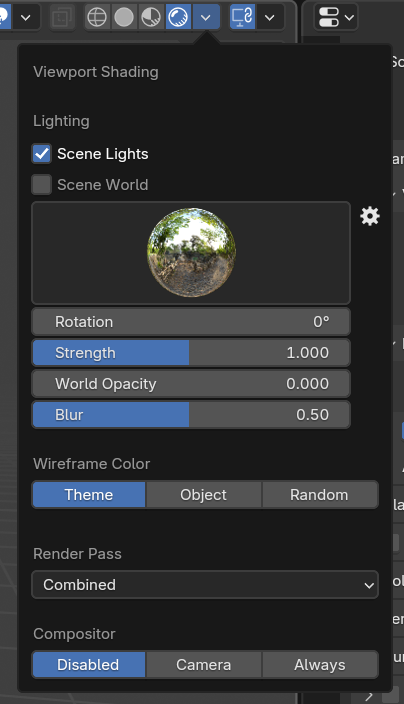
Just to echo what’s already been mentioned, unfortunately the “Material Preview” and “Render” modes aren’t exactly the same when it comes to actually rendering. If you are hoping to render an image using the “Render” operation, you will need to make sure to view your scene in the “Render” mode view. The reason you are only seeing black when rendering is likely due to not having any light sources in the scene. When in “Material Preview”, I’m sure you’re lighting the scene with the built-in HDRIs, however you will need to set that all up in the “Rendering” part of the viewport shading menu. All the settings in this dialog will contribute towards the final render! Beyond that, setting up any lights in the 3D scene should work once you hit Render. 🙂