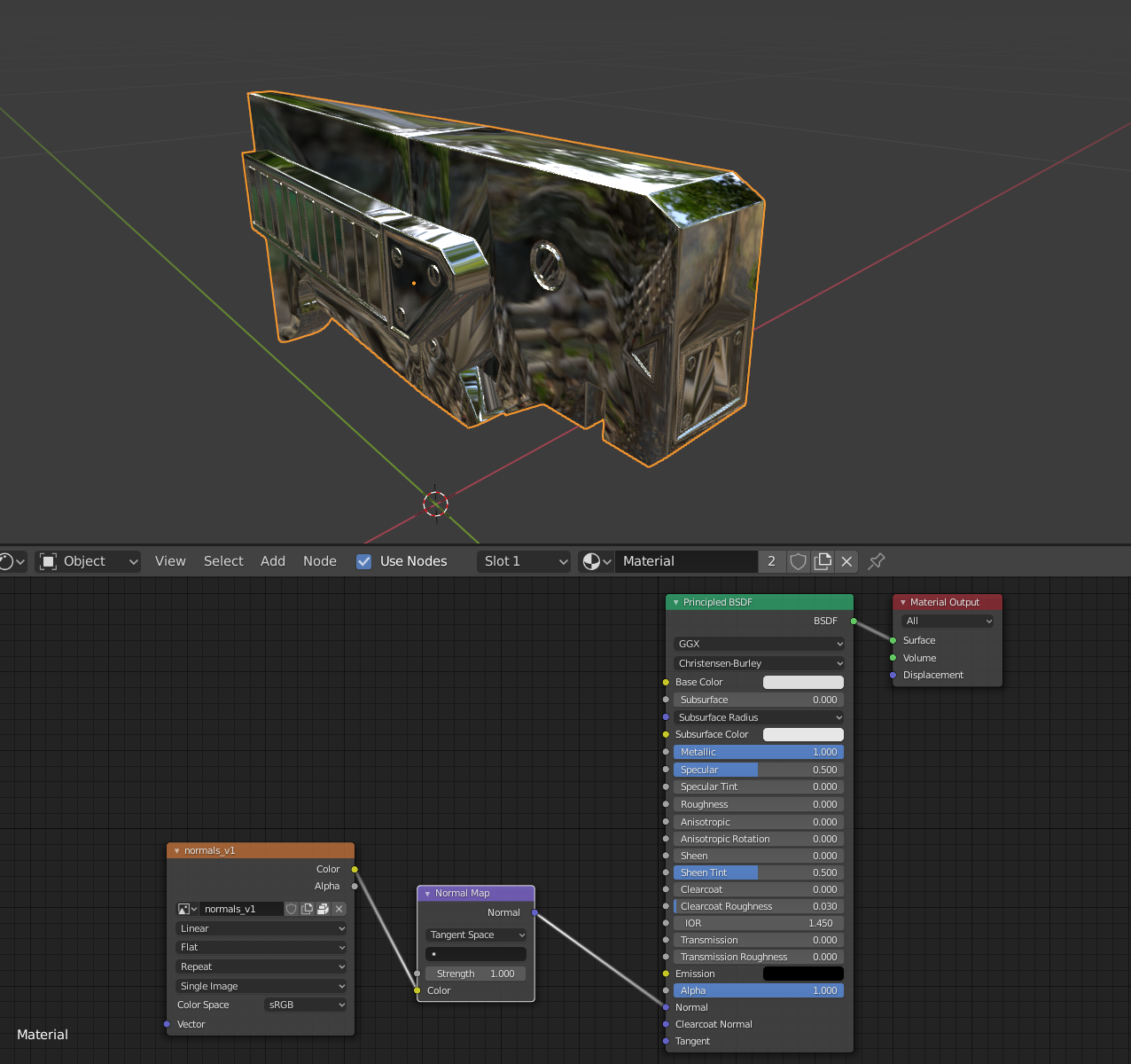
Hey Tom, thanks for the files! It does look like something is up with the baked normal map, but it’s just more exaggerated in Sketchfab. You can see this if you make the shader super reflective:
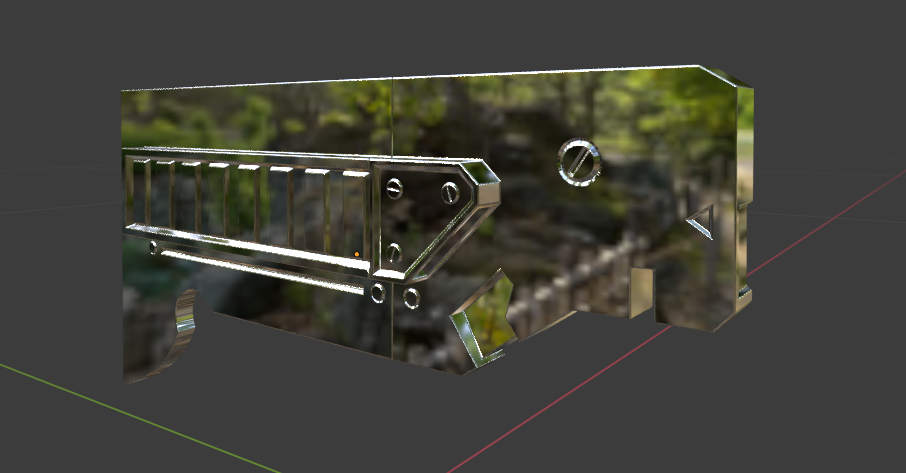
It looks like the Harden Normals option (which is relatively new) in the Bevel Modifier on the high poly is pretty close to a magic fix:
You’ll also want to enable the mirror modifier for all the high poly objects because it will change the bevel modifier and cause the geometry to jump around a bit on the seams.
Now comes the weird part – Sketchfab doesn’t like how Blender saves the 32 bit bake out as a 16 bit PNG and doesn’t accept EXR files, so you’ll need to set your Color Management View Transform to Raw in the Render properties, and then when you save out your image, choose Save As Render to apply the color management to it.
Then, load it up in Sketchfab and be sure Flip Green is unchecked in the Normal Map settings under Materials.

That should do it! There may be a couple compression artifacts but I wouldn’t worry about those. You did everything right according to the tutorial, so nice work👍 Looks like I’ll need to update it at some point when I’ve finished the fundamentals.

