Hi Martin,
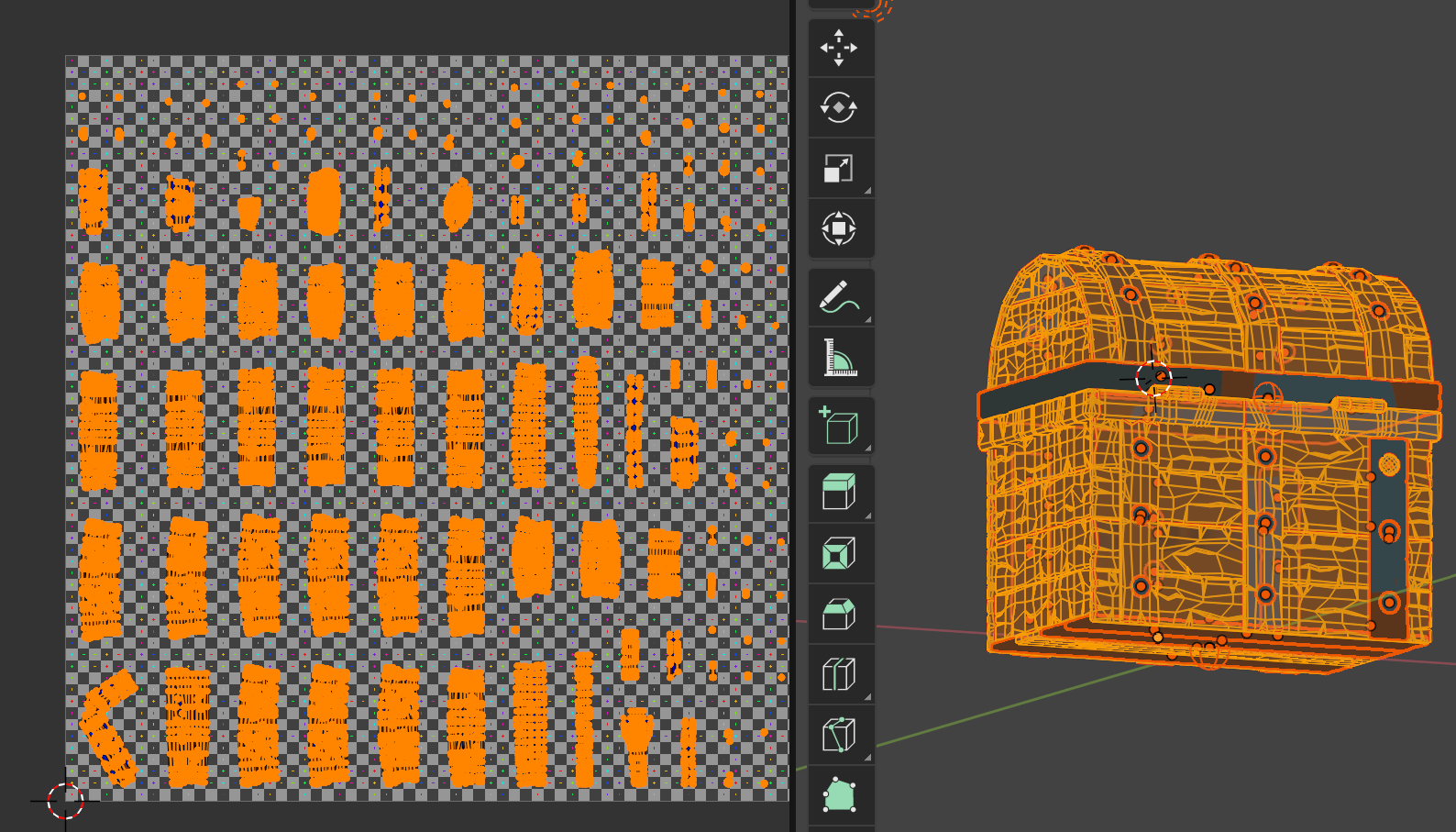
I believe e I fixed it. Just had to go one at a time and move them out. Eventually the one that was vertex linked came out without problem. I also did a merge by distance which di eliminate quiet a few verts but didn’t initially have an effect on the grabby one. But I managed to move the stack out and rescaled and repacked. A lot smaller than the previous packing, lol.
Okay, so that makes sense where identical pieces will be stacked figuring they will have identical materials added so we need to be mindful and separate these UVs.
Is there a way or setting to tell it not to stack identical UVs or is that something we do manually? ‘Thanks a bunch! I included the new UV packing for reference. I may have similar issues down the road (like the metal rims look like they may be an issue but for what I’m doing, stacking them would be ok) but now know why it’s happening. So I didn’t need to separate, apply modifiers or unlink anything then?