Is there a general rule about using images for a bump-map-brush? With this I mean: do detailed images create more noise (comparing the photo-image and the illustrator image)?
There’s no general rule, but they definitely do have more noise. You could try to reduce the noise and bring out the lower frequency details in a program like Bitmap2Material (now Alchemist?) or even Photoshop’s camera raw filter. Illustrator images will always be sharper, but that’s not always the effect that you want. I think most bump map brushes are painted from scratch like yours or derived from photos but then heavily edited to bring out the right details.
Here’s a version of the rocks texture that I tweaked with Photoshop:

And a comparison (original is top):
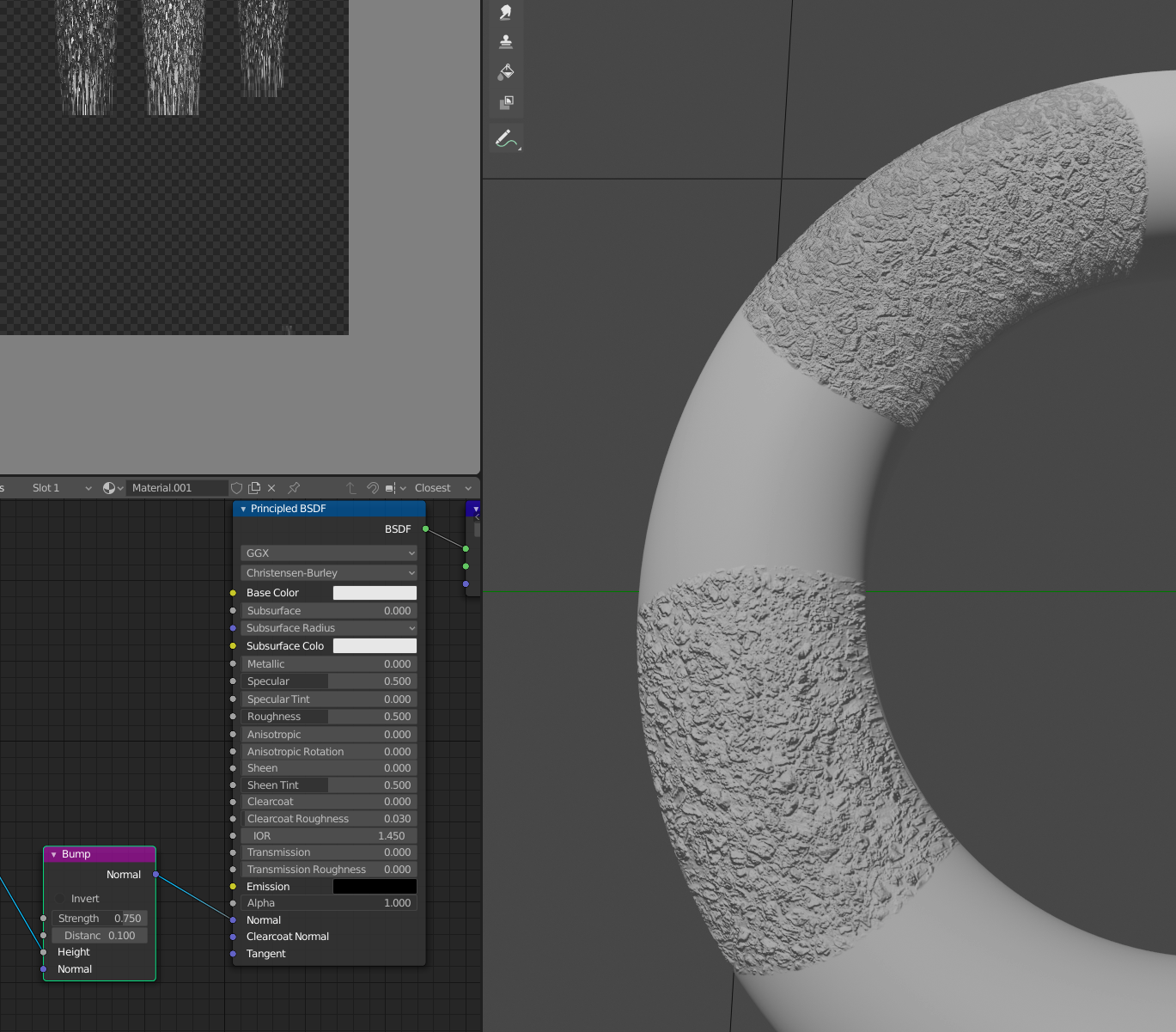
I’m pretty sure the pixelation is due to the resolution of the image you’re painting on.
Hope that helps!

