For the cutouts, you can use Knife Project as demonstrated in this short tutorial by Gleb Alexandrov:
https://www.youtube.com/watch?v=Te0IW6YZtfc
What is your problem with the text? If it’s the font, you might try using the logo on the image and turn it into GP:
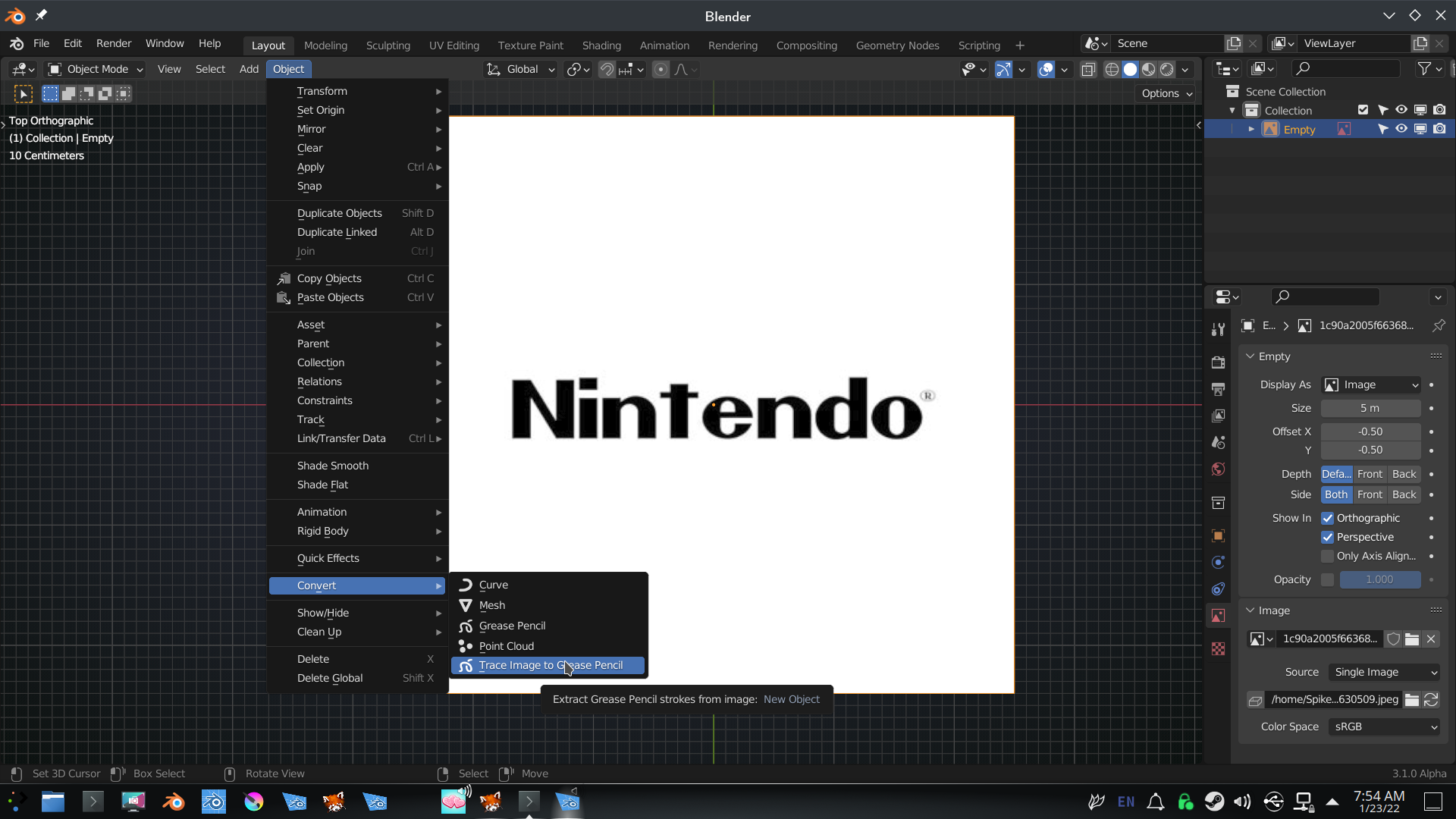 Play around with the settings (thickness and resolution) to get close:
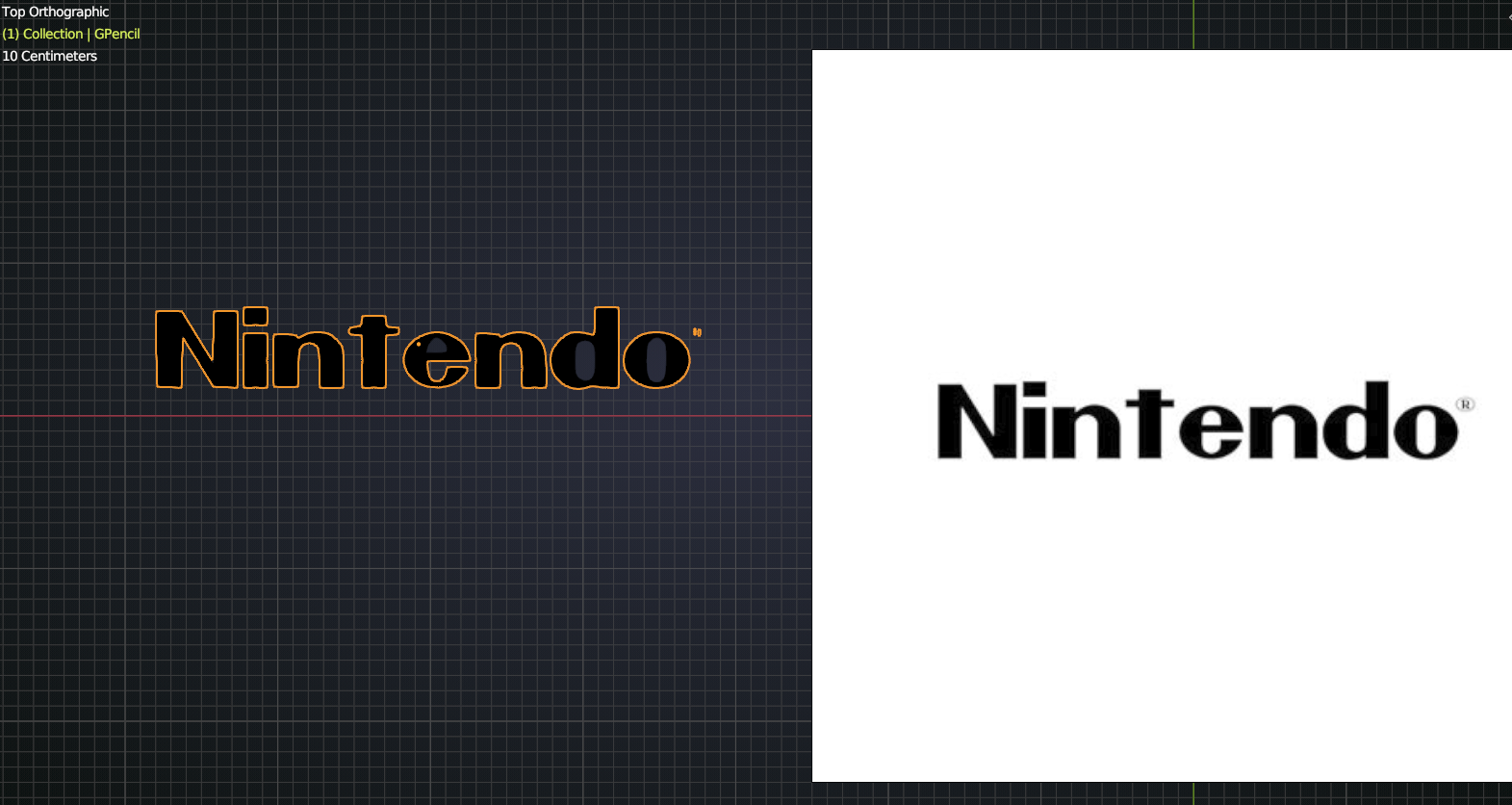 Then Convert the GP to a Curve and maybe correct some points/edges and finally turn it into a Mesh and fill it by hand.
You can also (and this is probably easier) directly trace the text with Curves (best to set them to 2D and Fill to Both):
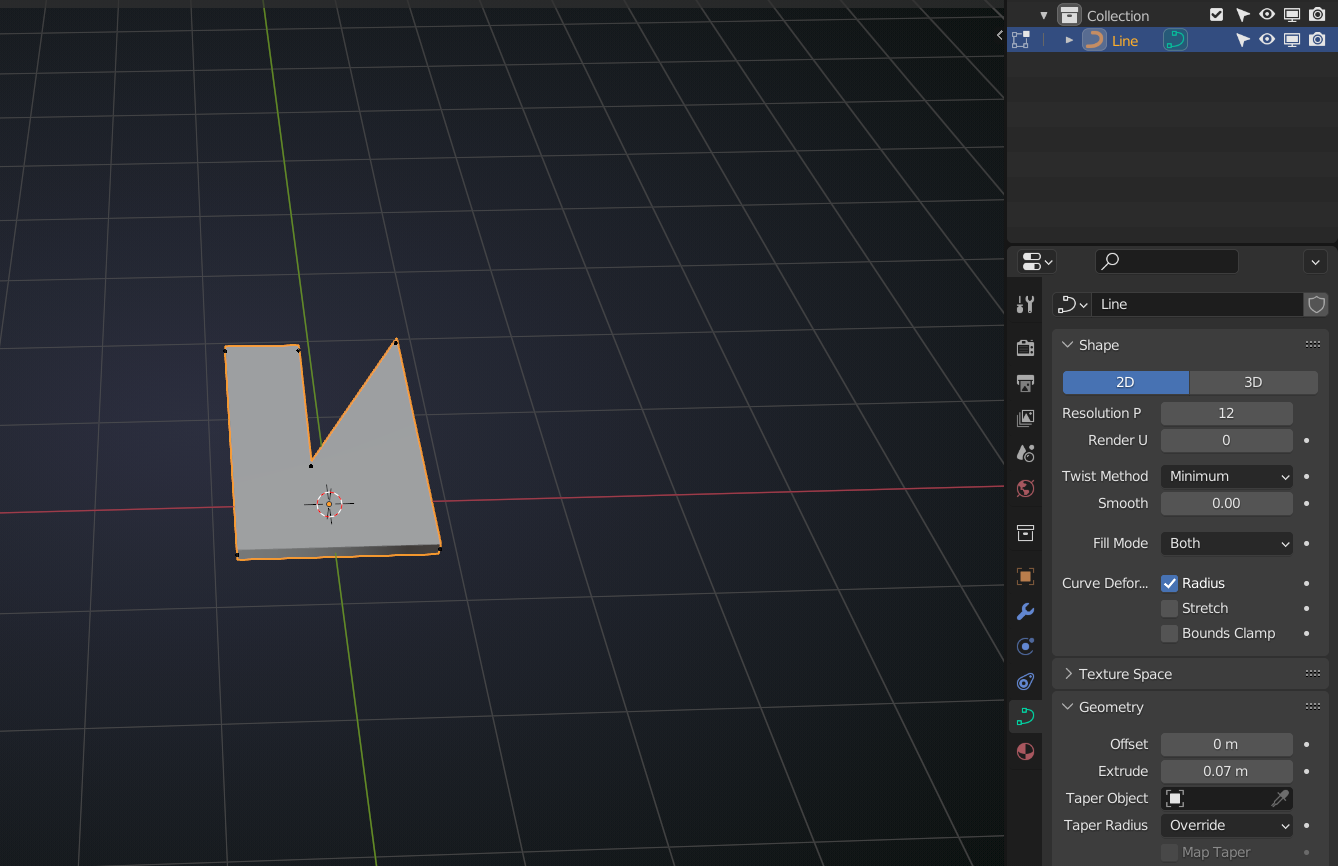 Convert to Mesh if you want when you are ready. Extrude can be done on the Curve or the Mesh.
I’d just put it on top of the housing, don’t try and make it one Object and connect it somehow.

