Hey Matt,
Thanks again for the advice before! It worked great. I got the below product in just 15 minutes by changing the tile size and the clamp. 🙂 He mentions setting the clamp to 10 in the tutorial to fix artifacts in the eyes, so that’s probably why you had yours set like that.
The below 15 minute render was only 50% of the size of the full 1920 x 1080. I also set samples down the 500. Unfortunately, scaling up the resolution really wiped out my GPU! See below.
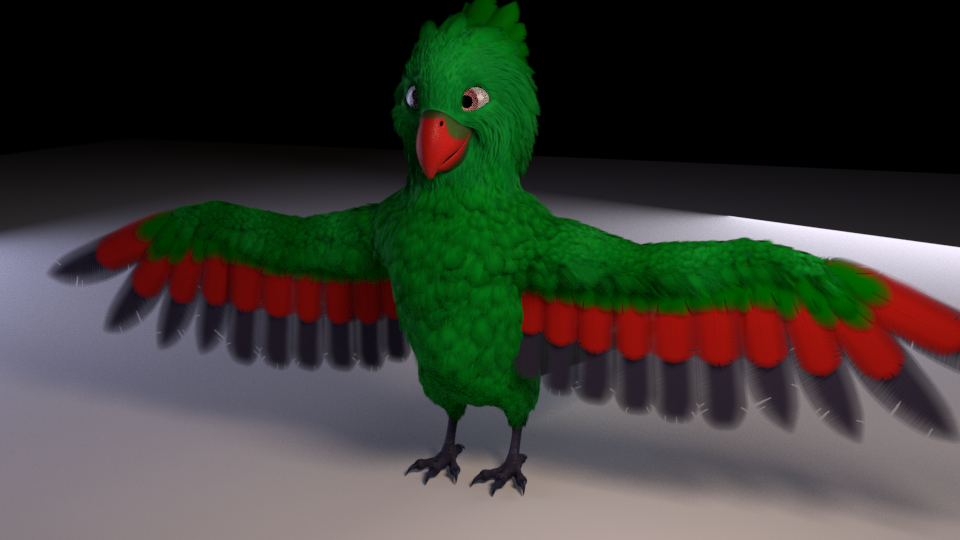
When I set samples back to 1000, with a full 100% HD resolution, it took 1 hour 48 min. TT__TT Maybe 1000 samples really is just too high! It looks a lot better this way though, so too bad it takes so long.
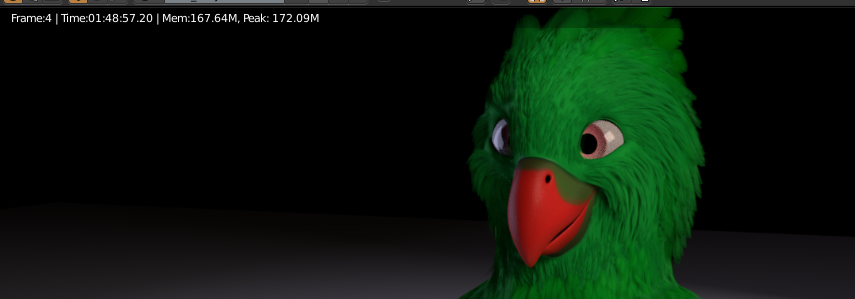
Not sure if there’s anything I can do to fix that, but your advice cut my render time down by a /lot/! I was using the default 16 x 16 tiles and that just did not work. So thanks so much for the help!
I can’t think of what’s causing mine to go slower on the same settings that you used… I have a lot of transparency involved on the edges of the feathers, so perhaps that takes longer to compute. If I figure it out I’ll let you know, it’s quite the puzzle!

