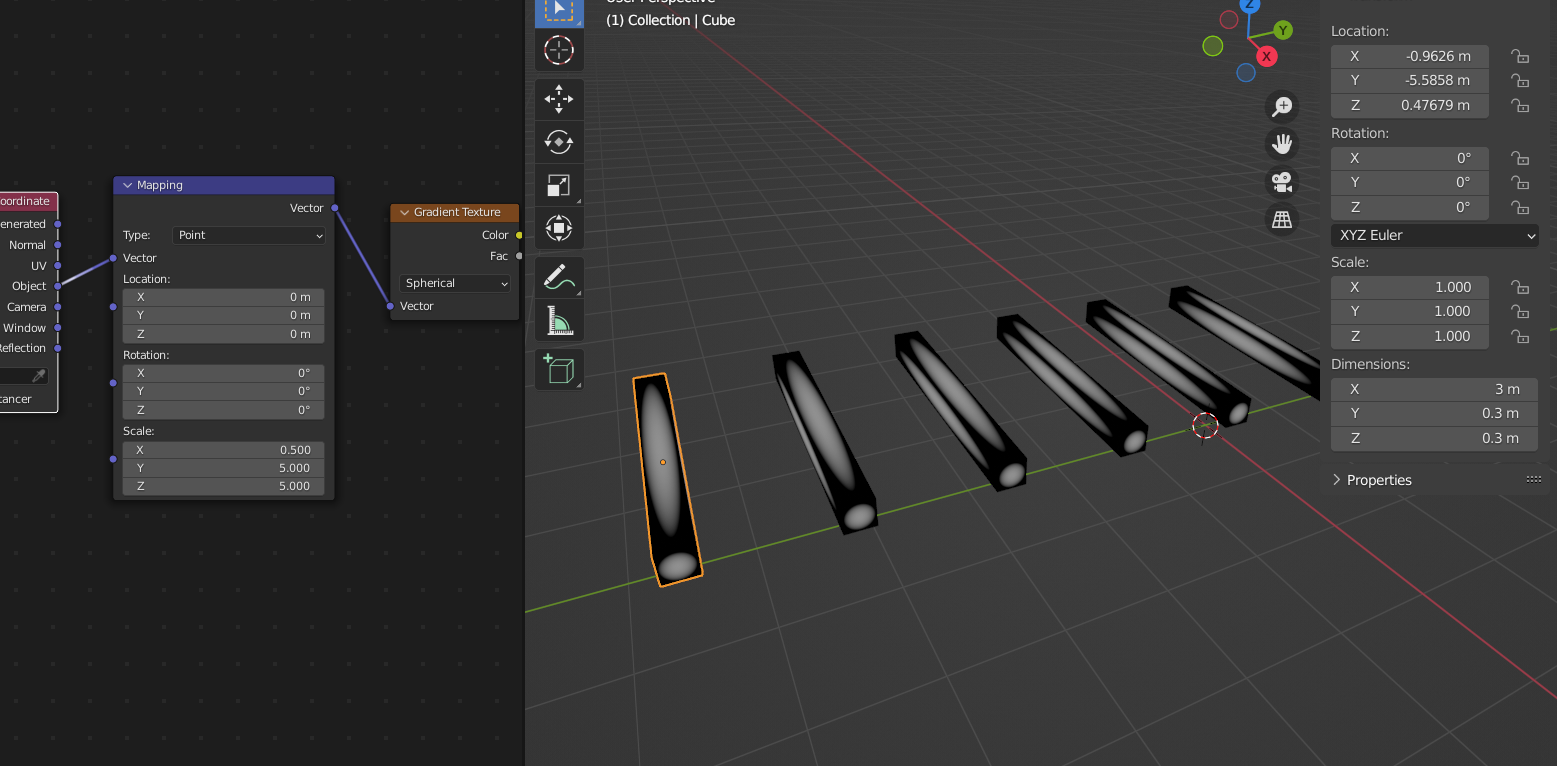
I have tried moving all of the dials on the Mapping node.
Don’t do that lol.
The Gradient Texture Node can easily be ‘lost’.
When using Object Coordinates, the center is at the Origin of the Object. This is what you want, so keep the Location of the Mapping Node at (0, 0, 0). Also don”t rotate in this case.
Now, first fix the Scale of your Object by Applying it. (It is (1.5, 0.15, 0.15) at the moment!).
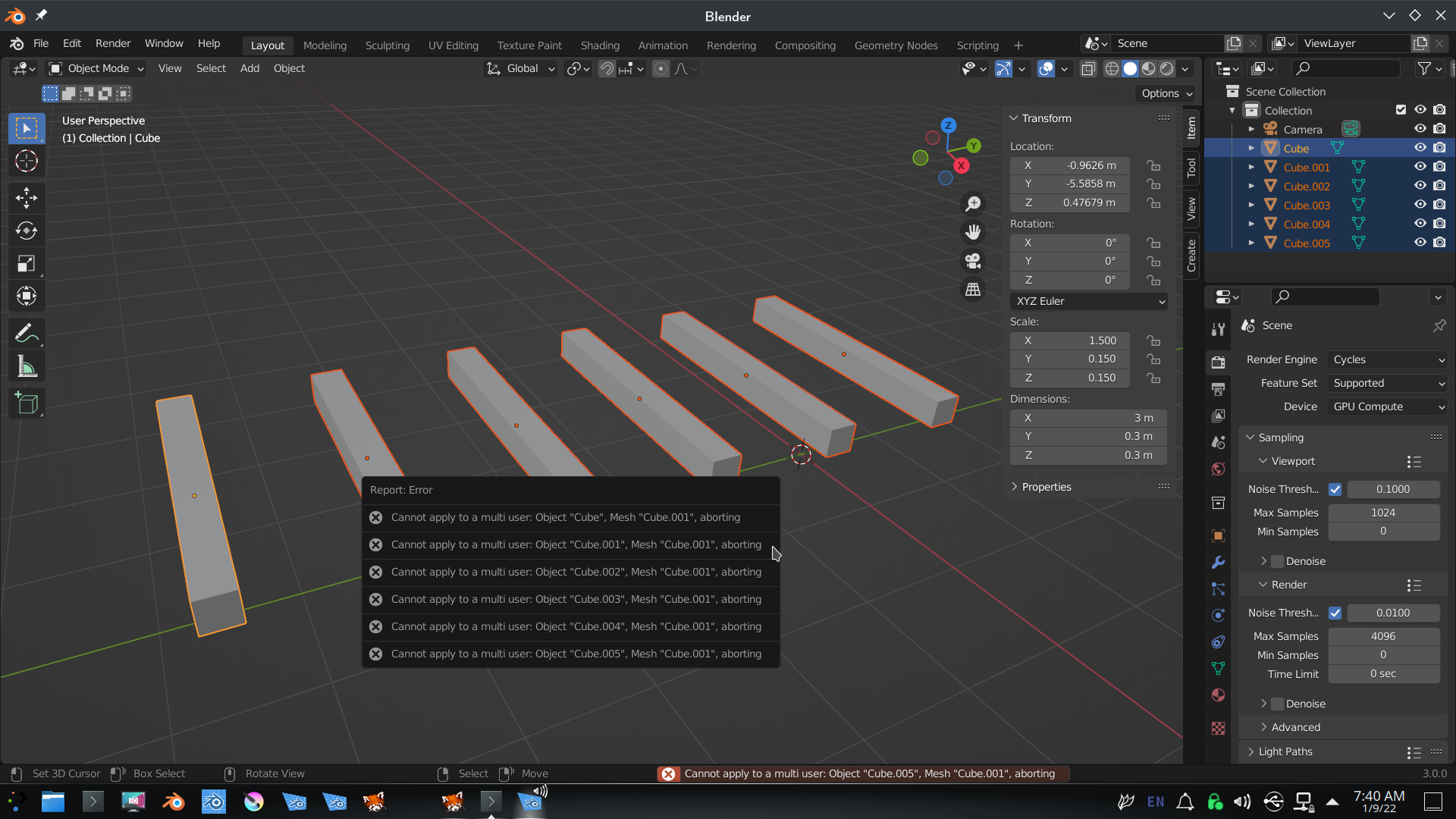
You probably can’t do that right now, because your Lights are linked. So, select all your Lights.
If you try CTRL+A now, you get an error like this:
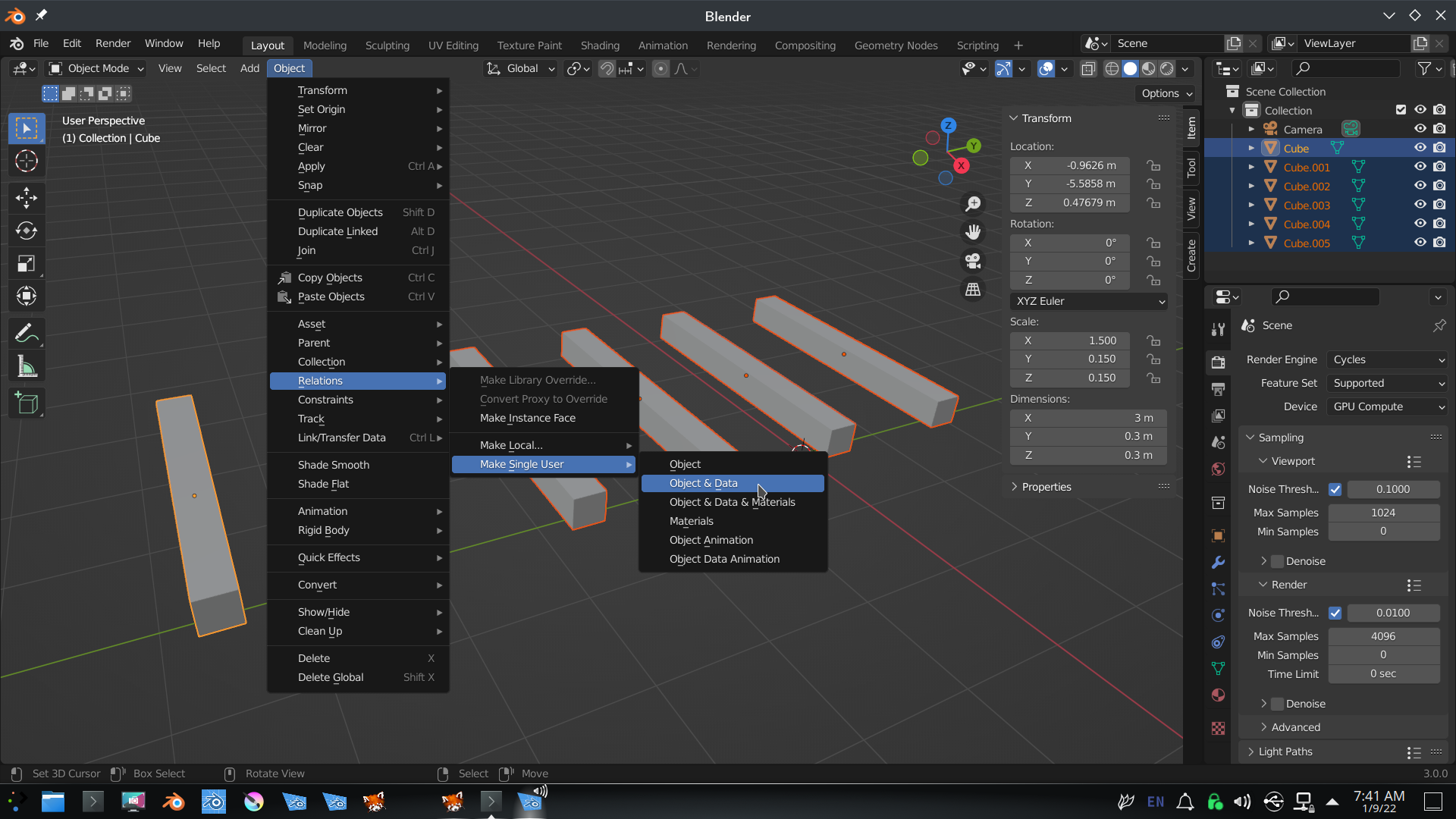
 You first need to ‘separate’ them:
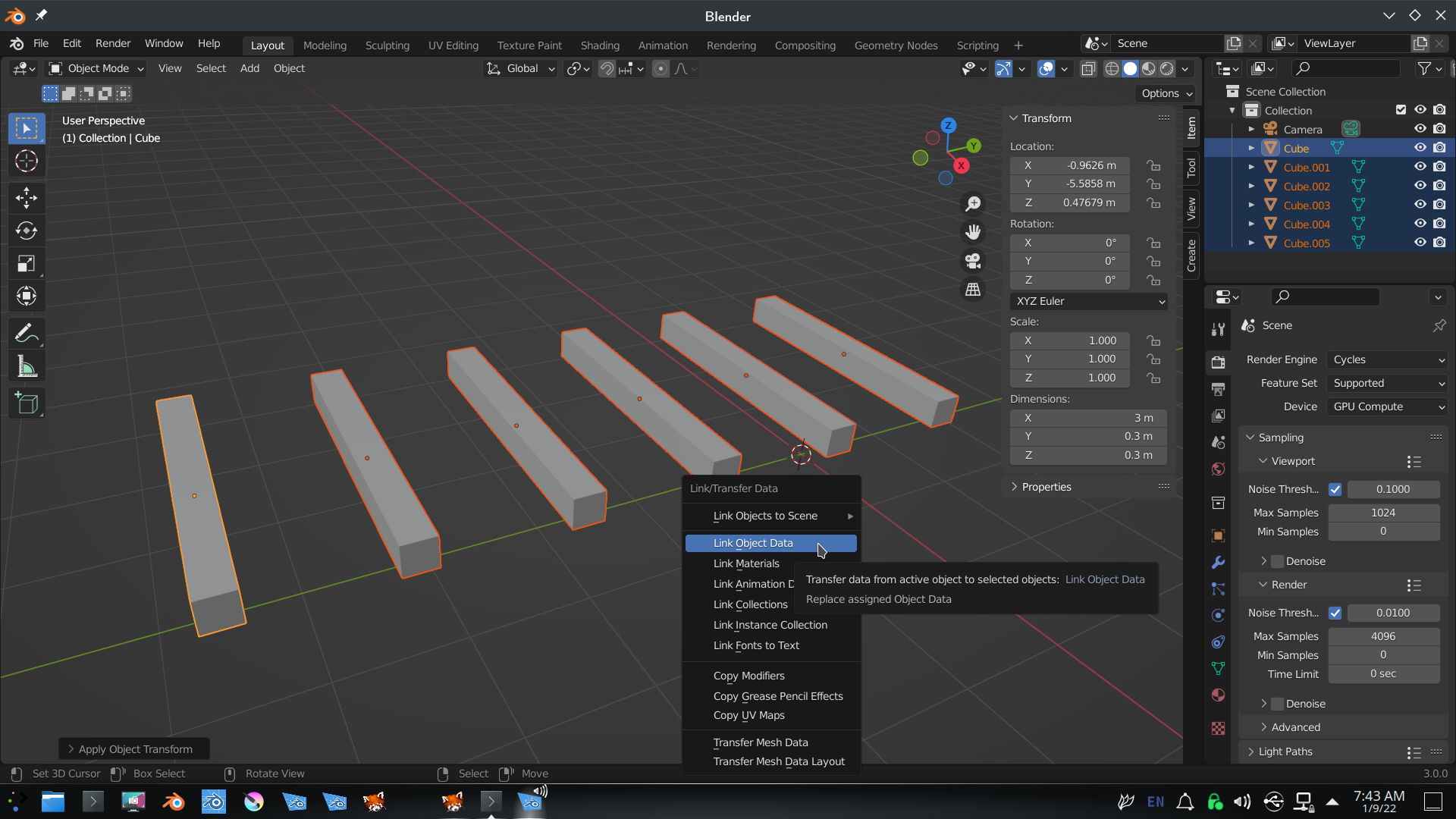
 Then CTRL+A > Apply the Scale (keep all the Lights selected!) and then CTRL+L > Link Object Data:
 Now try the Material again, only touch the Scale in the Mapping Node: