I’ve revisited @jlampel ‘s excellent course on “Fundamentals of Digital Lighting in Blender” with its “EEVEE” chapter here.
The smaller the “Bias” is set the smaller details are able to cast shadows. But this can cause jagged shadow edges which can be smoothed out by checking “Soft Shadows” in the “Shadows” tab of the “Render Properties” panel:
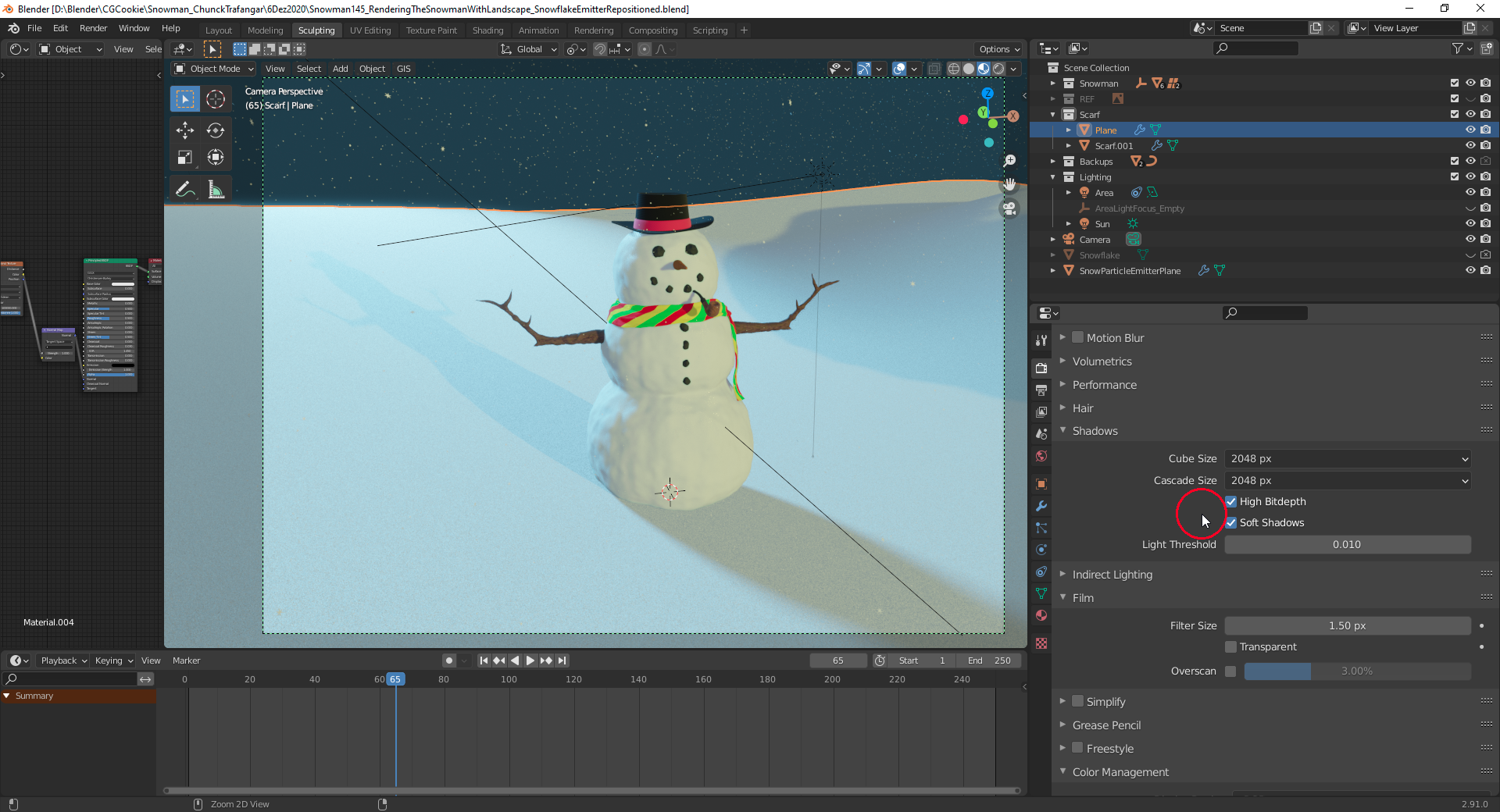
But this caused with “Contact Shadows” a hard division line between sunlit areas at the front of the snowman and self-shadowed areas due to the uneven surface of the snowman’s main body as displayed here with a “Bias” of “0.03”. Therefore, I had to choose a higher “Bias” of “0.311” in order to exclude smaller details from casting shadows which helped getting a smoother division line as can be seen here.

