“Hi, I have been trying to figure out how to select all the objects that are on a keyframe in the dope sheet summary.”
Hello Harlen. I’m a bit confused, you are trying to selected the objects via the dope sheet? So instead of selecting the objects directly in the viewport, you want the selection to happen via the keyframes in the dope sheet?
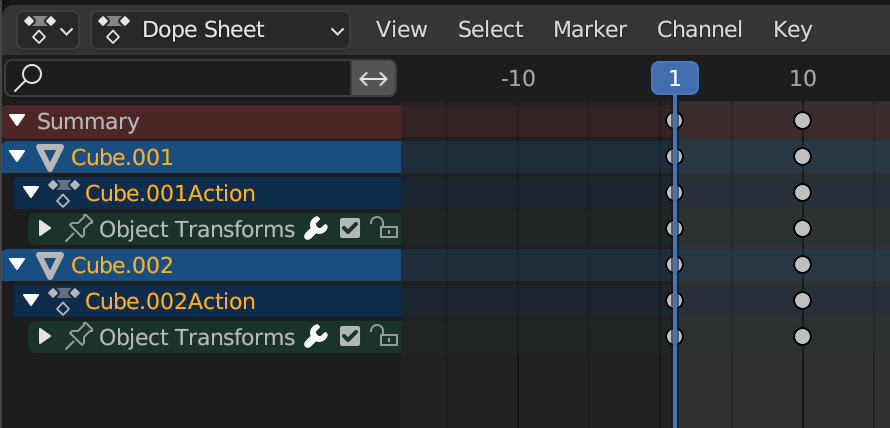
I don’t think that by selecting the keyframes that can be done, but if you select the object under summary, so in this example that would be Cube.001 and Cube.002, if you hold Shift and you click on the name, your selection gets added each time.
Also maybe just for once, you can select the objects in the viewport and add them in their own collection, say the “Animated Objects” Collection, so that the objects that are in there you can easily access each time by right click and “Select Objects”.

