It works this time. What I didn’t do at first, when I installed the add-on, was ‘Save Users Settings’ in ‘User Preferences’. I tried to duplicate it by, removing the add-on by deleting the .py file, but Blender does not remove the add-on just complains with ‘Missing file’. So I don’t know how to remove an add-on and start all over again and I couldn’t duplicate it to see if that must have been the case.
I also moved all other objects to their own layer and back, as you did, but also, I couldn’t duplicate the first problem. So I believe it must have been that I didn’t save the user preferences @ first.
But now I can’t get out of it. I pressed ‘Enter’ but nothings happens. Also tried clicking the RMB and then all disappears and back from square one, no ‘QuickCurve’ left. I also clicked ‘Prepare Selected’ So what is the secret, if I have finished adding points, to continue ?
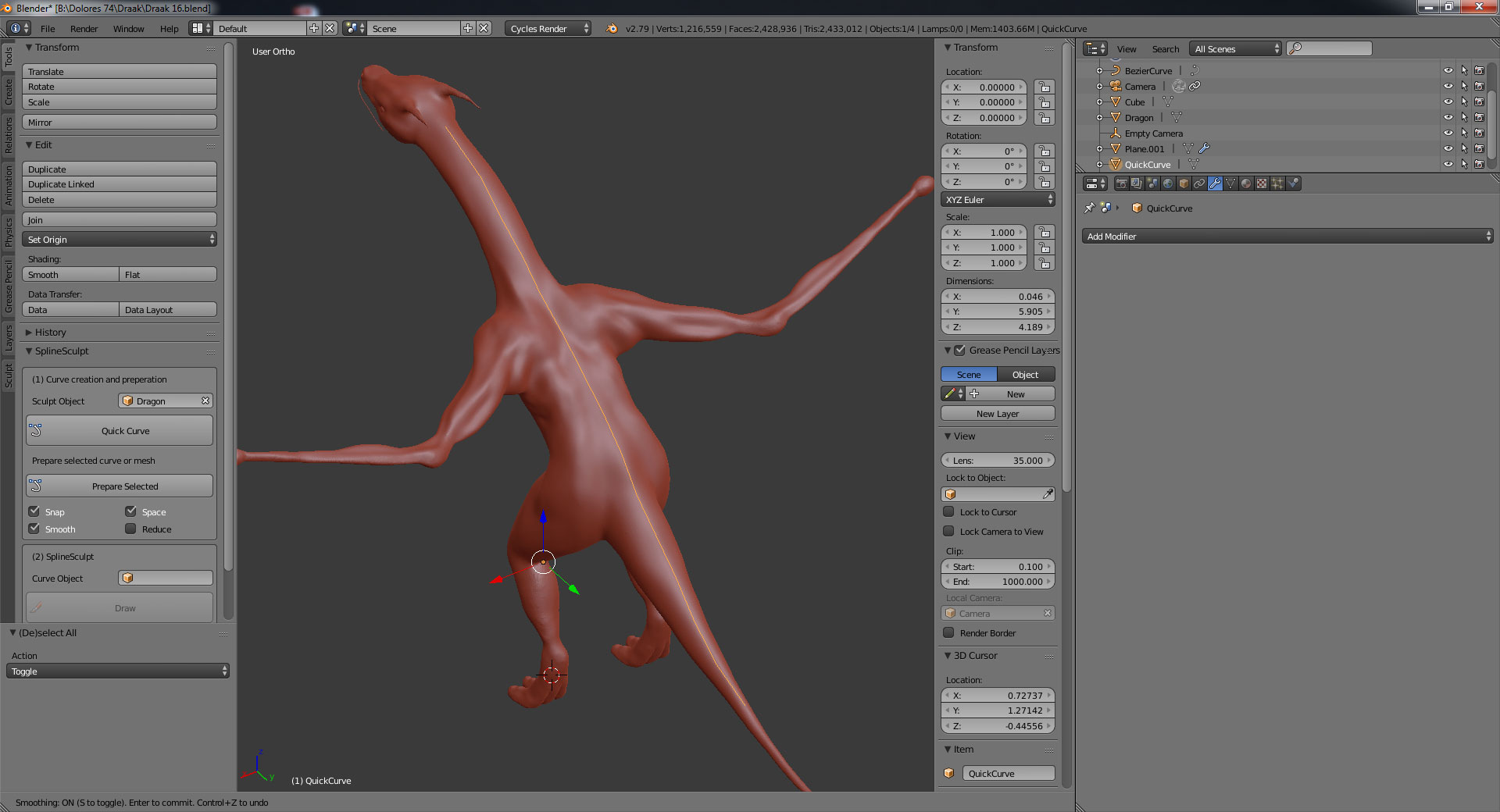
It would be nice to have an add-on I can generate stuff along a curve, and also, scale this stuff smaller closer to the end of the tail, its neck and bigger on its back. But maybe, that’s not the purpose of your add-on 🙂
Here’s my dragon.

