Thank you @drakewho !
Here is an alternative way, that might be easier to understand (not necessarily a better way…):
Make a curve, just like you did and add a Plane with an Array and Curve Modifier:
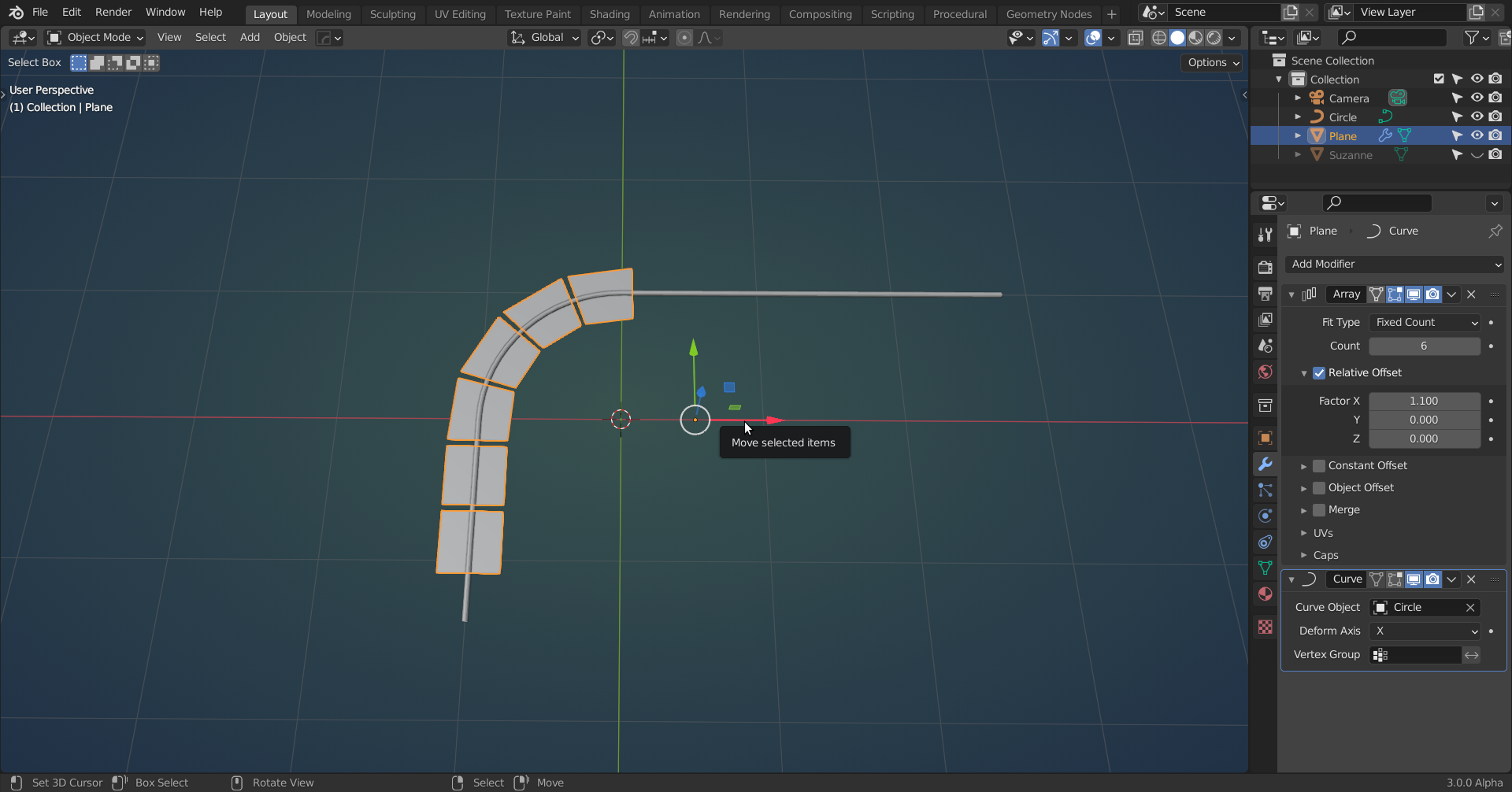 (I gave the Curve a Bevel, just so it is easier to see in the screenshots)
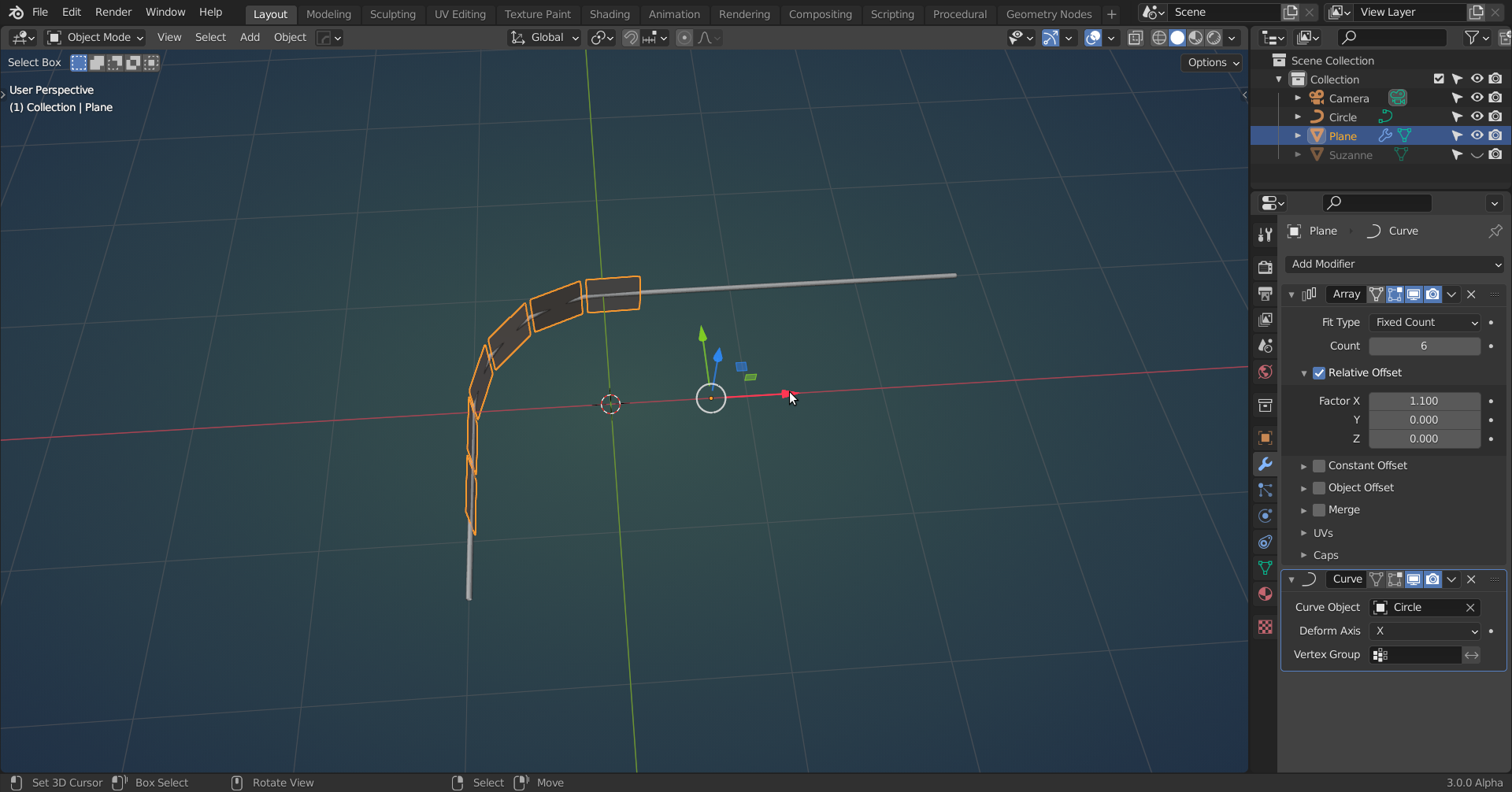
You can now move the Plane in the X-axis (or whatever Deformation Axis you are using in the Curve Modifier), but they are deforming. But that is why we use Planes; they are flat, so we can simply rotate them:
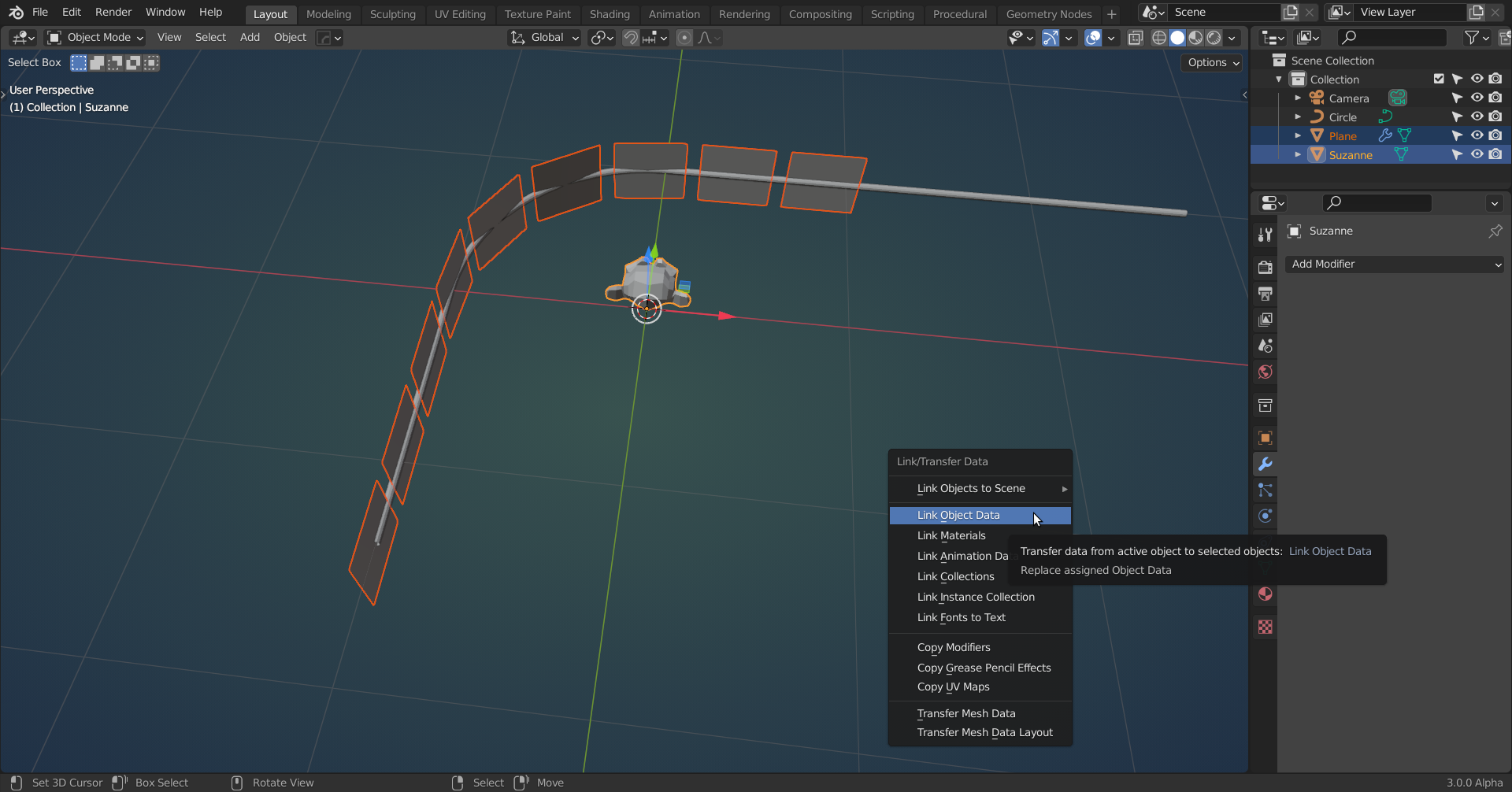
 Now add your door panel (or any Object) and select the plane and then SHIFT select the panel and press CTRL+L:
 That’s it, because the Plane isn’t deforming, neither is the (in this case) monkey:
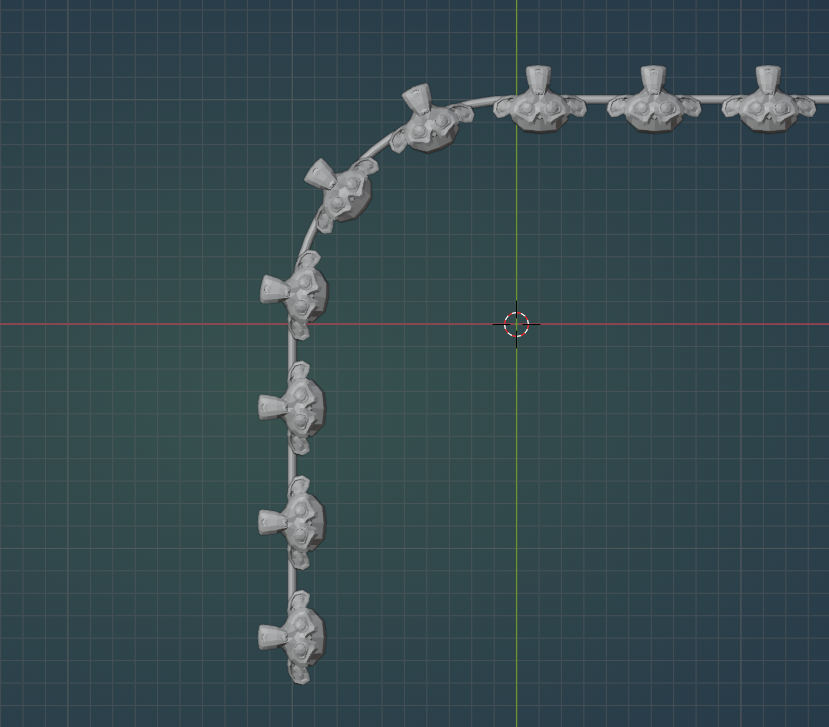
There are of course still (a lot of) other ways to do this, but I like this method 🙂
Edit: I am really sorry, posted this during my first coffee of the day…
This unfortunately does not work; there is still deformation!
Something that does work is the method explained here: https://cgcookie.com/lesson/building-the-tread-curve-system

