Hi Yuki, those blue lines are edges marked as sharp: (CTRL+E > Mark Sharp):
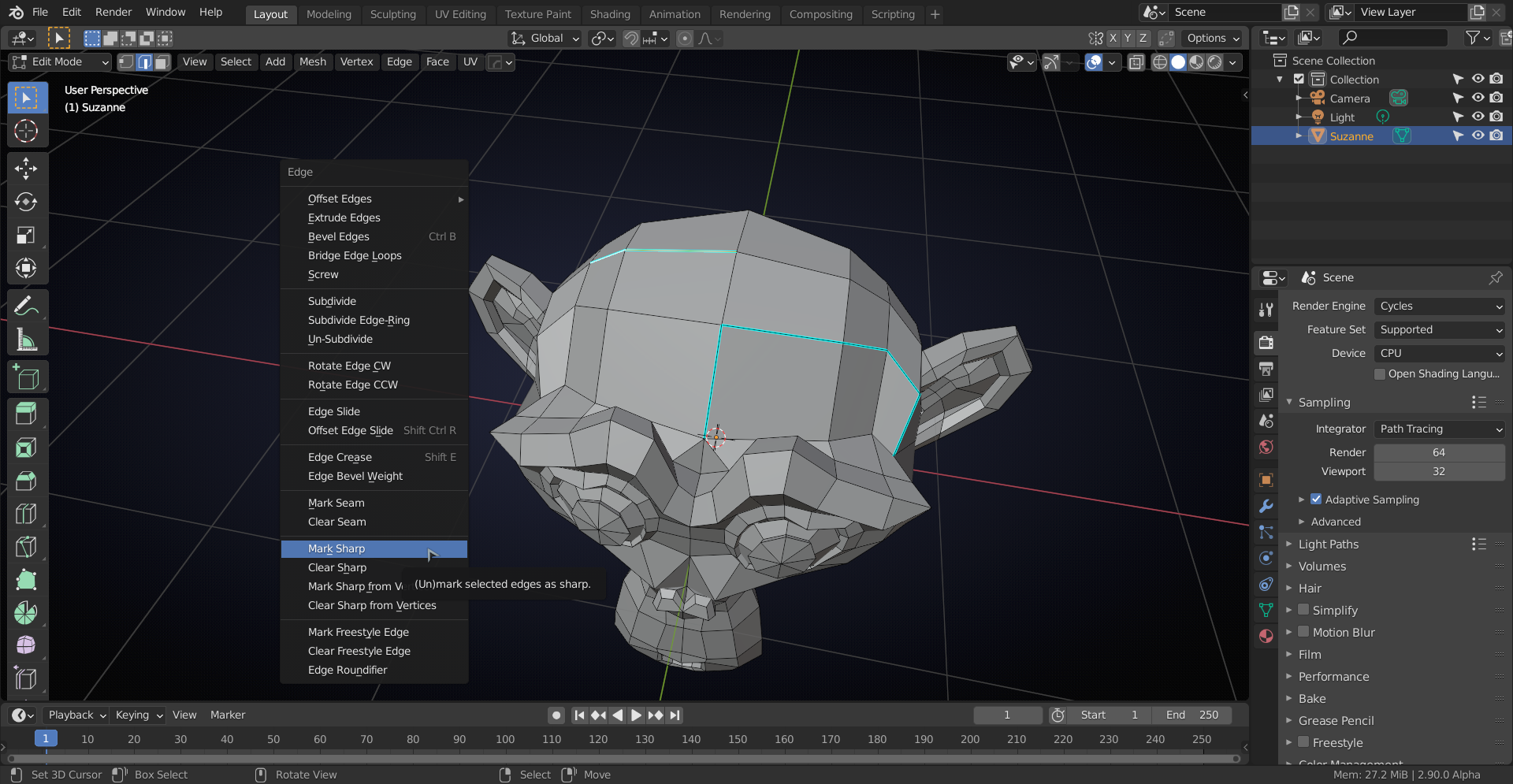
I’m convinced that you do not want any sharp edges in your (organic) model (that is more for hard surface modelling..)
To clear them, select all and CTRL+E (or go tot Edge menu) and ‘Clear Sharp’.
You might be able to reduce the topology a bit, but the general edge flow looks good to me (but I’m not an expert).

