When you first open a new Blender Version, there is an option on the Splash Screen to use the Preferences of the Version before that one. Click the Splash Screen away and you lose that possibility.
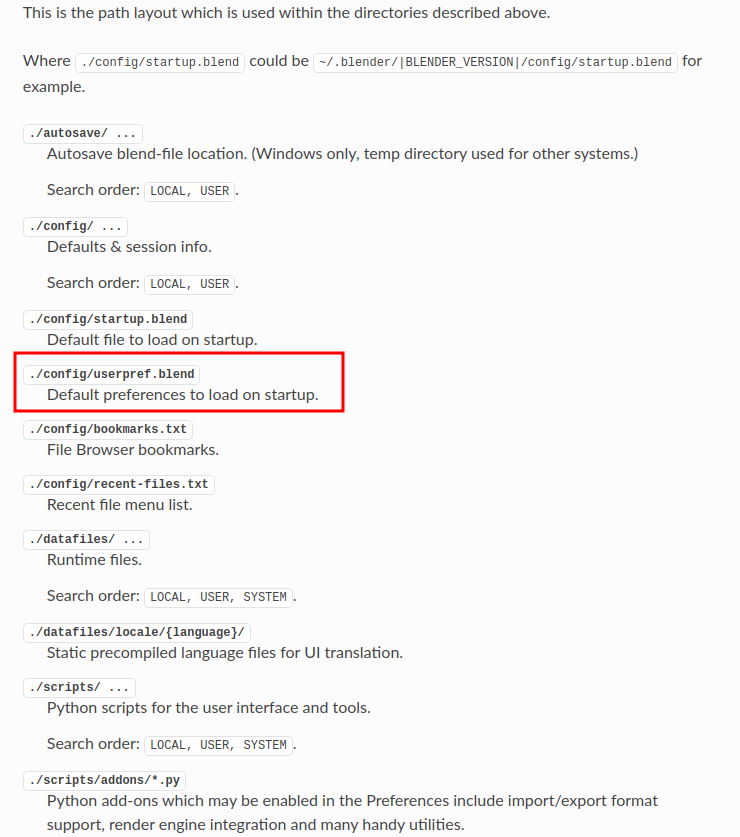
You can still move the old Preferences to your new Version by hand; it is just a .blend file (like your Startup file), but you’ll have to find it first. If you feel adventurous, here is described where files are, depending on your OS: https://docs.blender.org/manual/en/3.4/advanced/blender_directory_layout.html