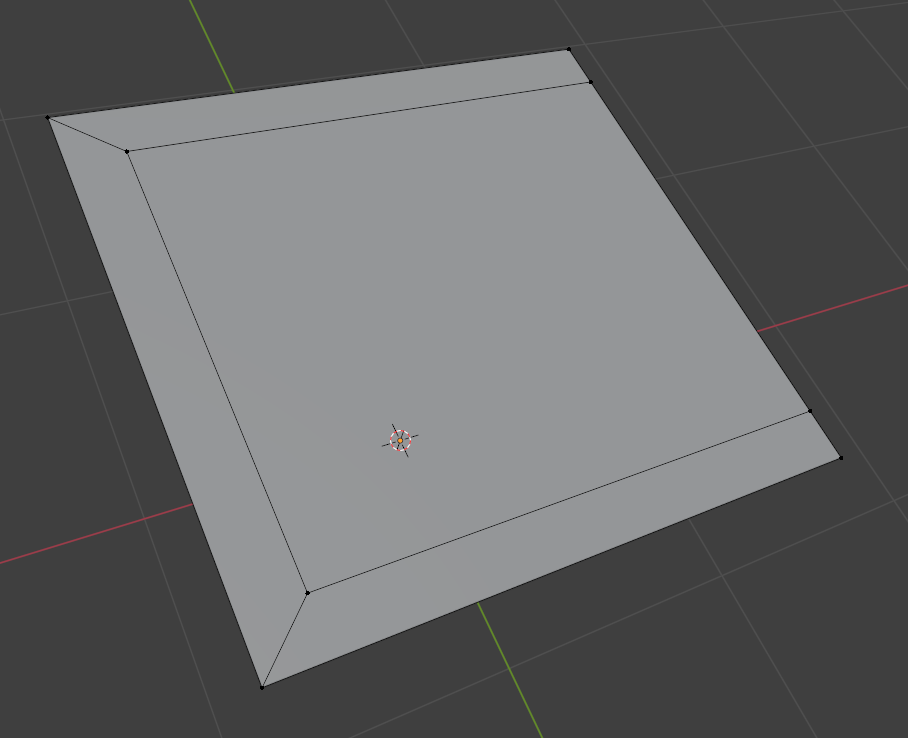
Feels kinda long winded by text and screenshots, but this is a slightly simplified version of your situation. When you inset, select te two vertices of the corner you want to get rid of.
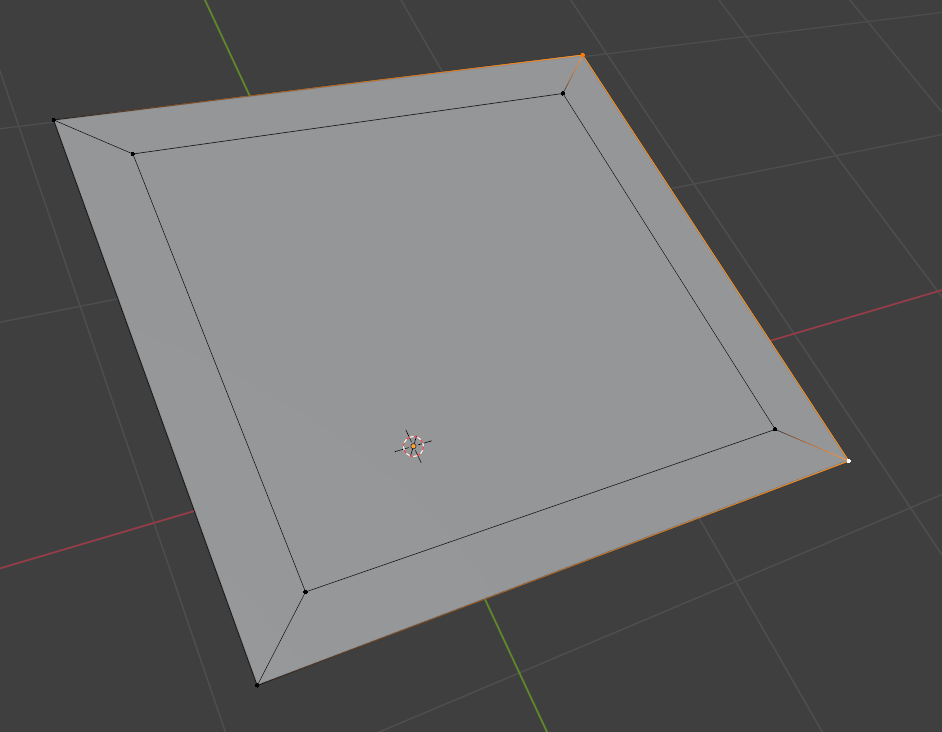
Then right click and subdivide, be sure to make it two cuts in the last operation window that pops up at the lower left, so you have two new vertices In your case it would be 3 cuts). Slide the new vertices to align with the vertices that make up the inner quad:
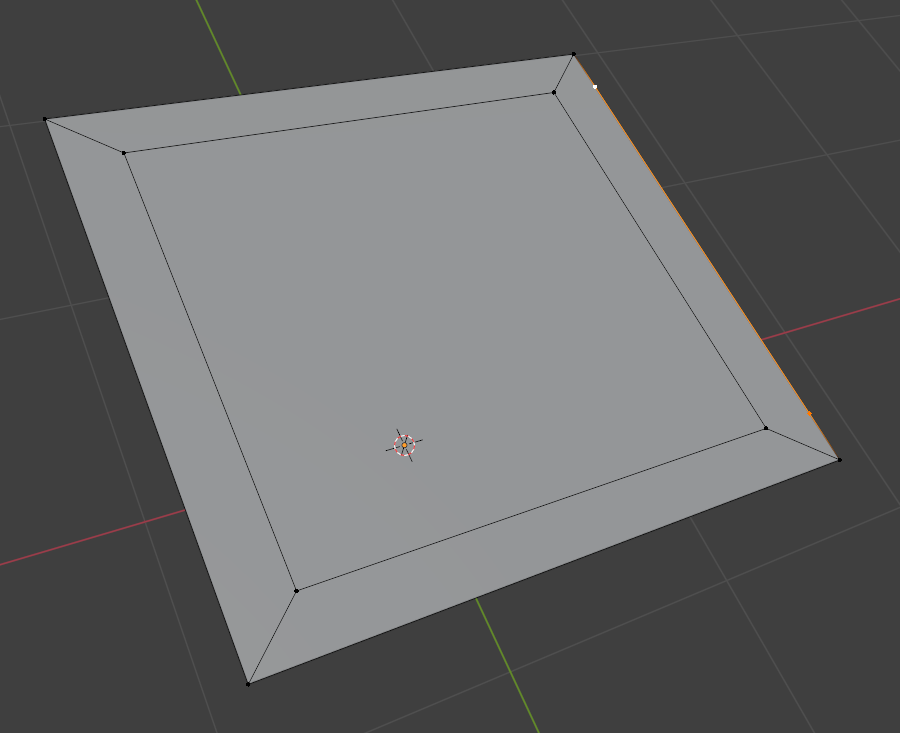
Then select each of the aligned ones and J to cut a face between them:
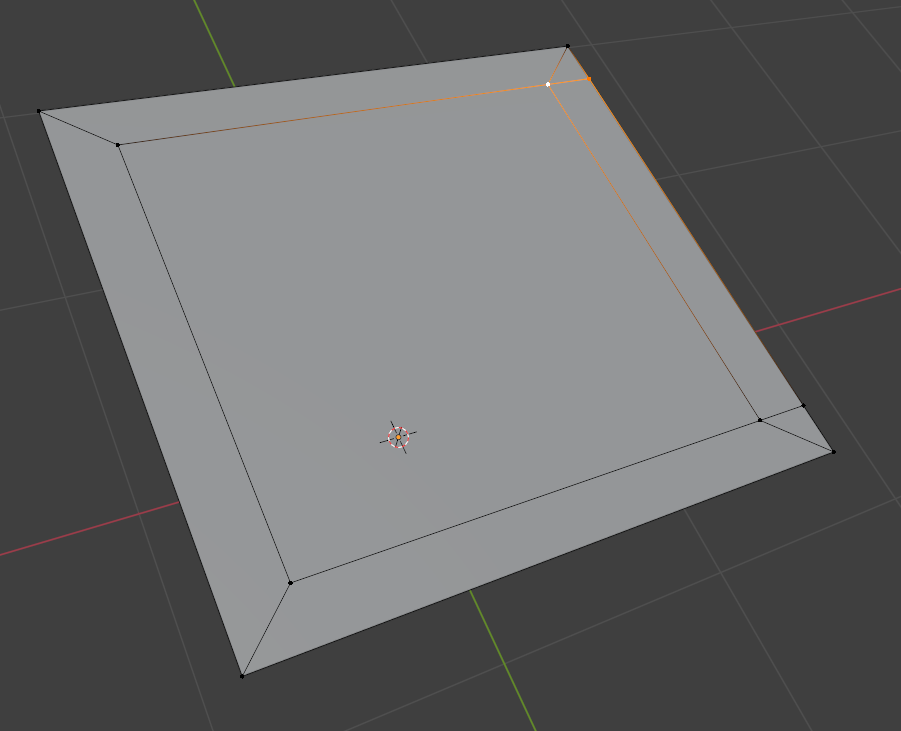
Then select this edge and Control + X to dissolve it:
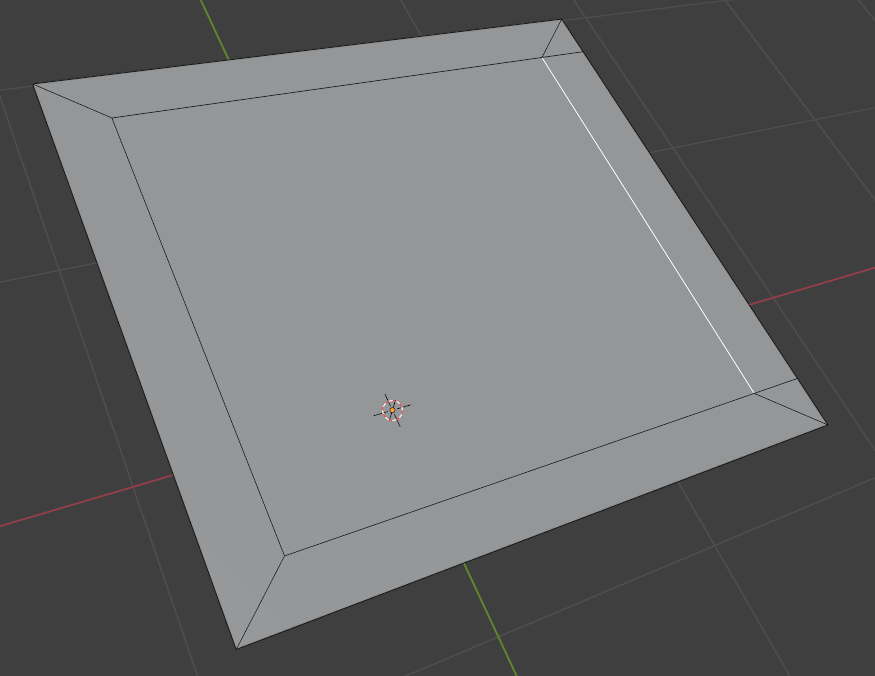
Then select the two vertices and double tap G to move them to the right.
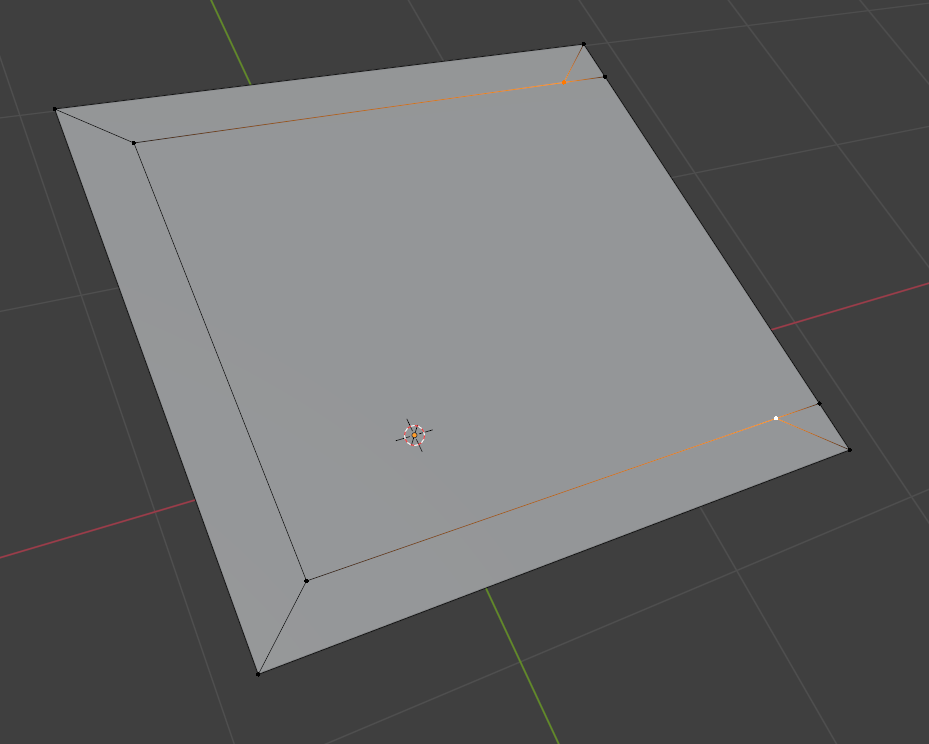
Once they are on top one another, it’s M to merge by distance: