Hi Omar, thanks for the feedback.
I think it happens at around here: at around 10:25
CATCH – Creating a Pokéball in Blender -> 4. Chapter 3 – The Beautification -> Adding Decals (1/2) : 10:25

Adding Decals (1/2) – CG Cookie
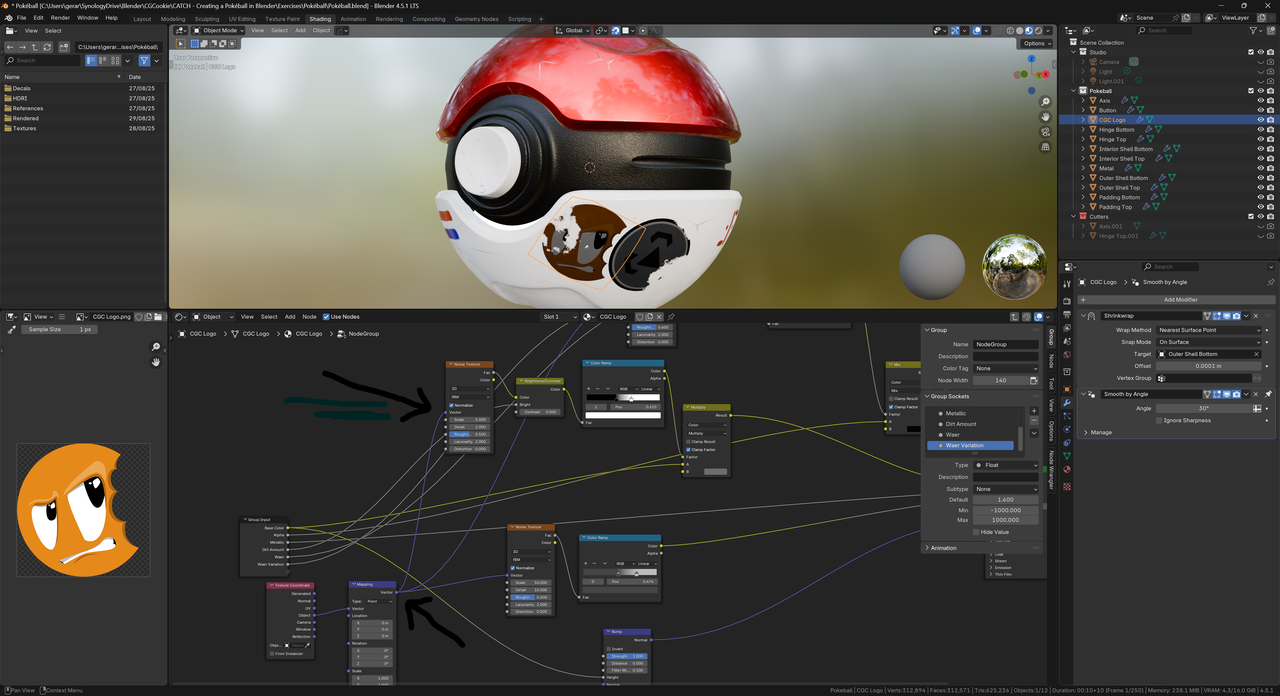
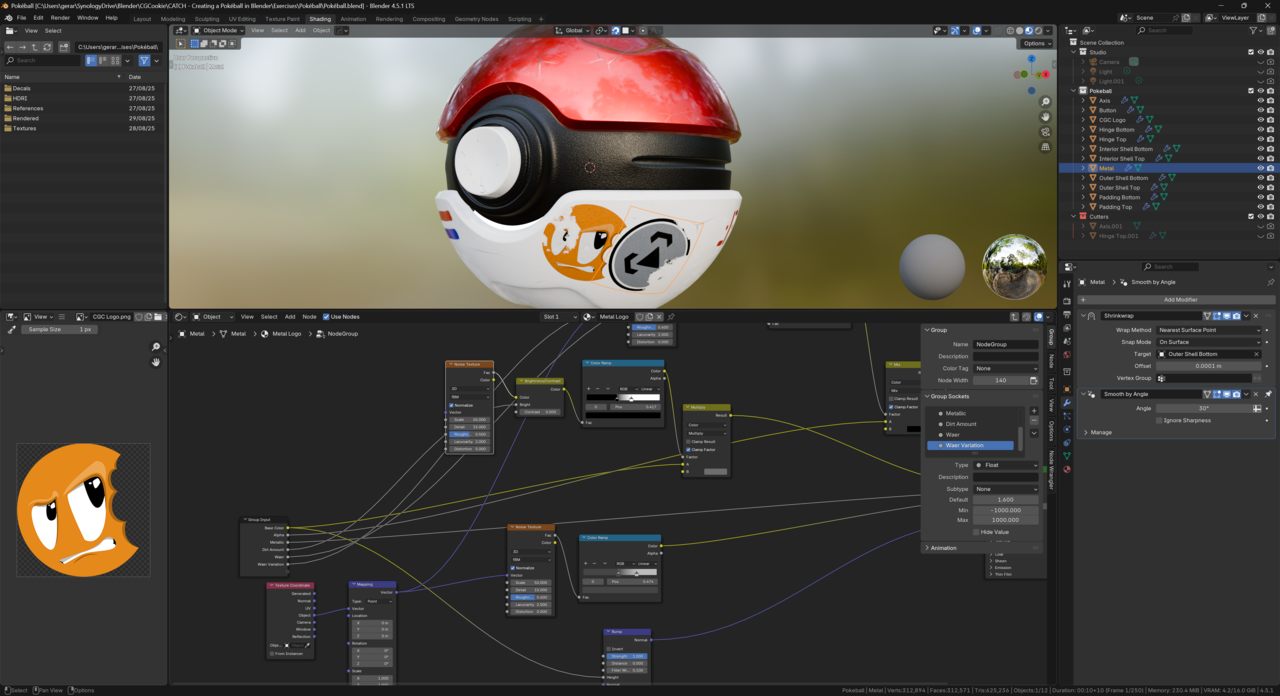
I fiddled around and I removed the connection between a Mapping and Noise texture node which is responsible for adding the dirt effect. It brings back the colors making the decals more vivid. I am no expert in the shading editor so I am not sure why this happens.
I also brought down the metallic effect because I also noticed that this had a darkening impact on the decals.
With Connection
Connection removed:
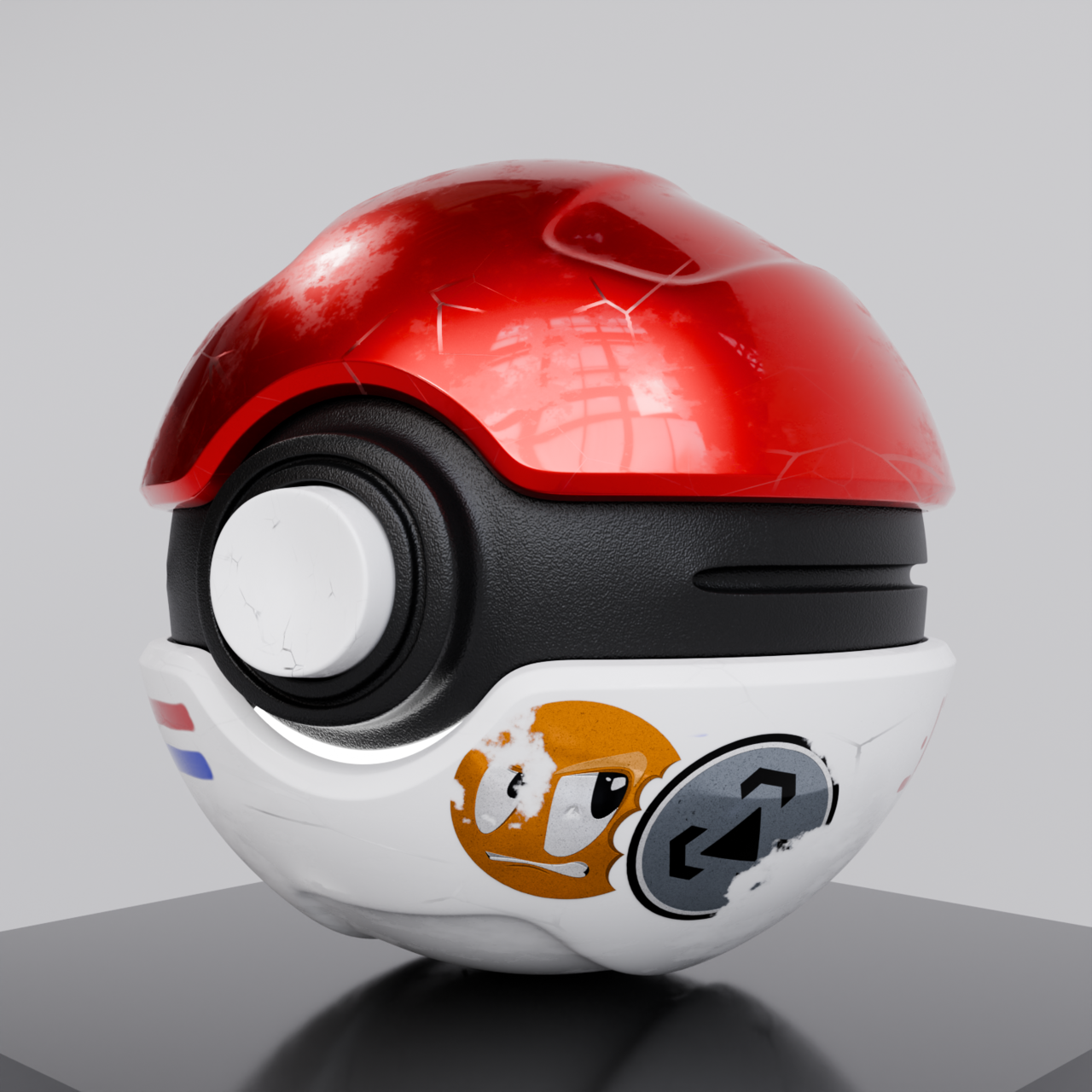
I think this looks much better.

