@spikeyxxx It’s essentially the same what @theluthier did at the end of this lesson when he placed a “Math Node” between the “Bump Texture” and the “Displacement Socket” of the “Material Output Node” in order to reduce the bump effect:
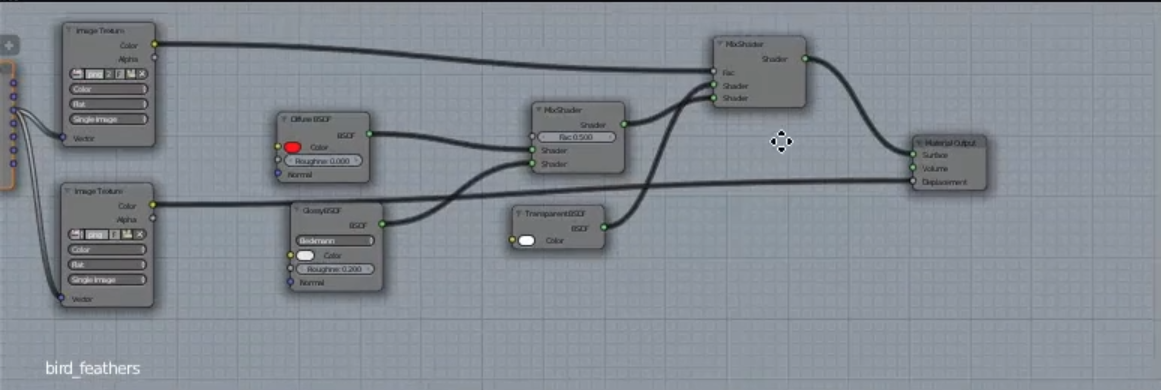
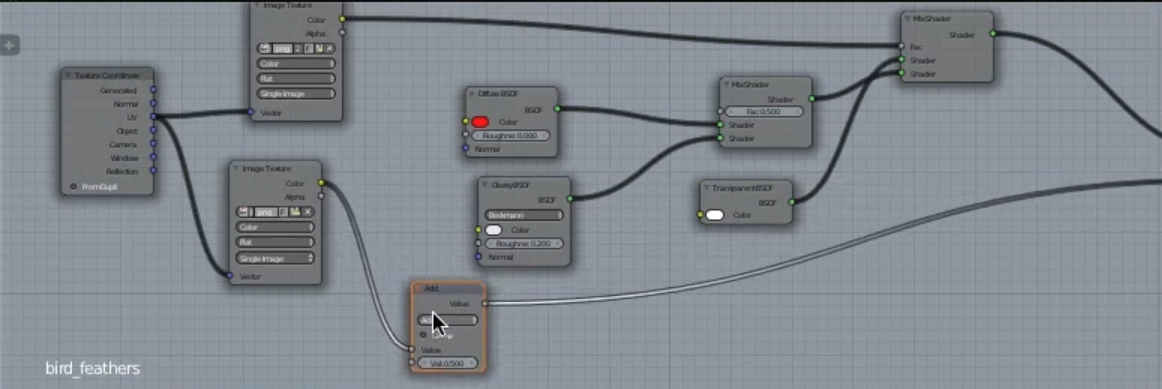
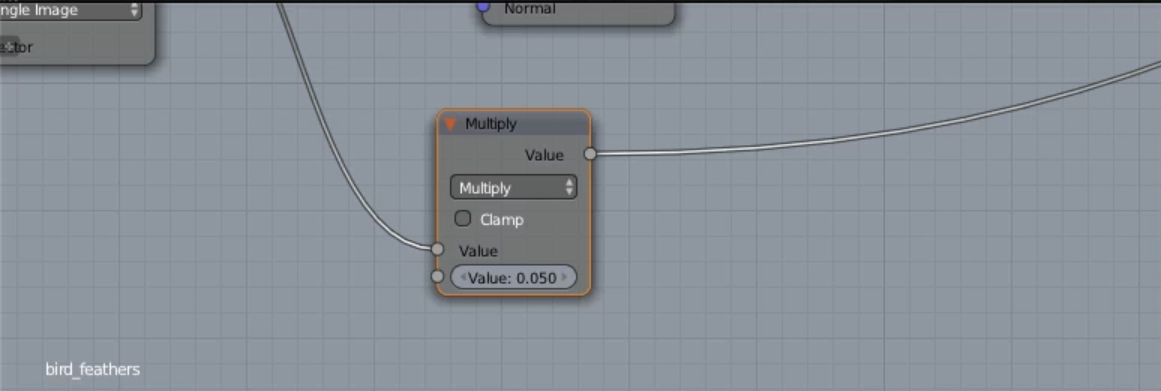
Combined in one image:
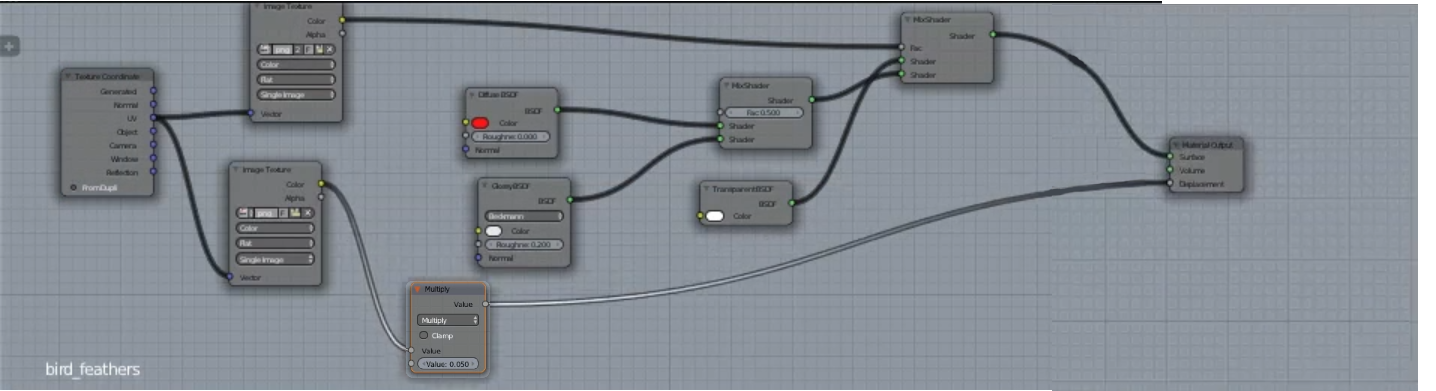
I just added the “Separate RGB Nodes” just to show that I want to put a single value into the “Multiply Node” although Blender would do that same conversion in the case of a greyscale value as color input.
The best solution would certainly be to use a “Bump Node” and plug it into the “Shader Nodes” as the “Blender Manual” shows it here:
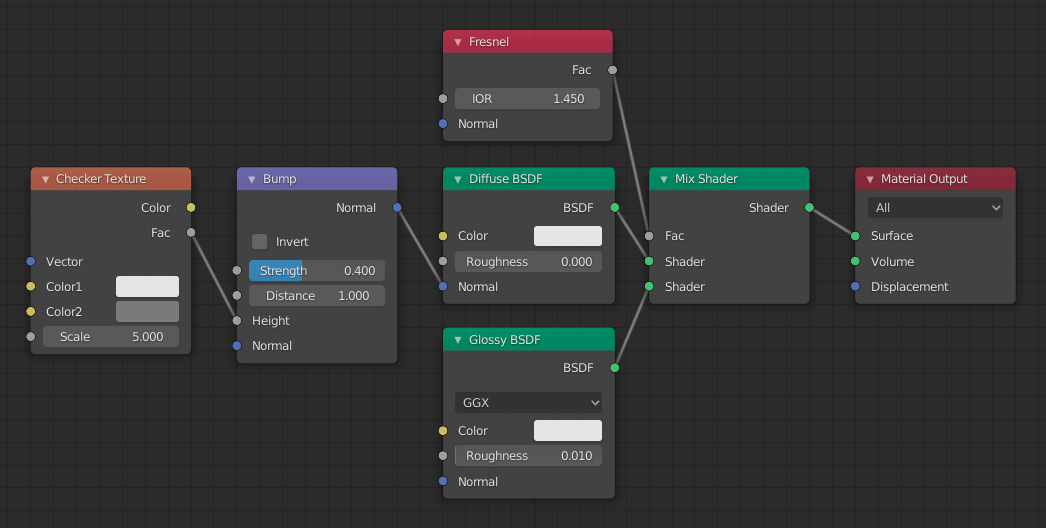
Inputs
- (…)
- Height
-
Scalar value giving the height offset from the surface at the shading point; this is where you plug in textures.
- (…)
Blender obviously does the correct conversion when plugging in a “Color Value” from a “Texture Node” directly into the “Height Socket”. (What conversion is this compared to the “RGB to BW Node”?)
Plugging the “Bump Node” directly into the “Material Output Node” doesn’t work.

