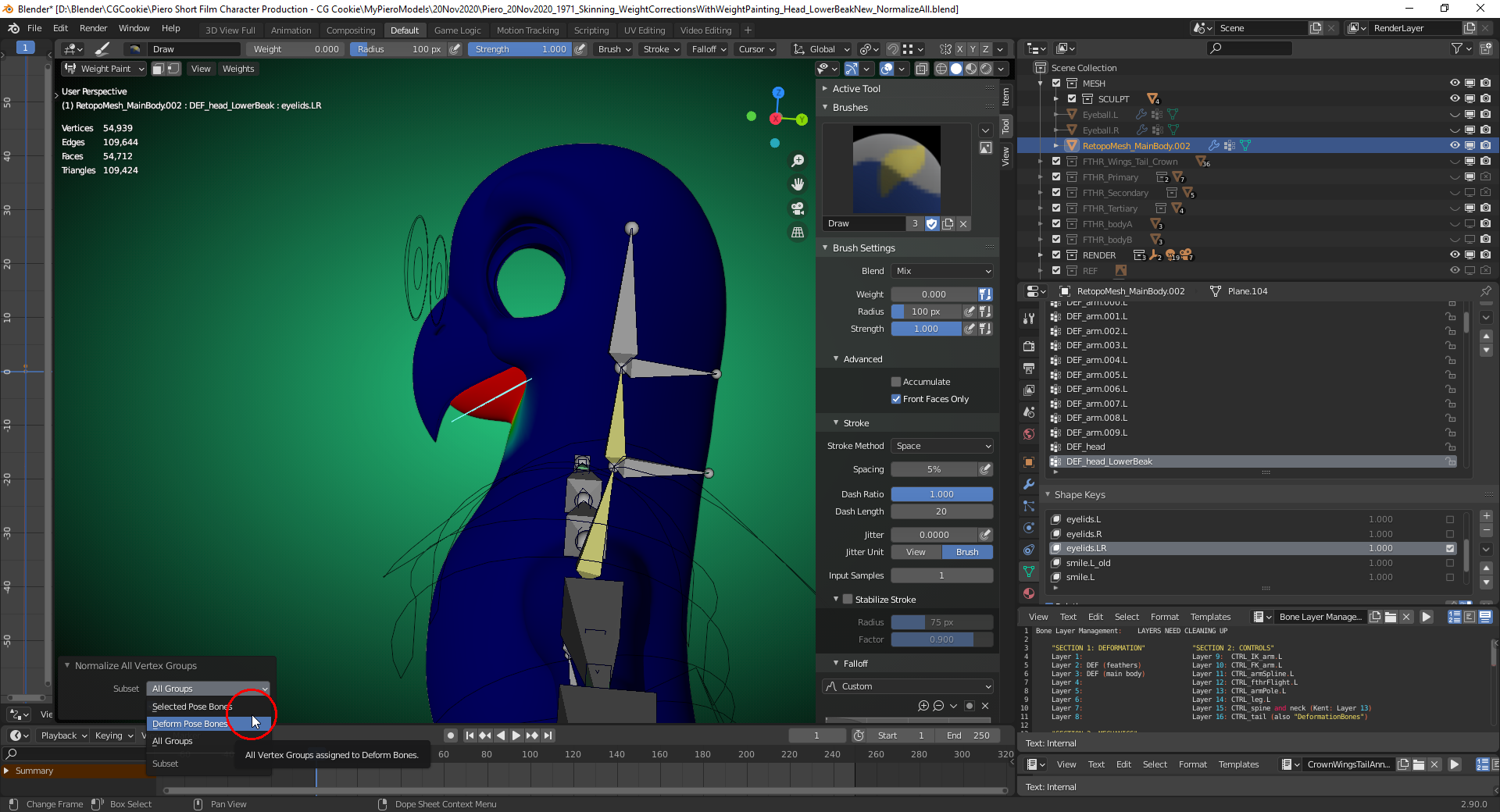
I’ve found a solution: After clicking “Normalize All”, choose “Deform Pose Bones” in the “Last Operator Panel” (stationary in the lower left corner of the “3D Viewport” or a moveable version with the “F9” key). This option is only mentioned in the “Blender 2.90 Manual” here, but the tooltip says “All Vertex Groups assigned to Deform Bones”:
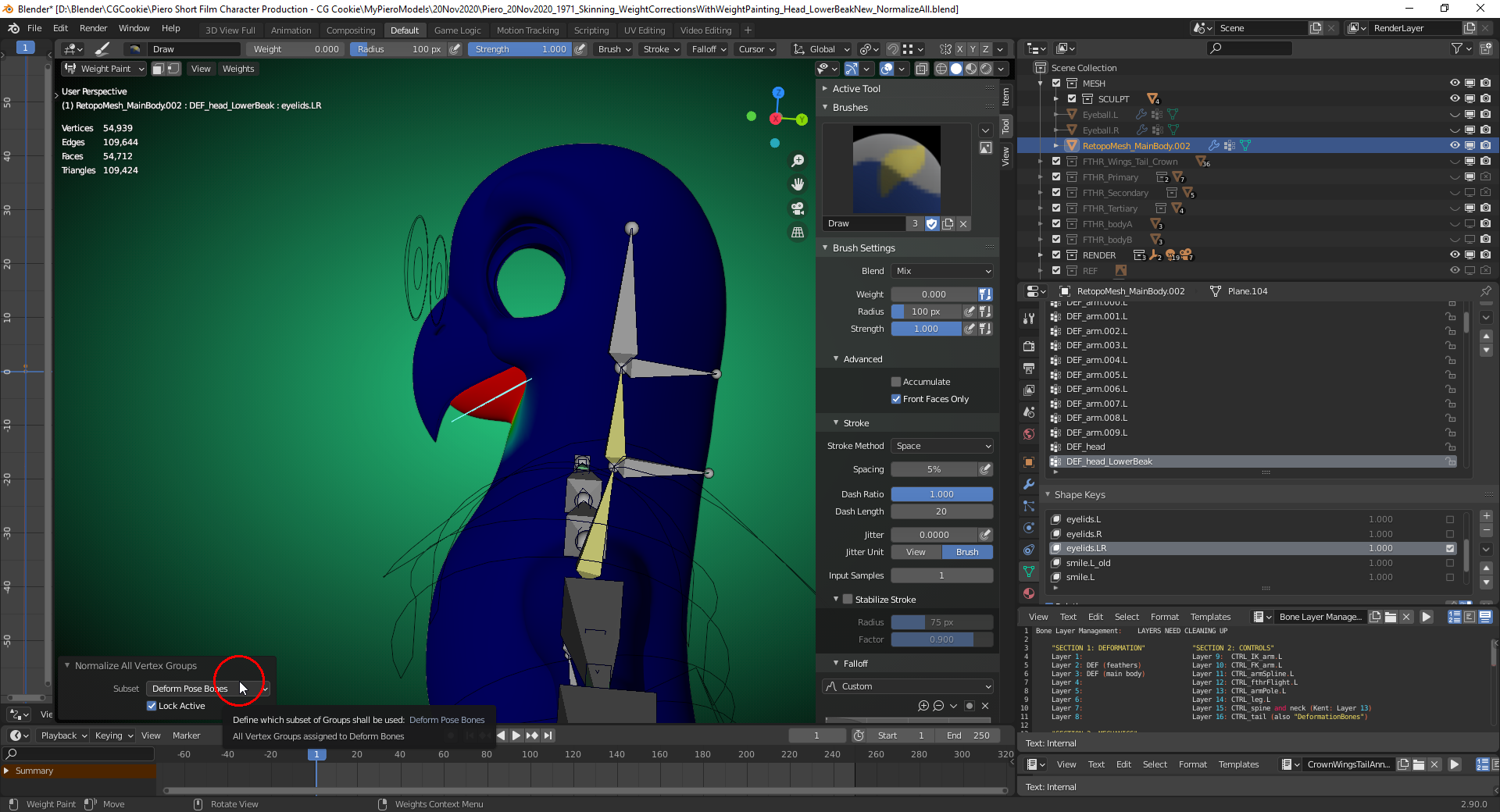
I keep the “Lock Active” box checked so that the weights in the vertex group of the active bone aren’t touched:
Posing test:


