What you got there is the classic case of double vertices (notice one being pulled away).
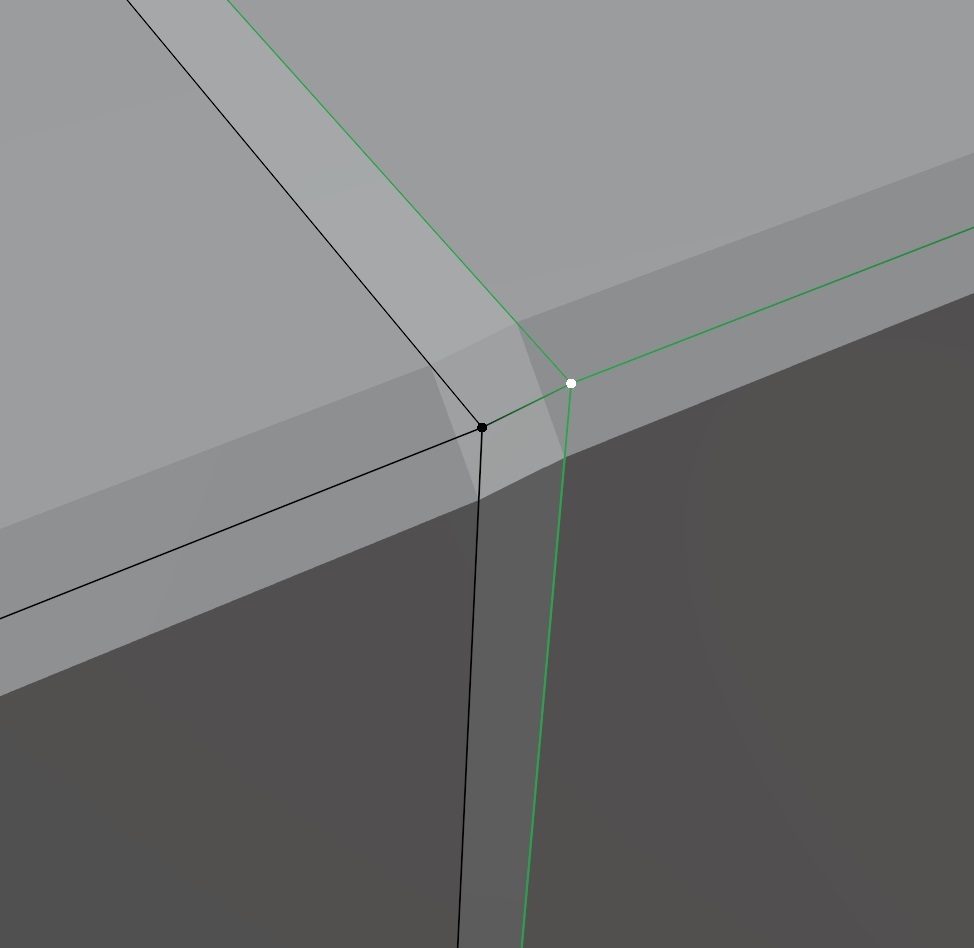
Happens all the time and is not directly obvious. It can happen for example when you cancel but not reverse (ctrl+z) an extrusion or hitting the wrong button by accident. No worries though, that’s an easy fix: In edit mode hit A to select everything then M -> merge by distance.
If you run into an issue like this that’s usually the first thing I’d check. I like to call it the “Try turning it off and back on again” of mesh modelling in Blender. 🙂 Note on the bottom how many vertices are removed after doing this.
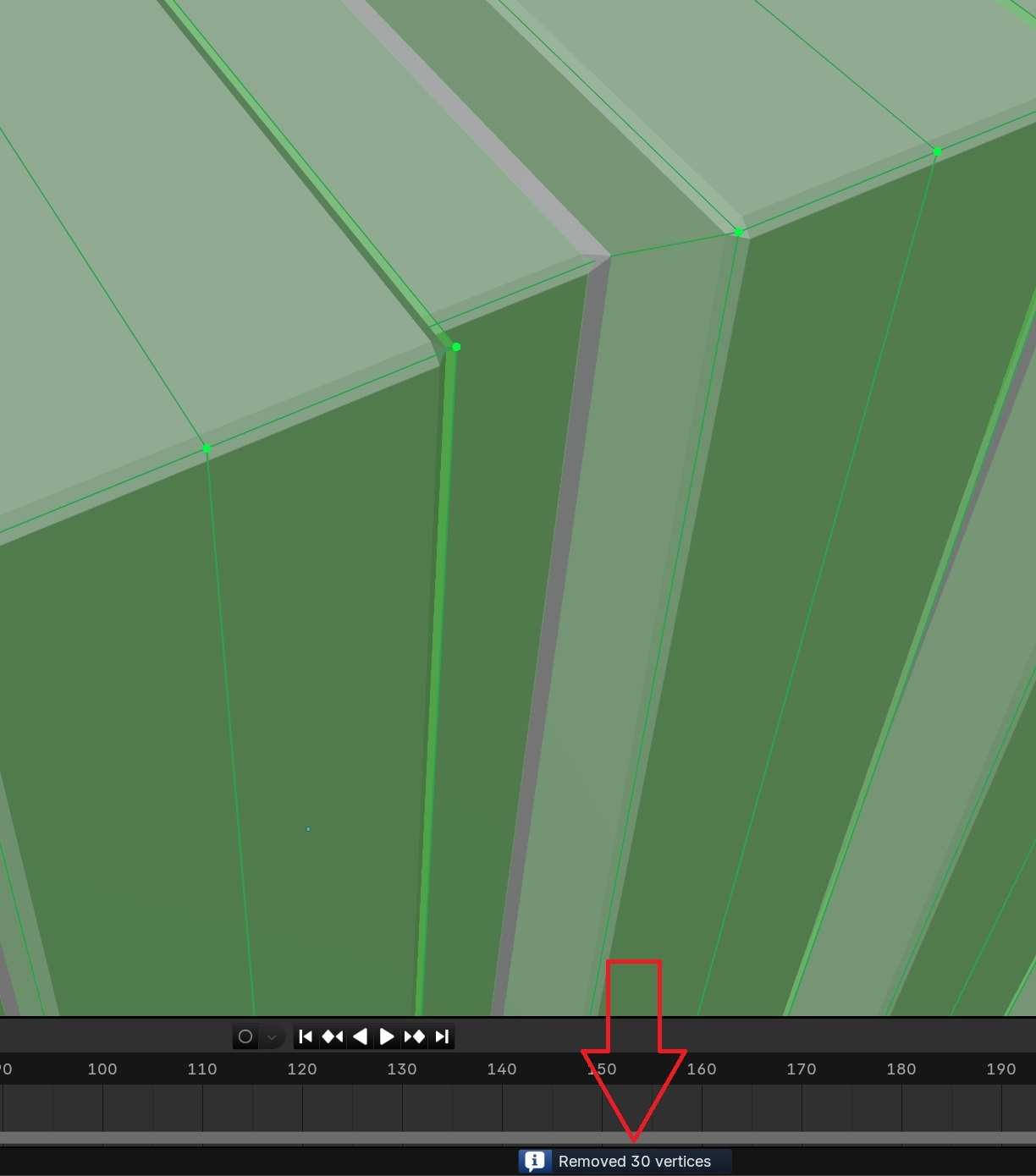
Crate looks very nice, btw. Keep it up 🙂

