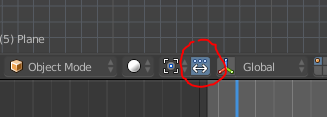
It looks like you have ‘Manipulate Center Points’ turned on. Disable that and you should be able to rotate the empty.
The reason your parts aren’t merging nicely is because the edge vertices don’t match up.
Here in the center you have all this overlapping geometry. If the vertices matched on all the parts, this wouldn’t be an issue since they would just merge together. So try to clean that up a bit by either aligning vertices or cutting them back and matching the edges together.

Out along the rim you have a similar issue. I cut back some of the geometry so it isn’t overlapping, but your edges don’t match.
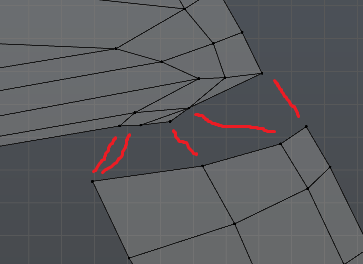
What you can do to fix that is remove some vertices and make quads, then line them up with the other edge. The green line is an extra edge loop I added in to get another vertice along the edge. If you do this along all the edges you want to merge it should work just fine.


