Hi Wayne
Thank you for a comprehensive response, it certainly gave me some areas to look into. I have less than a days worth of experience with Blender so that really helps! However after looking I couldn’t seem to get anything to alter the view I was getting in preview materials mode, one point though the viewport shading menu you have shown looks different to mine, I don’t have the materials, object etc. tabs beneath the preview? (I am using 2.81a)
Because I felt that you may be right and I have inadvertently clicked something somewhere (although I would say this was after the fact that the preview didnt look right in the first place following the tutorial) I quit Blender, re-opened it with a new project, using your screen shot I only altered the ‘Base Colour’ under the ‘Surface’ tab of the materials properties window, it remained white in materials preview as shown here.
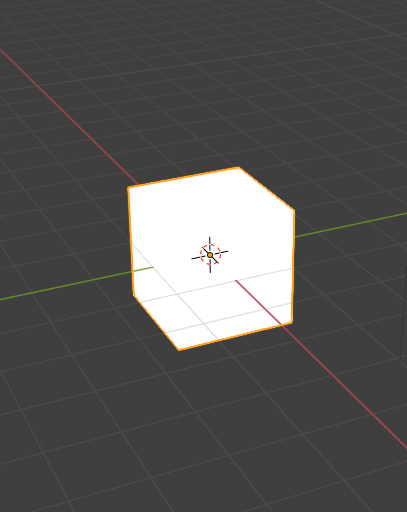
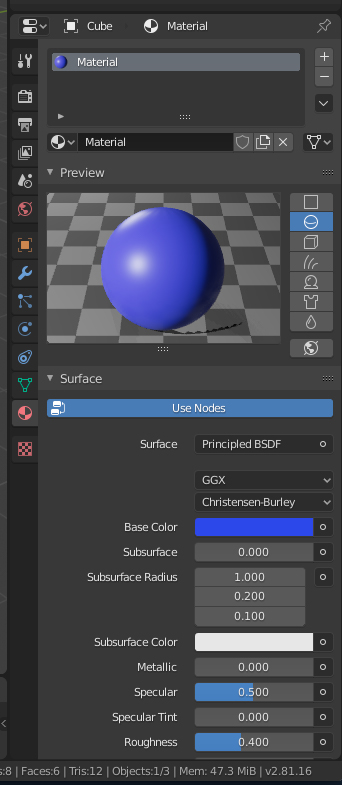
So I am still at a loss, any further suggestion would be most appreciated
Thanks
Sean

