@Smartassmusic, the material preview is this one:
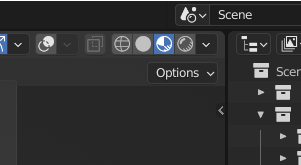
I don’t think that’s the problem though, as it works for me in rendered view.
Does the material driver work in either material or rendered preview?
Select the cockpit and make sure you have two materials, Cockpit and Glass.
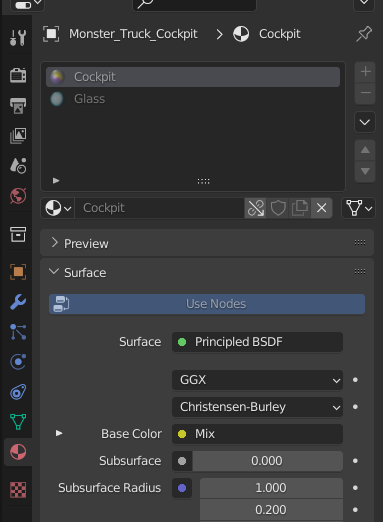
If cockpit is different or an empty slot click the dropdown and see if it is in the list.
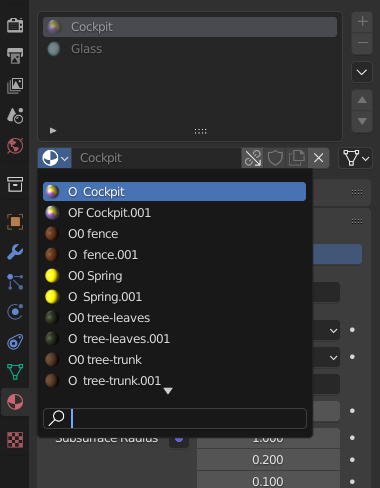
If it is not you could link the material separately from the original file.
Instead of linking collection go to material and find the Cockpit material.

