Well, If you have that placeholder Cube (and in the set-up you said you have several placeholder Objects), then you can use the above described method:
With the placeholder selected, create a new Transform Orientation by clicking the +.
Then import the Cube, which comes in like this:
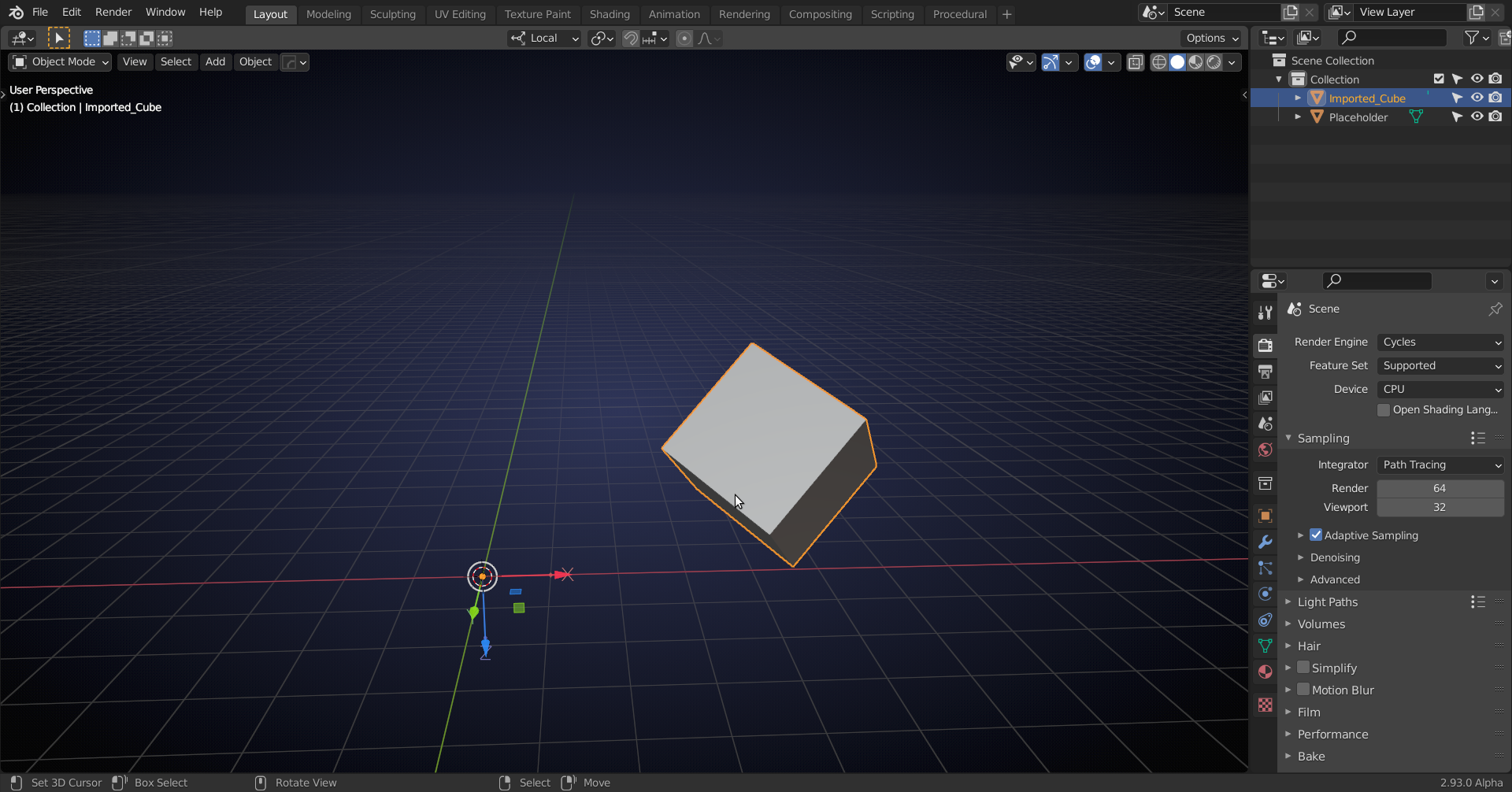
Check Affect Only Origins and SHIFT+ Select the Placeholder and then SHIFT+S > Selection to Active:
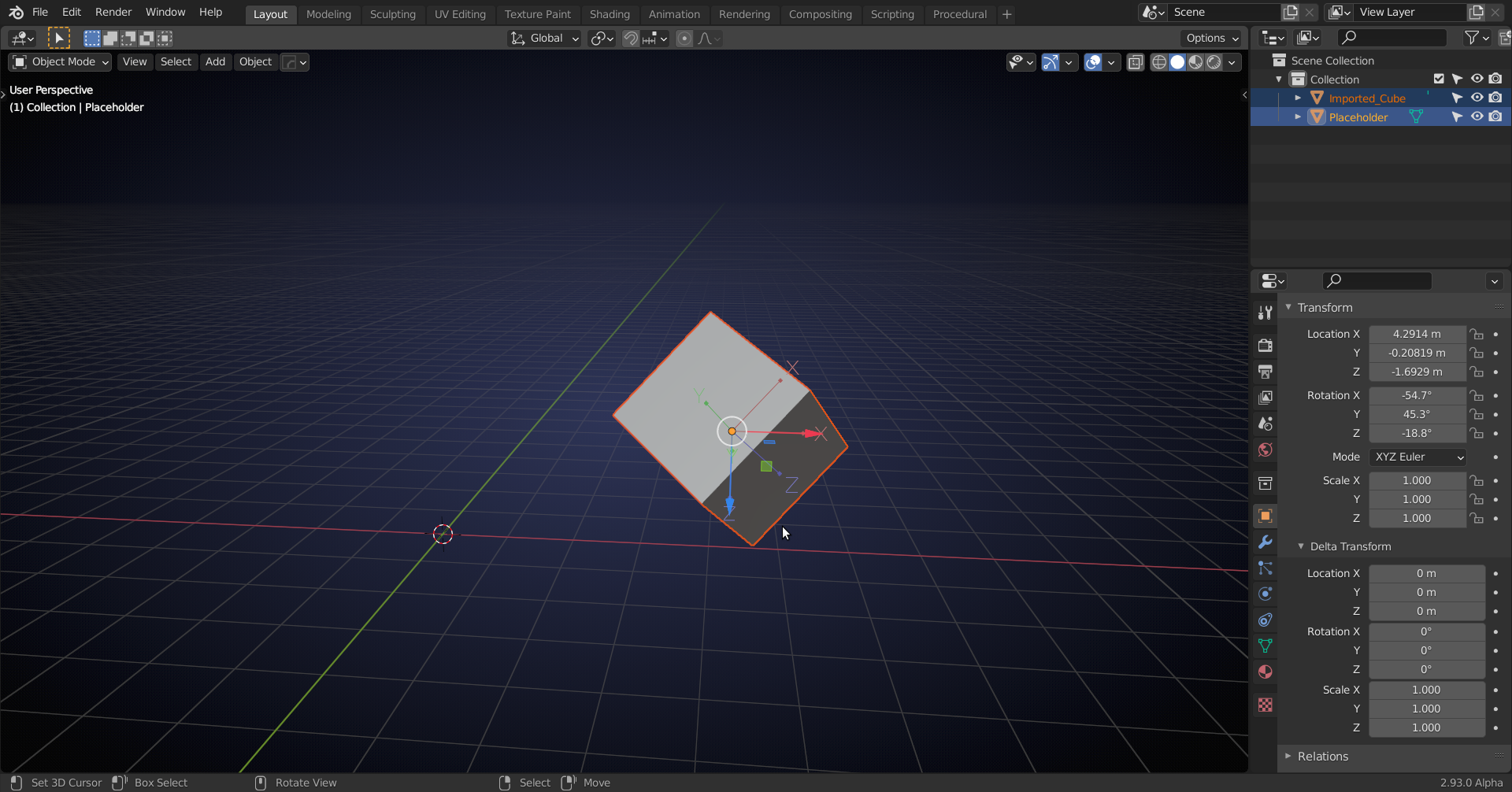
Then switch to Placeholder Orientation and with the imported Object selected, go to: Object > Transform > Align to Transform orientation. The result:
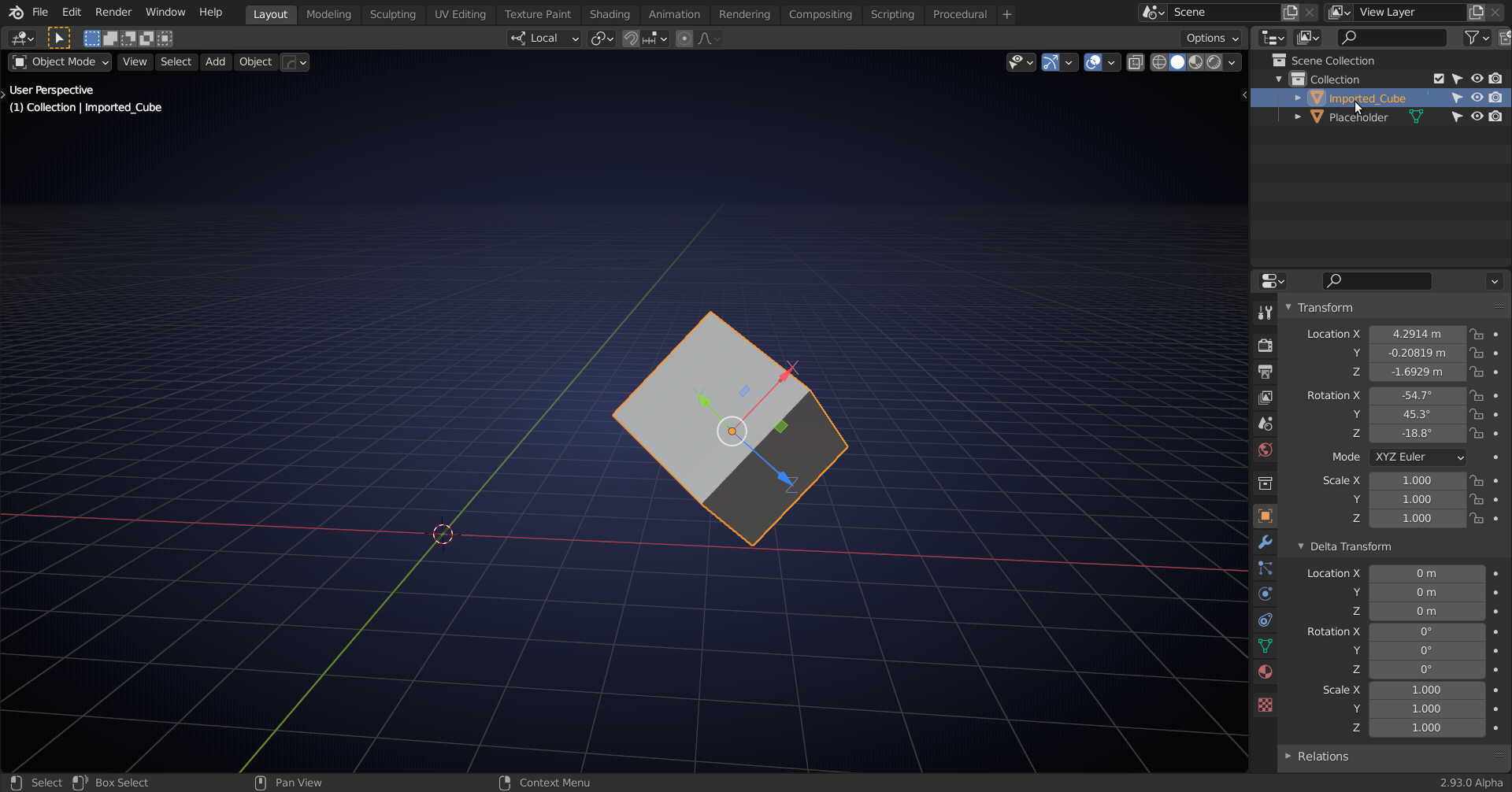
That seems to work. Please let me know if I still misunderstood, or didn’t explain well enough.

