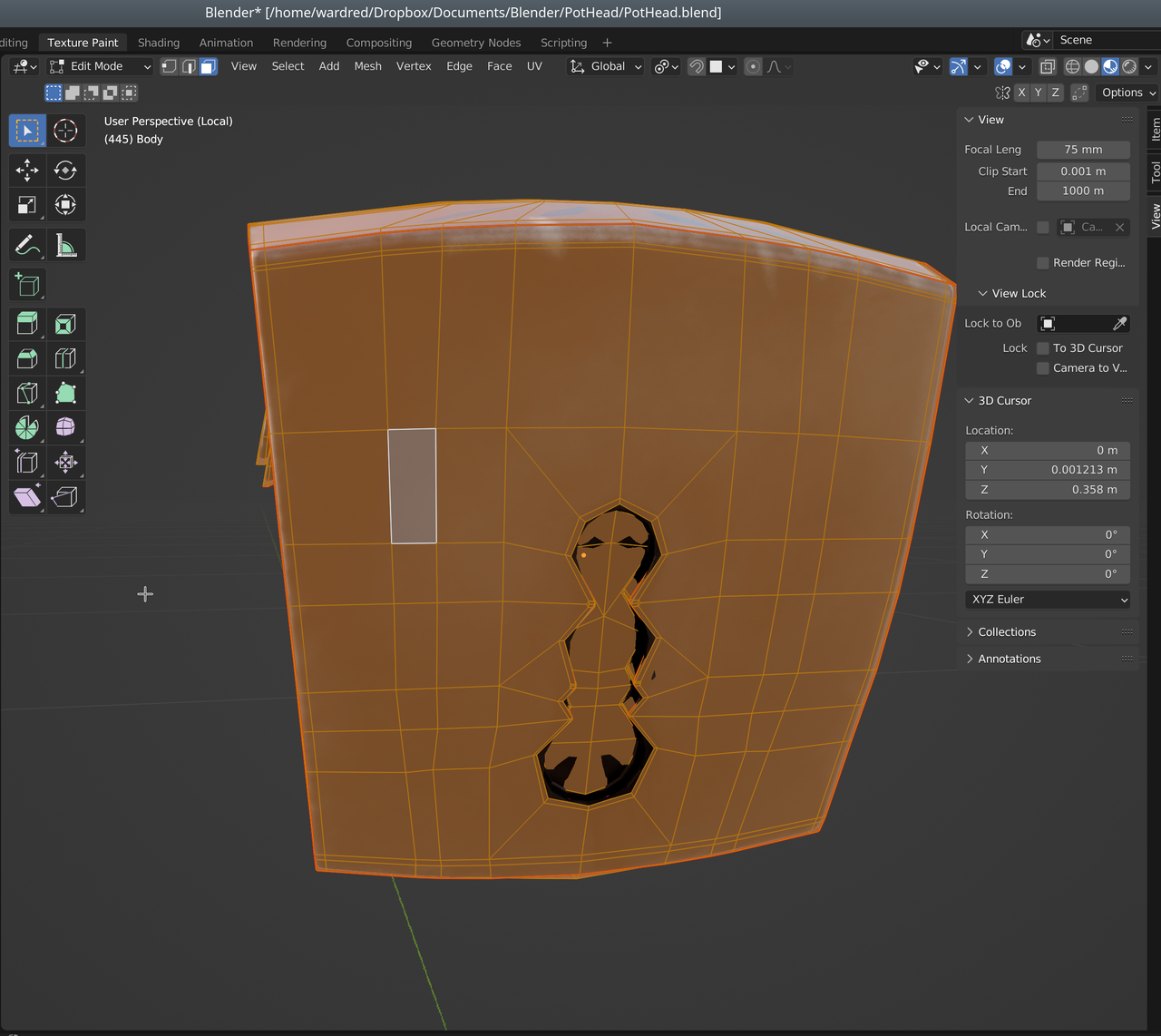
@spikeyxxx – In the previous version of blender I could shift click on a face in texture paint mode to select it, then press <ctrl+l> to select linked. Or select “All” or “None” and select all of the faces, or none of them.
Now, on this object, I can only select those surfaces that aren’t highlighted. If I select “all” or “none” it only selects and deselects them. Other objects I can’ select or deselect anything.
I hopped over to edit mode to ensure all faces on the object are selected, and they are, as you can see in this screen shot. In texture paint mode I can still only select the faces that are in the round sockets. I can’t select any other faces.