I’ve tested it with Blender 2.92 Alpha again. The sorting order obviously matters. If you click onto “Name” so that you get a sorting order with descending indices and then select an image, you get automatically loaded all images with higher indices as well:
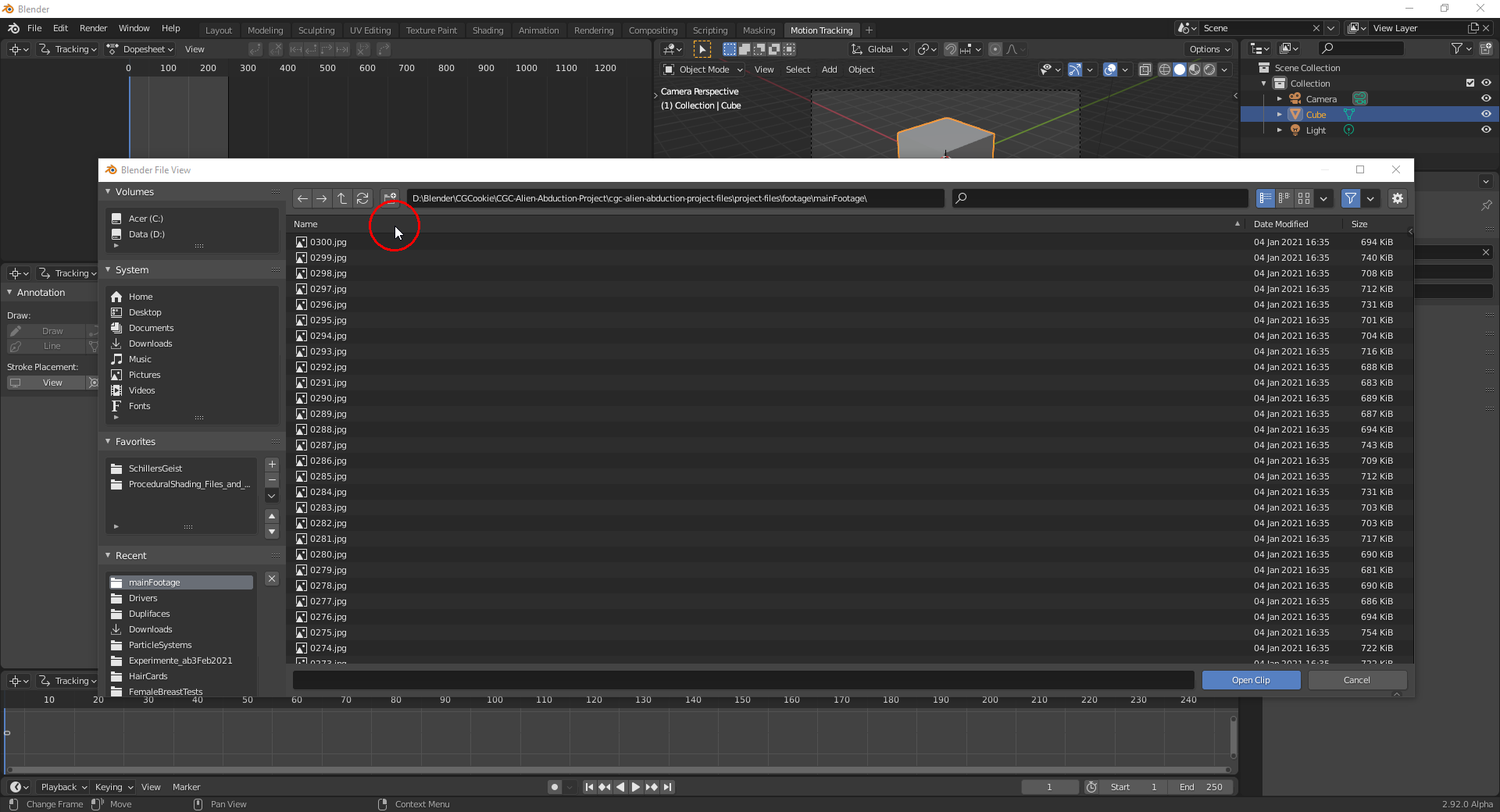
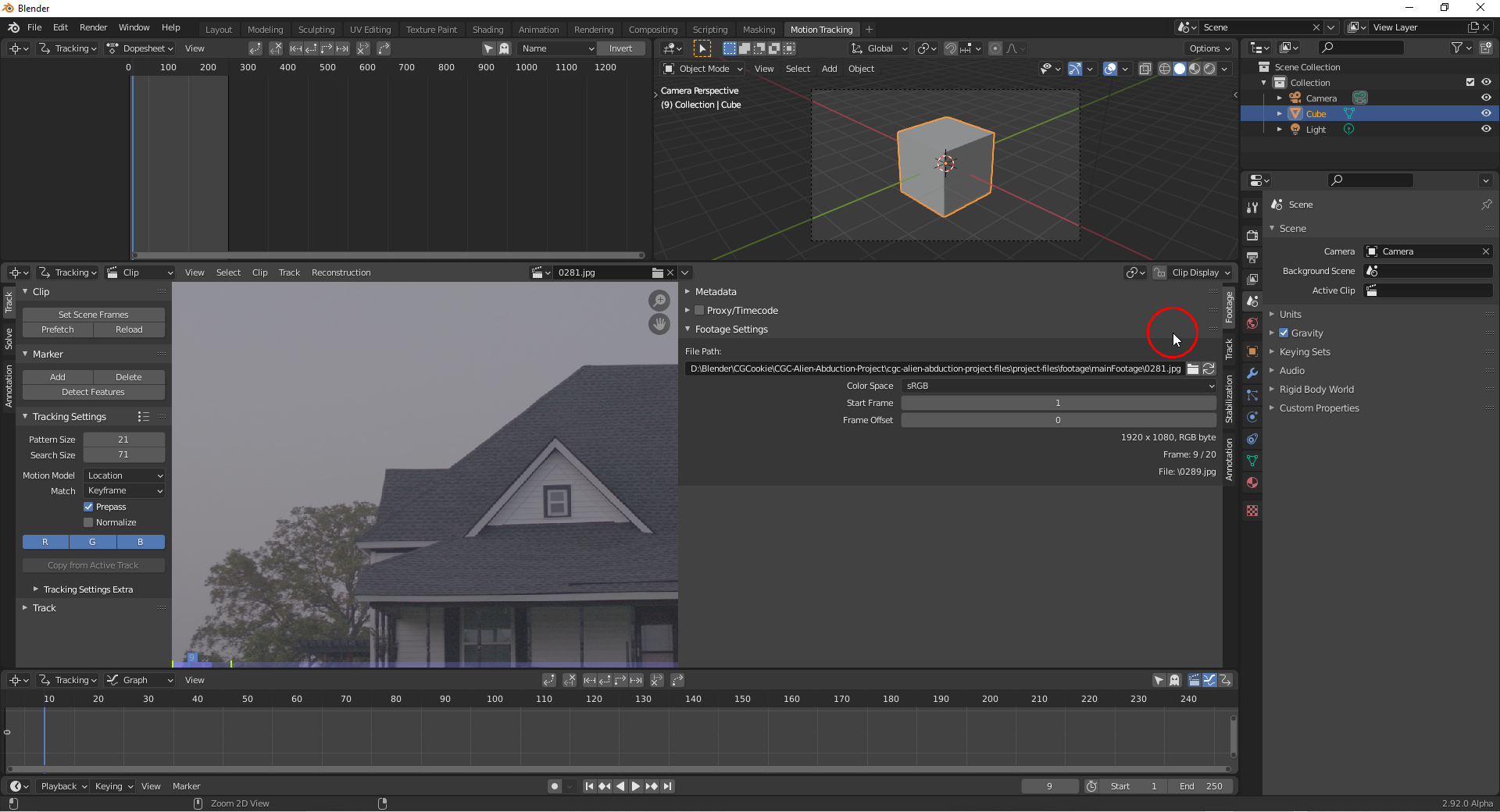
If you select everything with “A”, you get only the image with the highest index.
Now, change the order to ascending indices and repeat the same. Selecting one image also loads all images with higher indices but selecting everything with “A” now selects all images. You could alternatively only select the image with the lowest index and this would load all images as well.
So, selecting everything with „A“ works like selecting the top entry of your images after sorting them by their indices.

