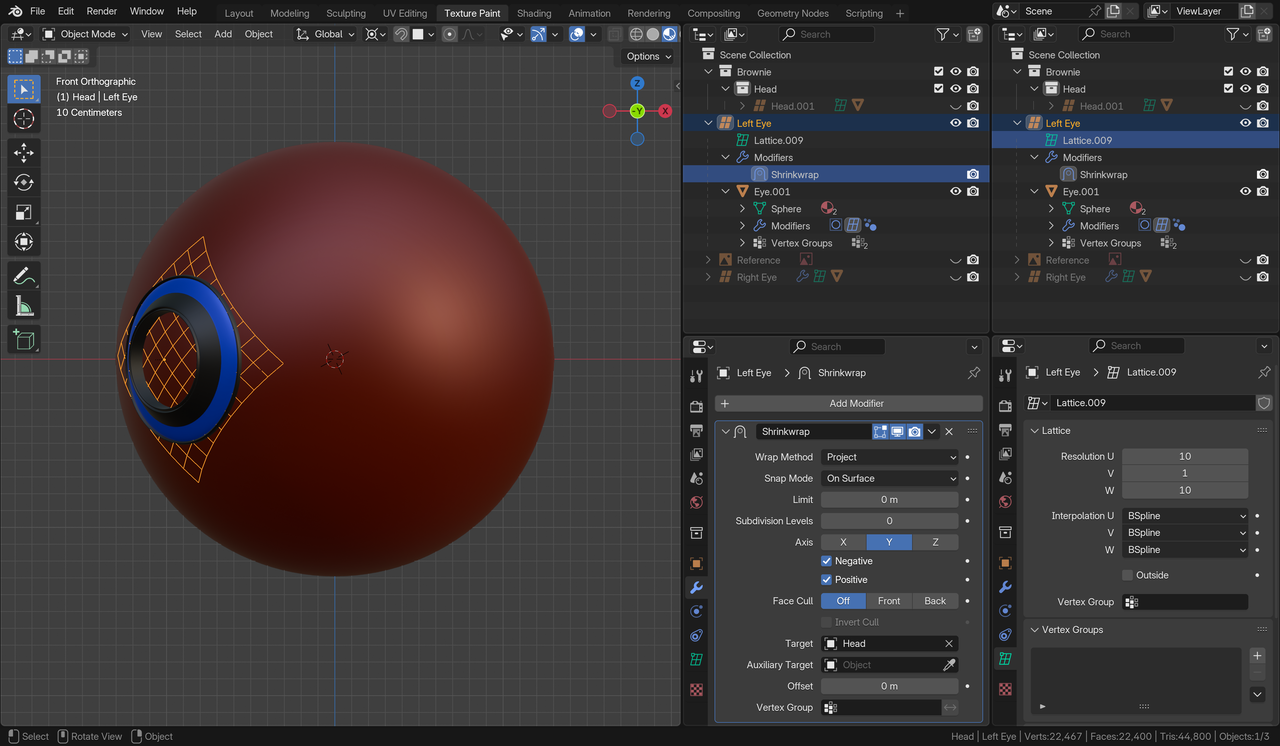
OK, I did it with the assistance of this video tutorial and in short, this is how.
Three objects, in this instance – the Eye, a Lattice and the Head.
- Subdivide and Smooth the Eye and the Head
- Parent the Eye to a Lattice – Object (Keep Transform). Make it just big enough to encompass the Eye. Give it resolution U 10, V 1 , W 10. The Eye should be sitting on the V.
- Add a Lattice Modifier to the Eye and select the Lattice as the Object.
- Add a Shrinkwrap Modifier to the Lattice and select the Head as the Object – Wrap Method – Project, Snap Mode – On Surface, Axis – Y, Check both Negative and Positive.
- Set Transform Pivot Point to 3D Cursor
- Select the Head and move Cursor to Selected
- Move the Eye around the Head with RR
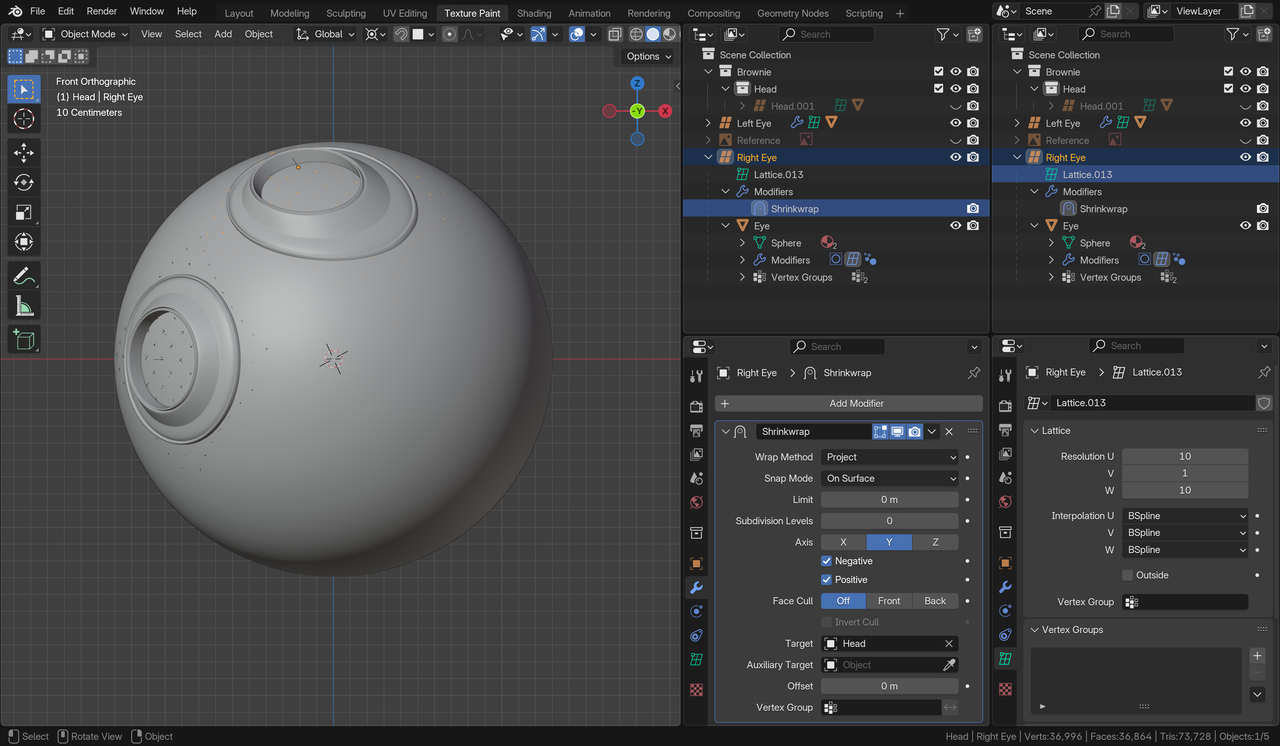
But now I have a related issue. When I add a second eye in exactly the same fashion, it is skewed! I’ll keep at ti 🙂
Thanks all!