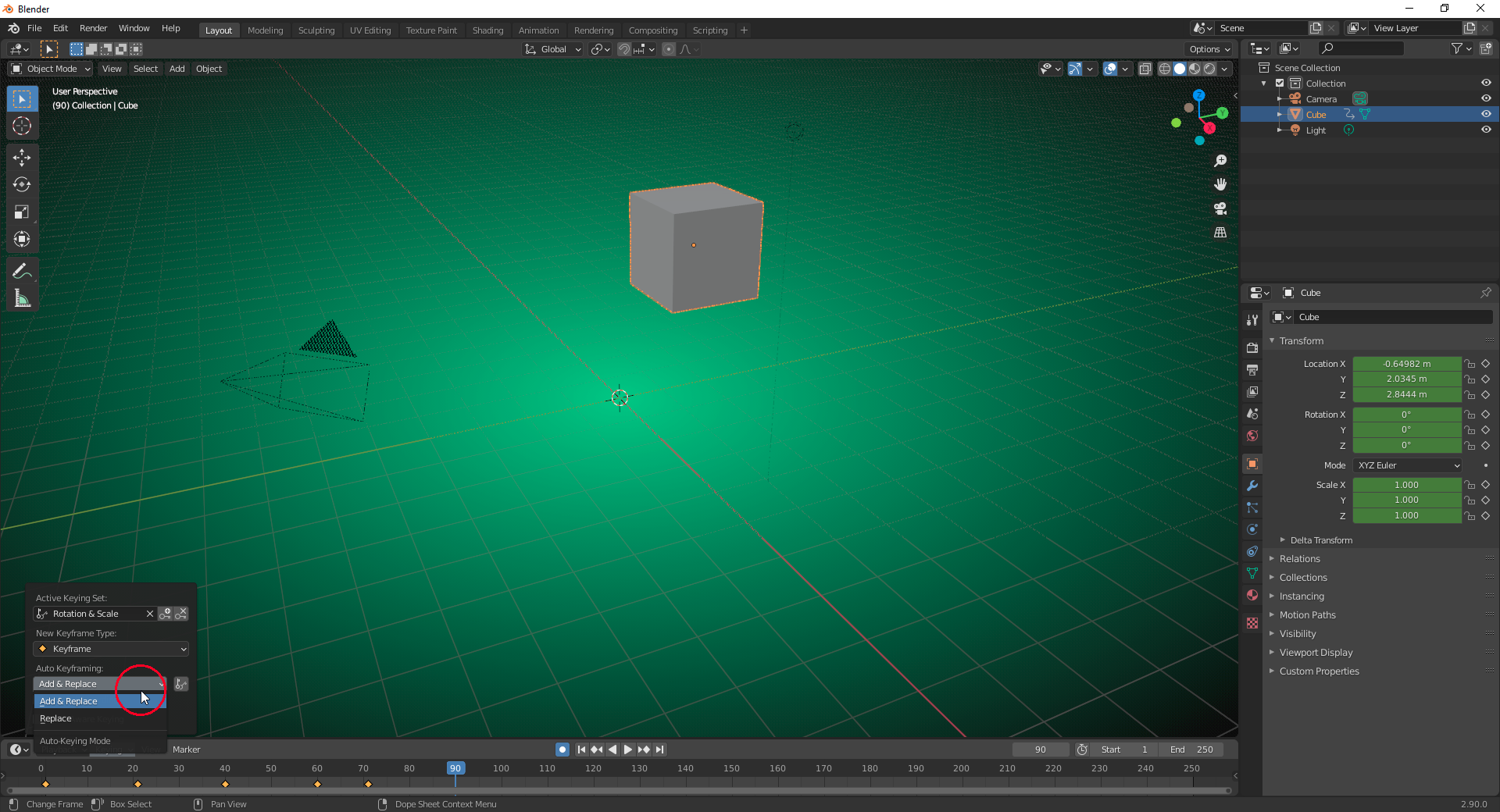
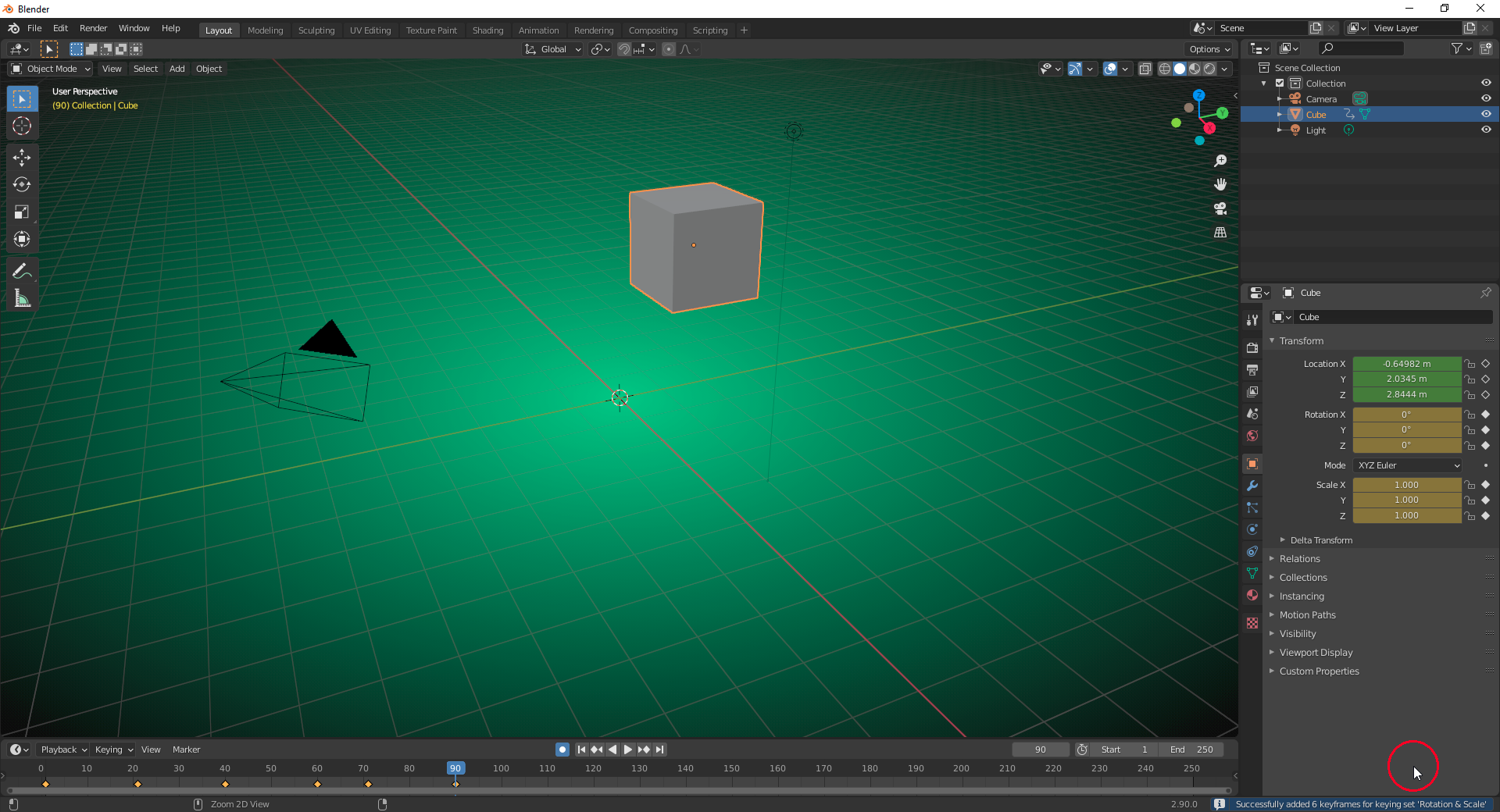
I can reproduce that error by …
1) … activating “Automatic Keyframing” (button with a filled circle in the “Timeline Editor Header” must be pressed (=blue))
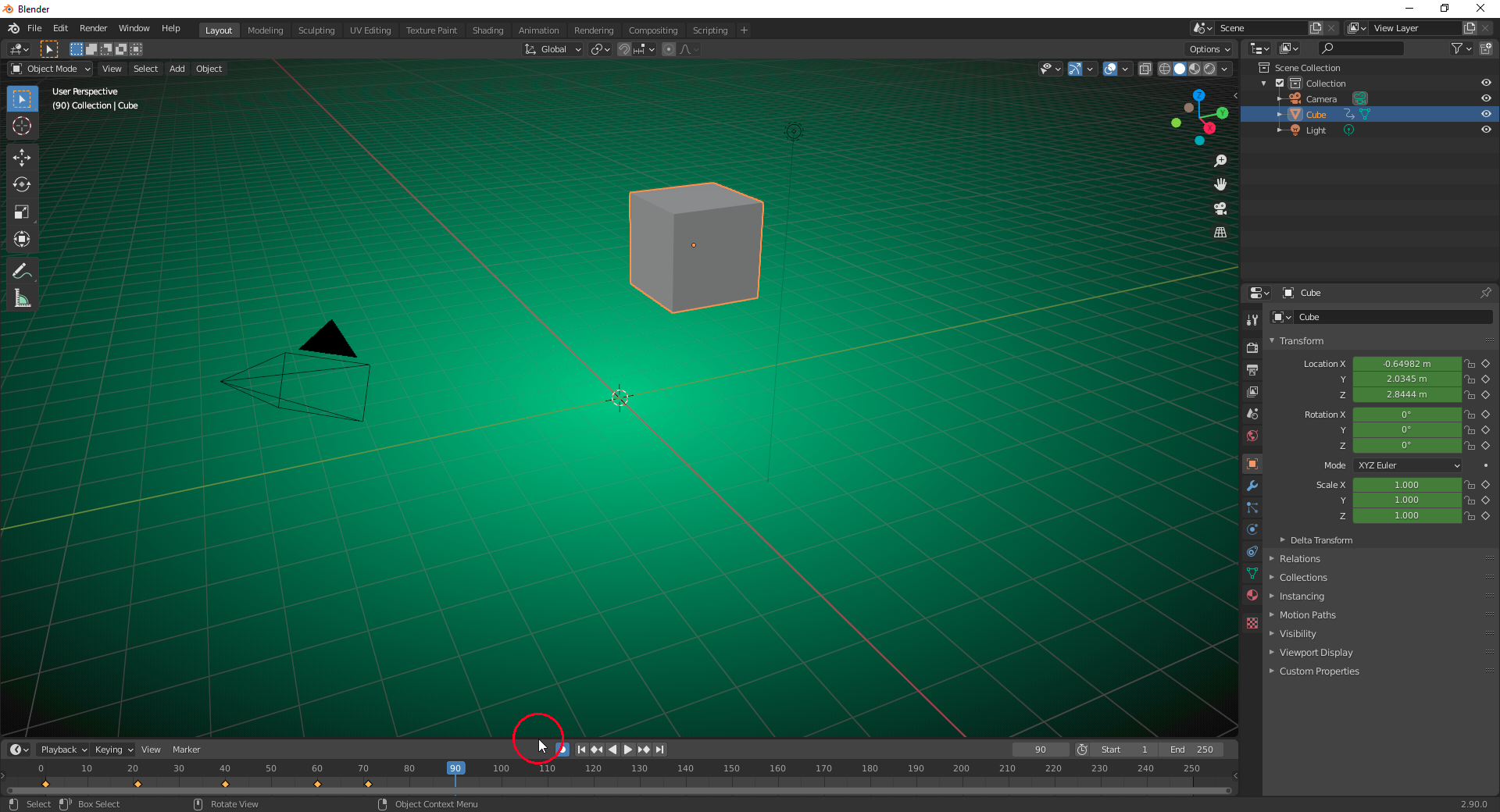
2) … setting “Auto Keyframing” to “Replace” (keyframes can only be set on frames with an existing keyframe so that the new keyframe is used instead of the old one):
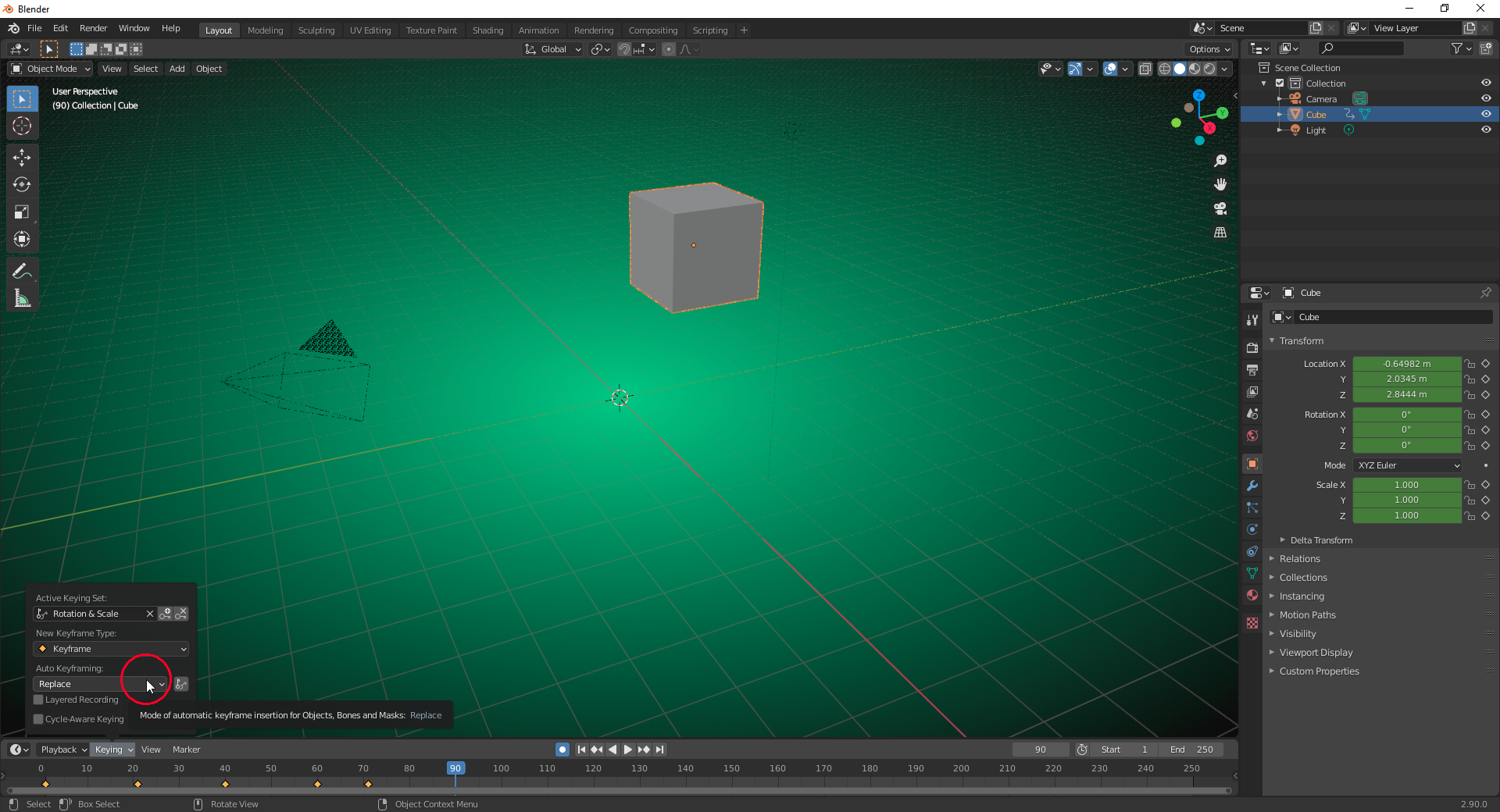
3) …. setting the “Timeline Playhead” to a frame without a keyframe

4) … and pressing “I” for a manual keyframe insertion resulting in the error message mentioned above:
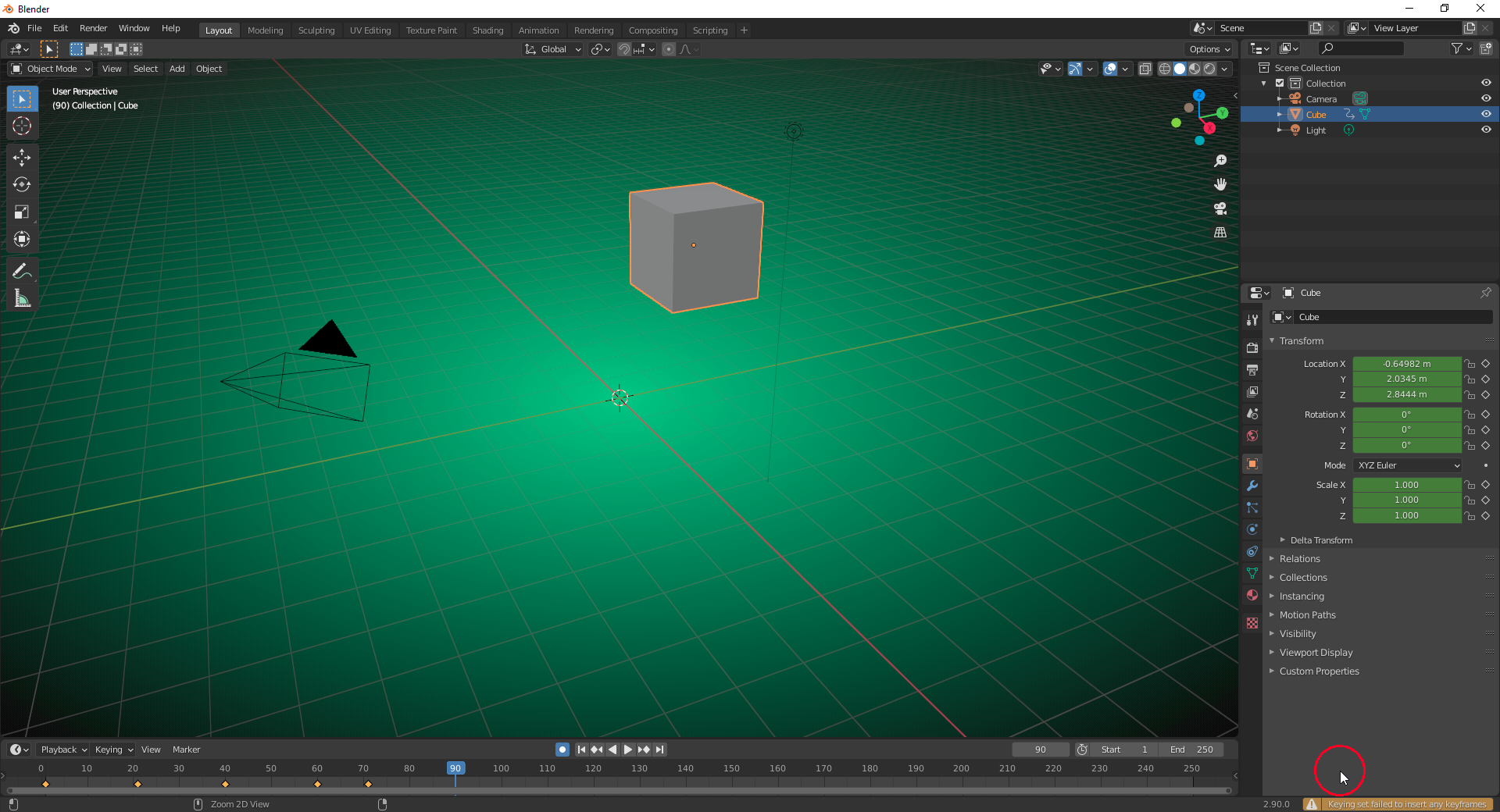
You could nevertheless manually add a keyframe with “I” on a frame with an existing keyframe.
If you set “Automatic Keyframing Mode” in Step 2 to “Add & Replace” instead, you can manually add keyframes with “I” on all frames no matter whether there’s already a keyframe or not: