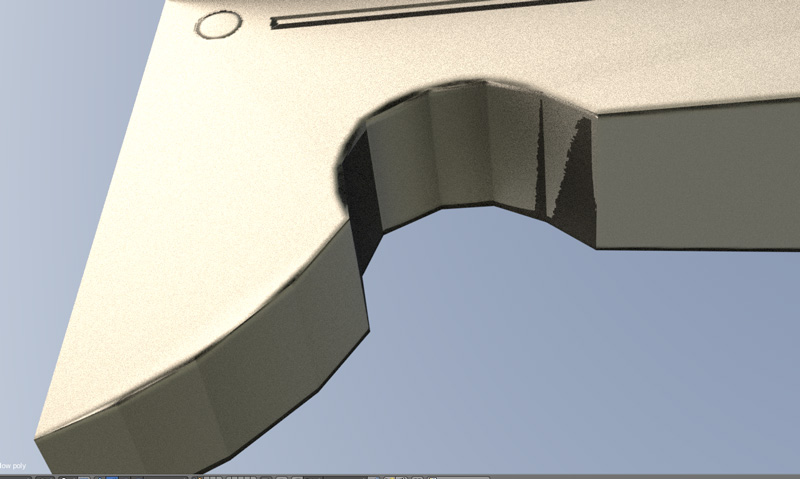
@jlampel Thanks for the tips, increasing the bevel segments gave some reasonable improvement to the jagged edges, however I’m still not seeing a difference on the curved surface. I’ve tried marking all beveled edges sharp and played with the auto-smooth threshold a bit on both the high poly and low poly objects. A couple questions about sharp edges:
- When you use Select -> Sharp edges, does that select edges where the shading has been manually marked sharp, or is it using some other criteria such as the angle?
- Is there a difference between Ctrl+E -> Mark sharp and clicking sharp on the Shading/UVs panel in the tool bar?