Hi Eric,
Nothing has changed in the use of F and J.
I don’t know what triggered the error messages for you, especially not, because you don’t say what the messages were (probably, because you don’t remember?), but often it’s just a matter of hitting the wrong key. It could also be that the Operation cannot be performed on the Selection you have.
The difference between J and F is very important to understand;
When you have two opposite Vertices in a plane Selected and you press F, then an Edge will be made between those two Vertices. You then have 4 Vertices, 5 Edges and 1 Face. If you had used J instead, you’d have 4 Vertices, 5 Edges and 2 Faces (Triangles). Use J again on the other two Vertices, and you’ll get 5 Vertices, 6 Edges and 4 Faces (Triangles).
If you try to use J in a situation like this:
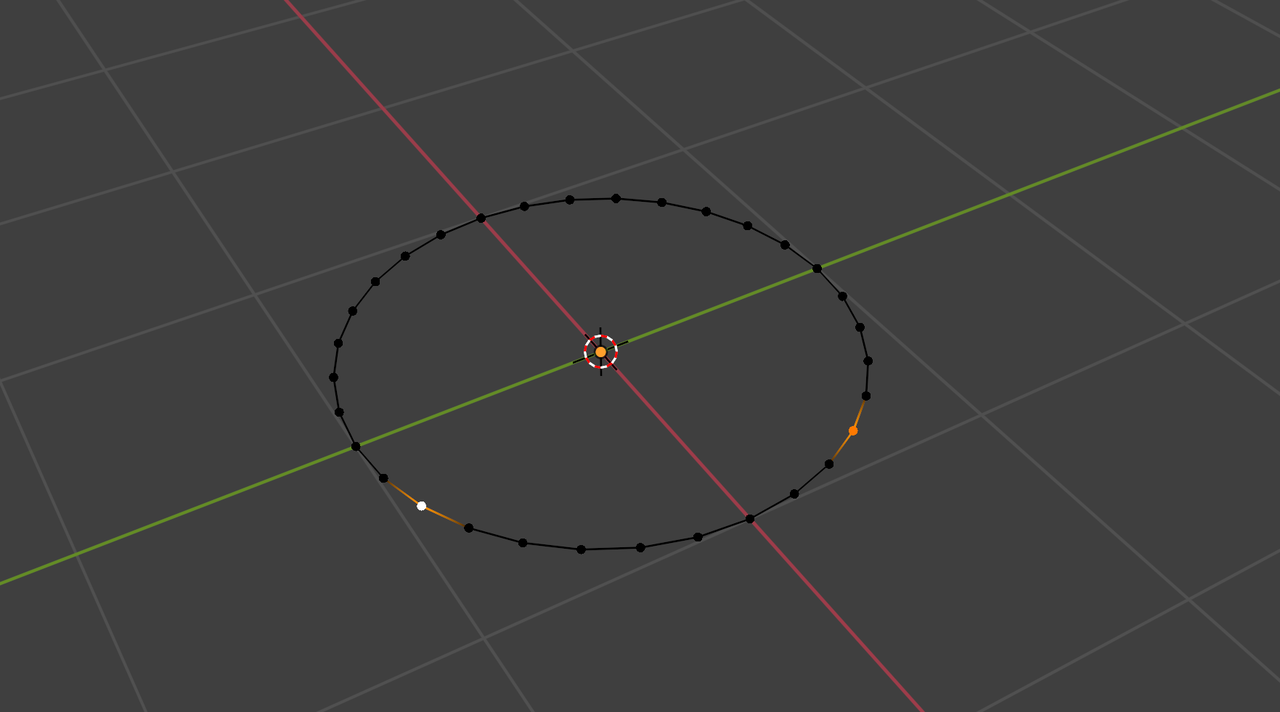
You will get an Error.

