Hi Adrian,
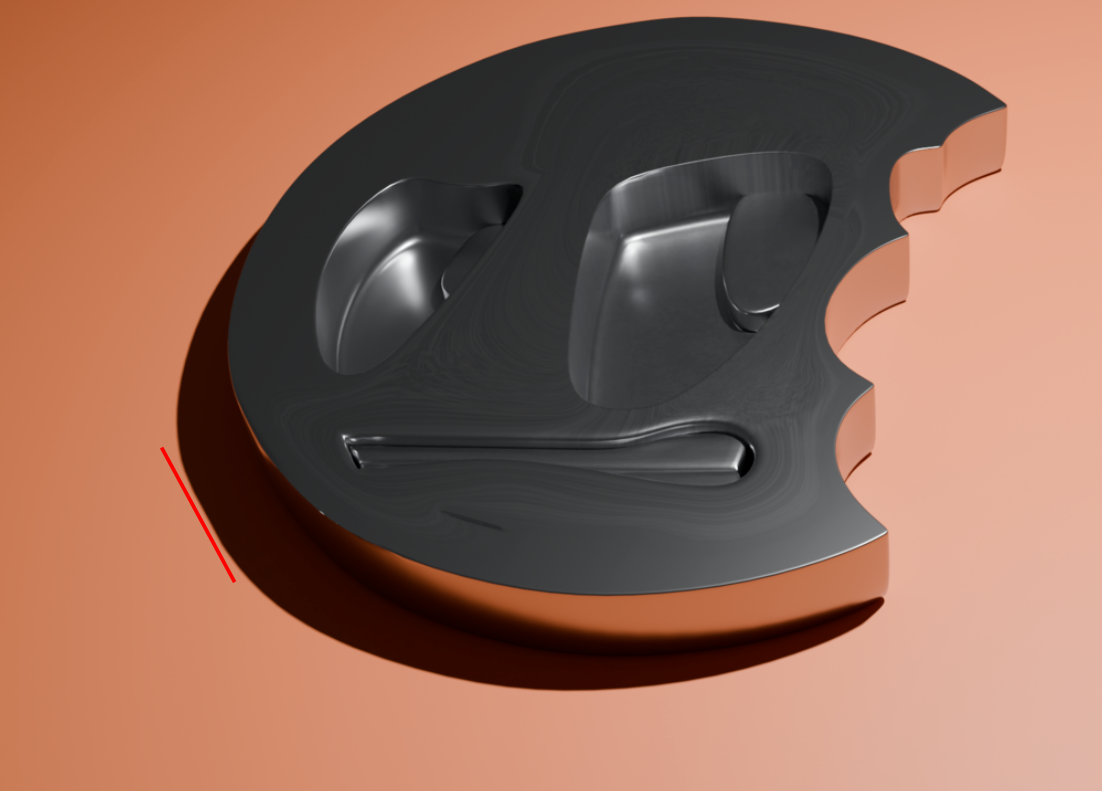
I’m guessing a bit here, but if you use an Image Texture Node (for the metal Texture), it uses UV Coordinates by default and if you started with a Plane, that has UVs and by adding more Vertices, you got distorted UV’s, hence the stretching. If you’d use Object Coordinates instead, there shouldn’t be any stretching, no matter what your Topology looks like. (If this is way above your head, wait for the Materials, Shading and Texturing Fundamentals.)
There is indeed a problem with the lower left side, which can be seen clearly in the shadow of the Images, where there is a flat side to the circle: