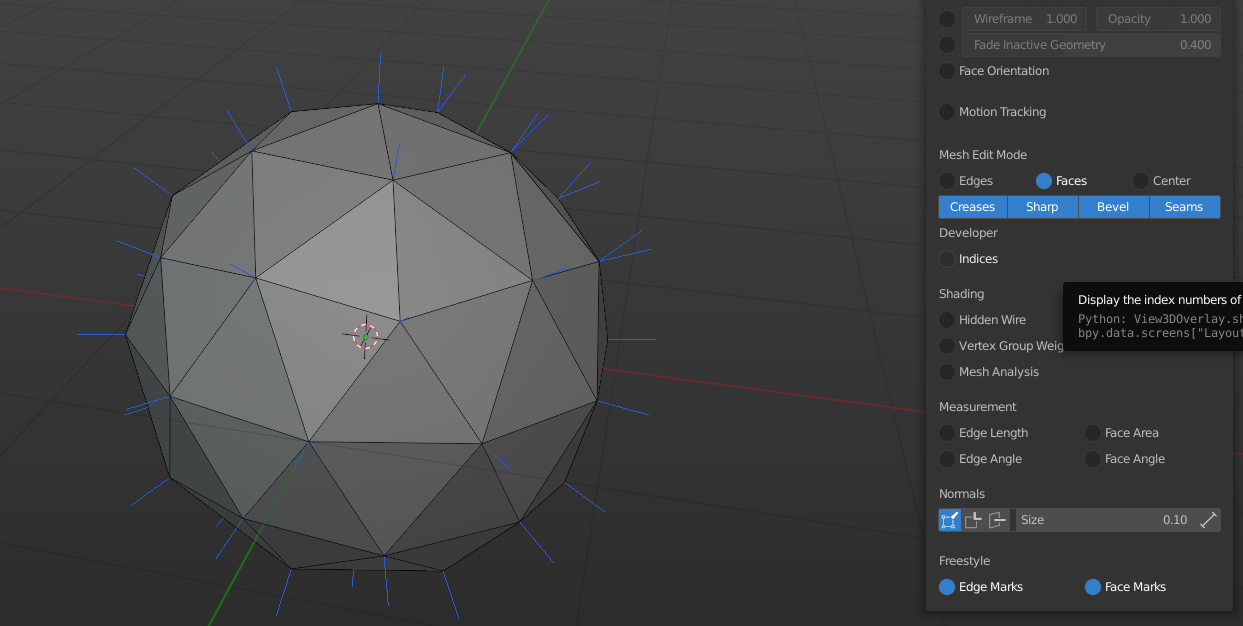
That trick still works, but I’m not sure if it’s the same result as in Maya. To shade smooth, use the Ctrl+F face menu in edit mode or the right click context menu in object mode.
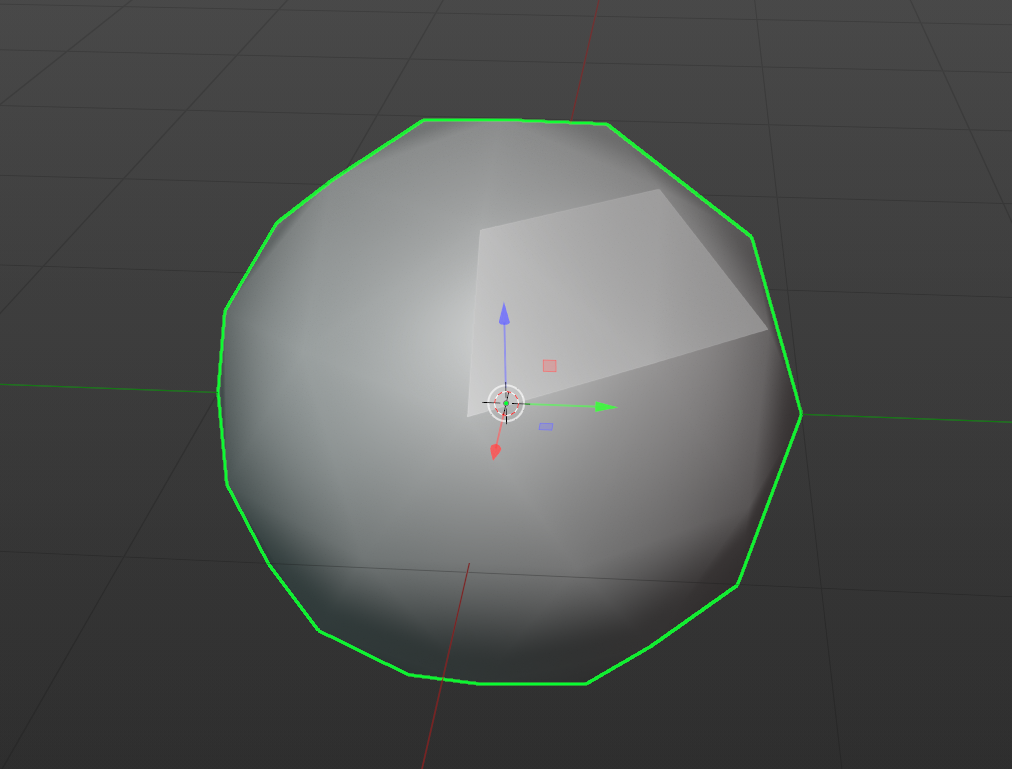
It also looks like those edges are drawn slightly darker, but it’s super subtle:
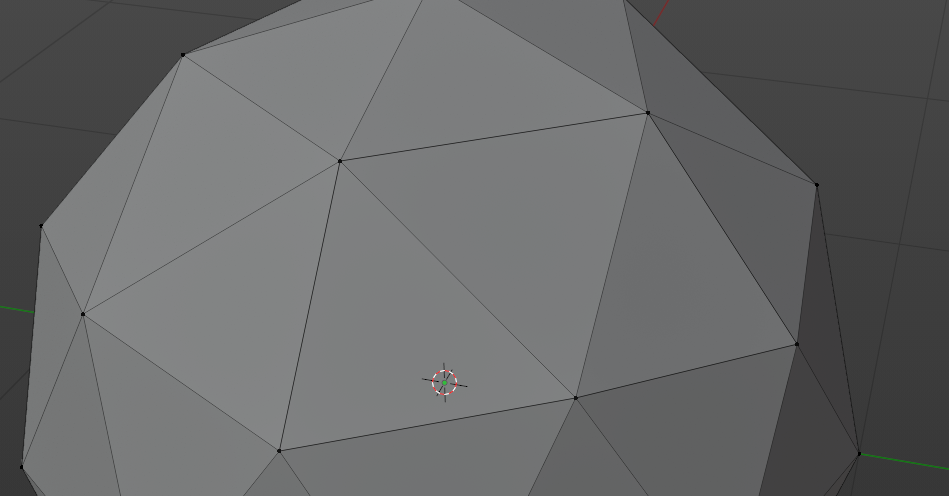
You could also turn on the vertex normals, and see if any vertex has more than one normal line: