Hi Parker,
If the triangles are separate Objects, you can enable the Option to Only affect Location when Scaling:
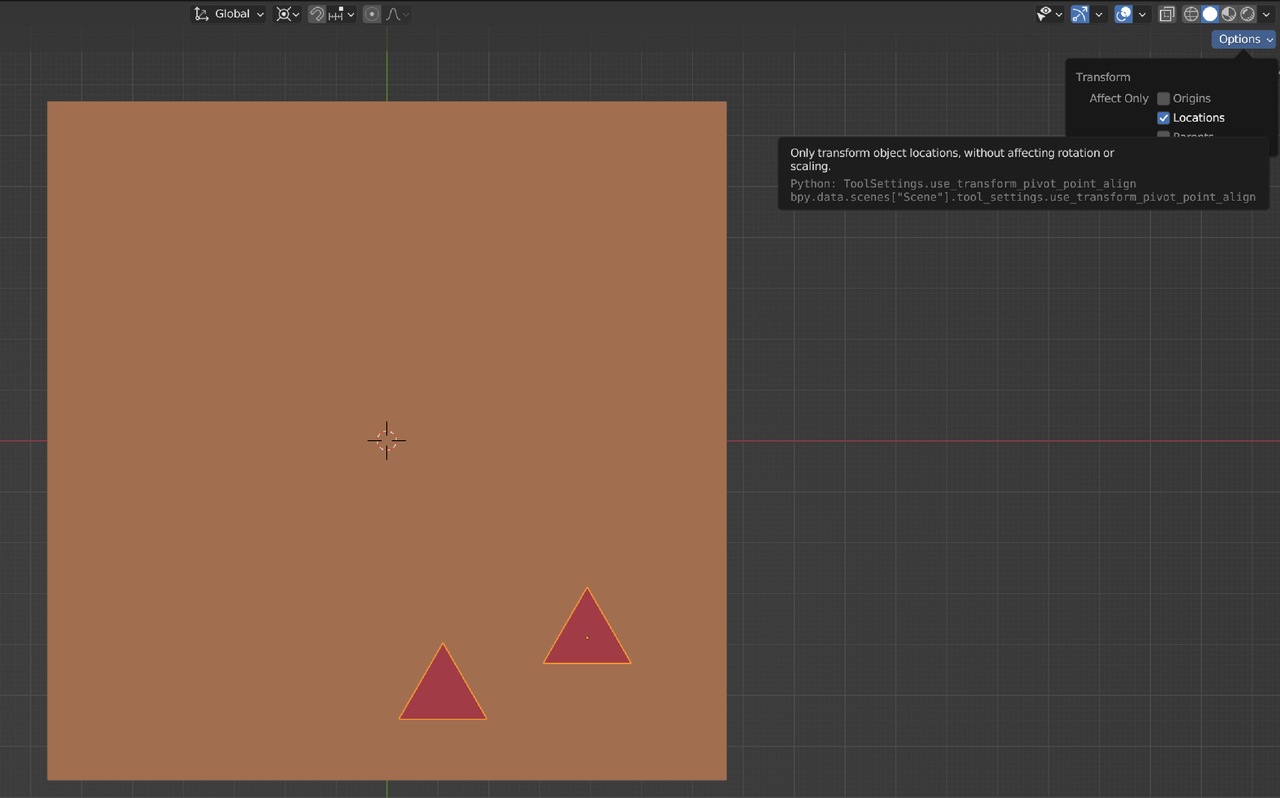
This Option is only available when in Object Mode.
When your triangles are part of the console Mesh, you can Select them in Edit Mode and press P > Separate > Selection and then switch to Object Mode.
See also lesson 8 in the Blender Basics course:
https://cgcookie.com/lessons/edit-mode-and-object-origins

