Thank you so much, Martin and Omar — I really can’t describe how grateful I am. I tried working with a simple 2D plane just like you suggested, Martin, and wow… it was so much easier to work with! It only took me 2–3 minutes to create the shape, whereas my first method was so clunky.
But I still ran into some confusion, and I’d love for you guys to take a look.
First of all, here’s my topology for this new model. I had to add two extra edges at the end to give the shape some sharpness and make the mesh follow the form. Should I have just used crease on those edges instead? Which would be better?
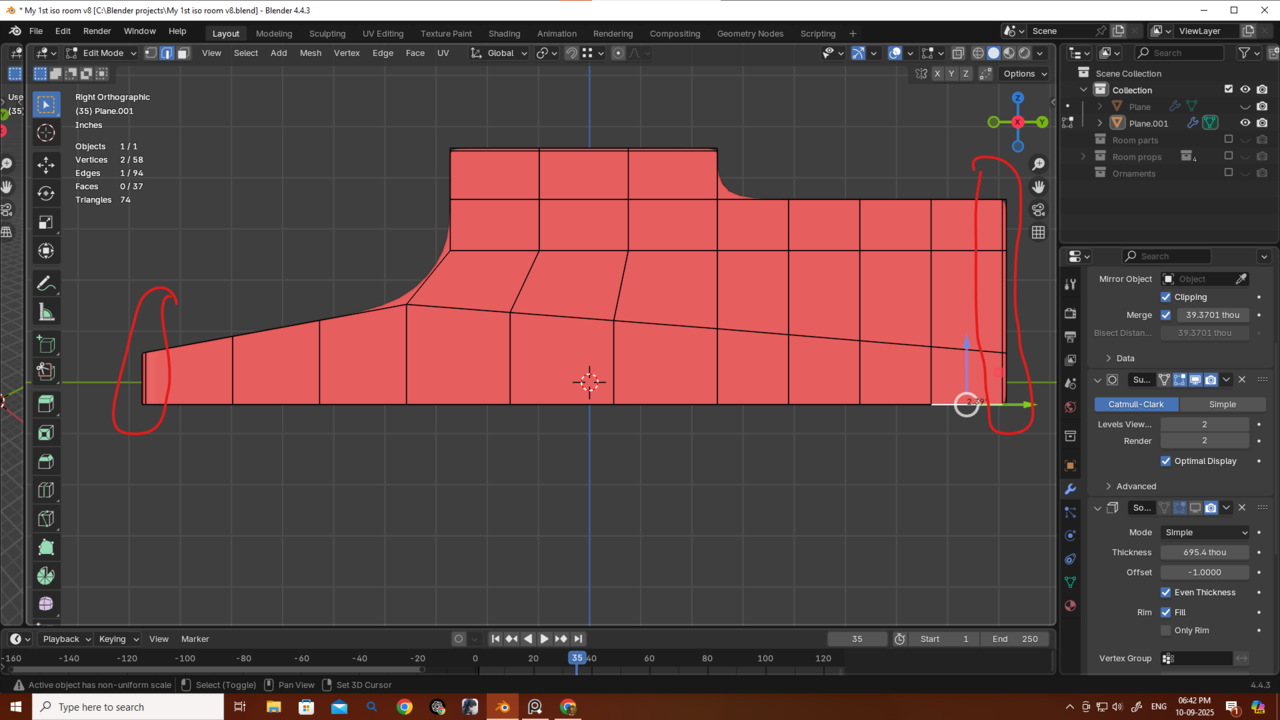
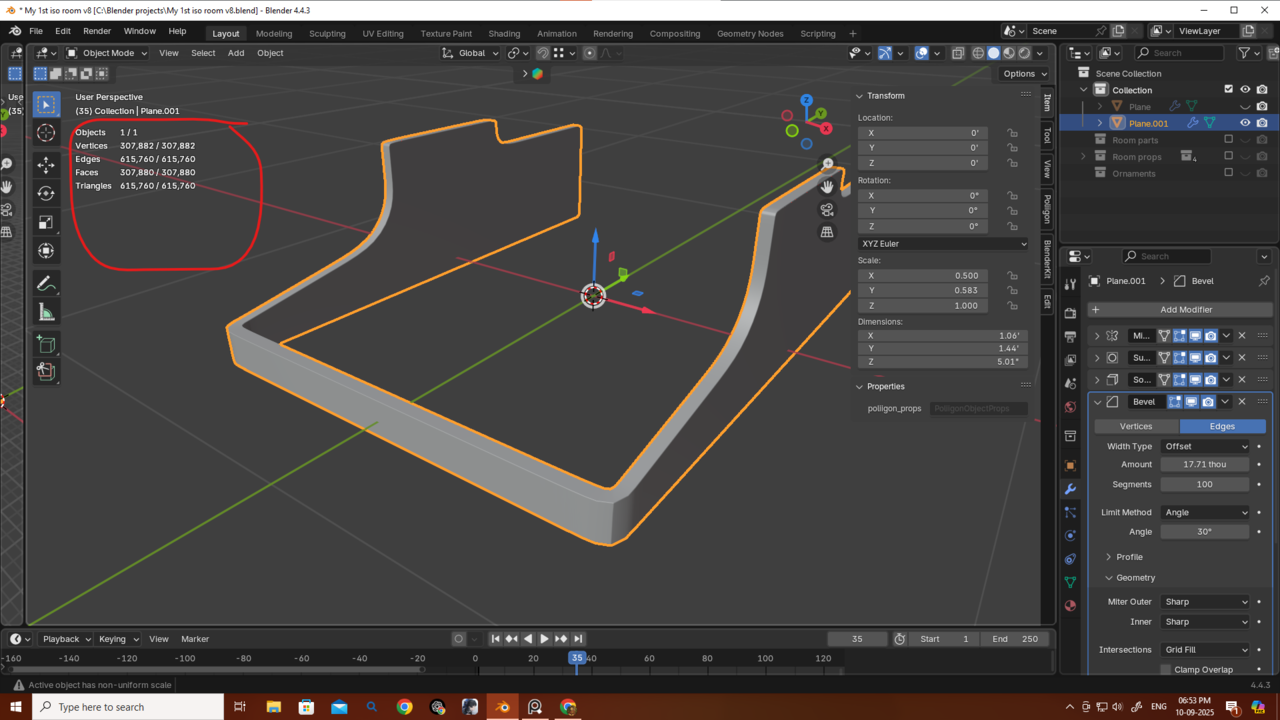
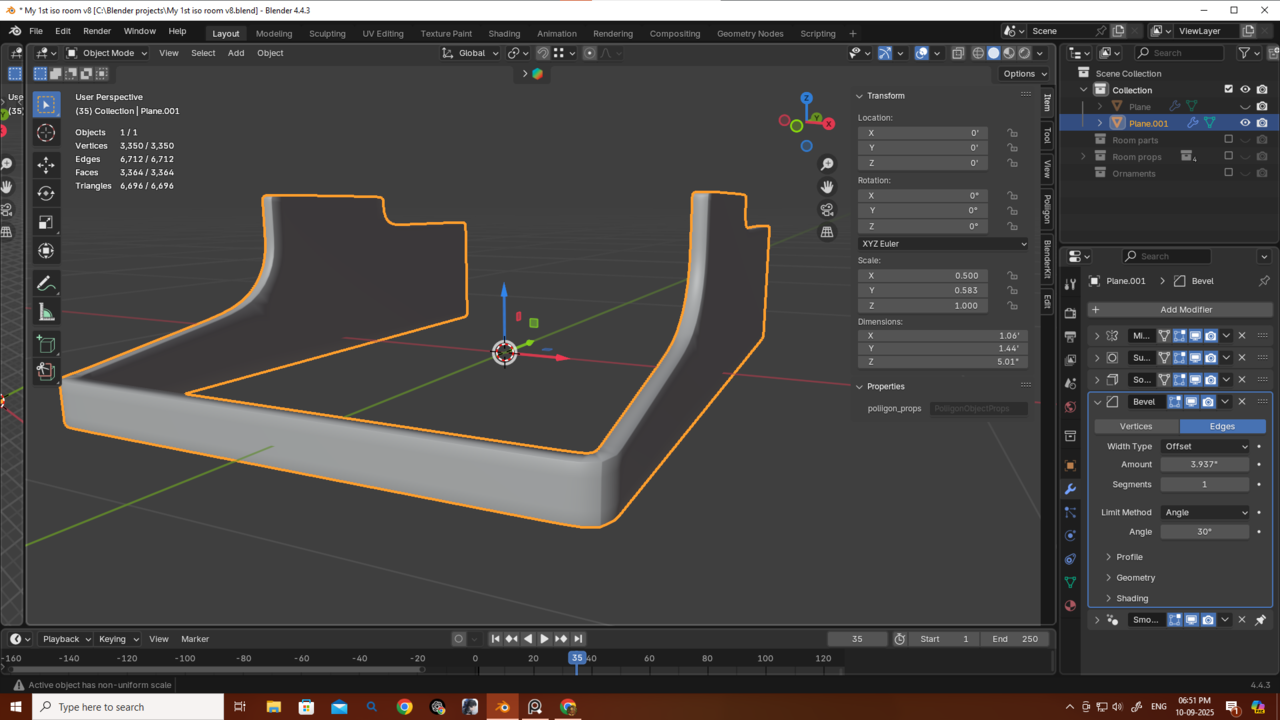
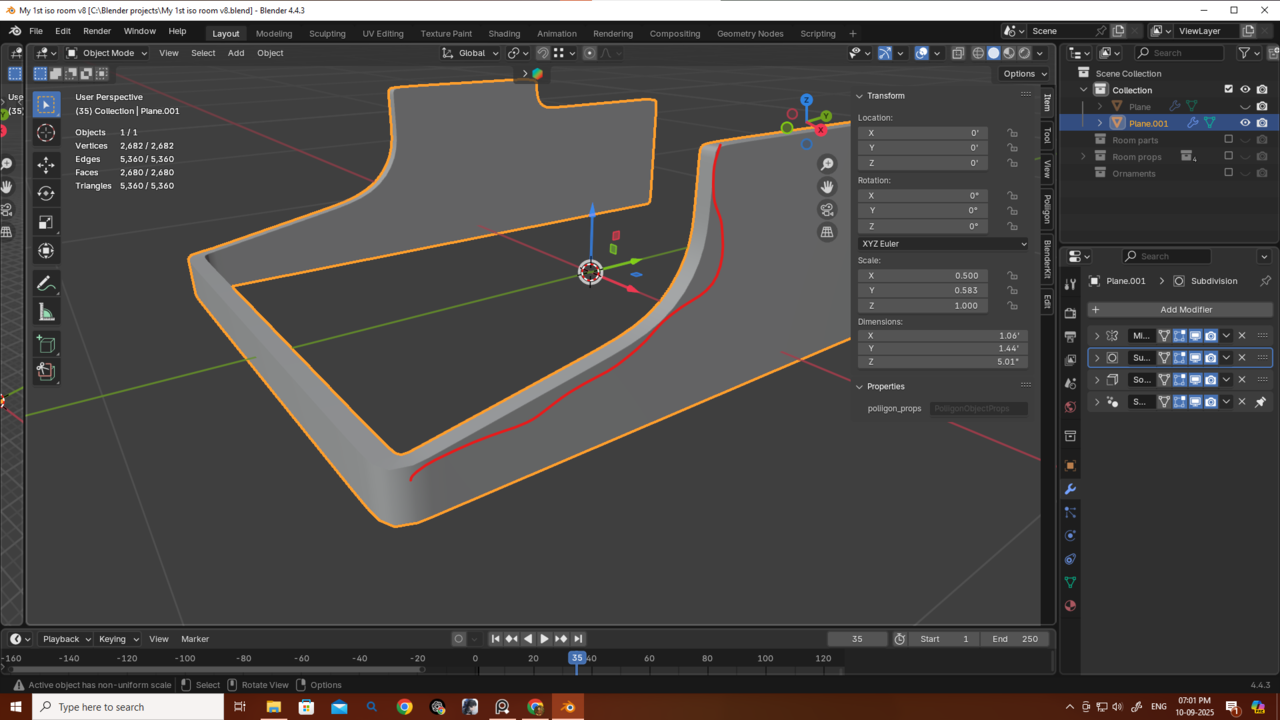
Also, as you can see, the edges are very sharp. When I add a Bevel modifier, it doesn’t really work — even if I move it above the Subdivision modifier, it still won’t smooth out the sharp edges. Is this happening because I started with a single plane? I’m not sure what to do now or how to get rid of these sharp edges. Also i am getting way too much poly count if i add a bavel modifier.
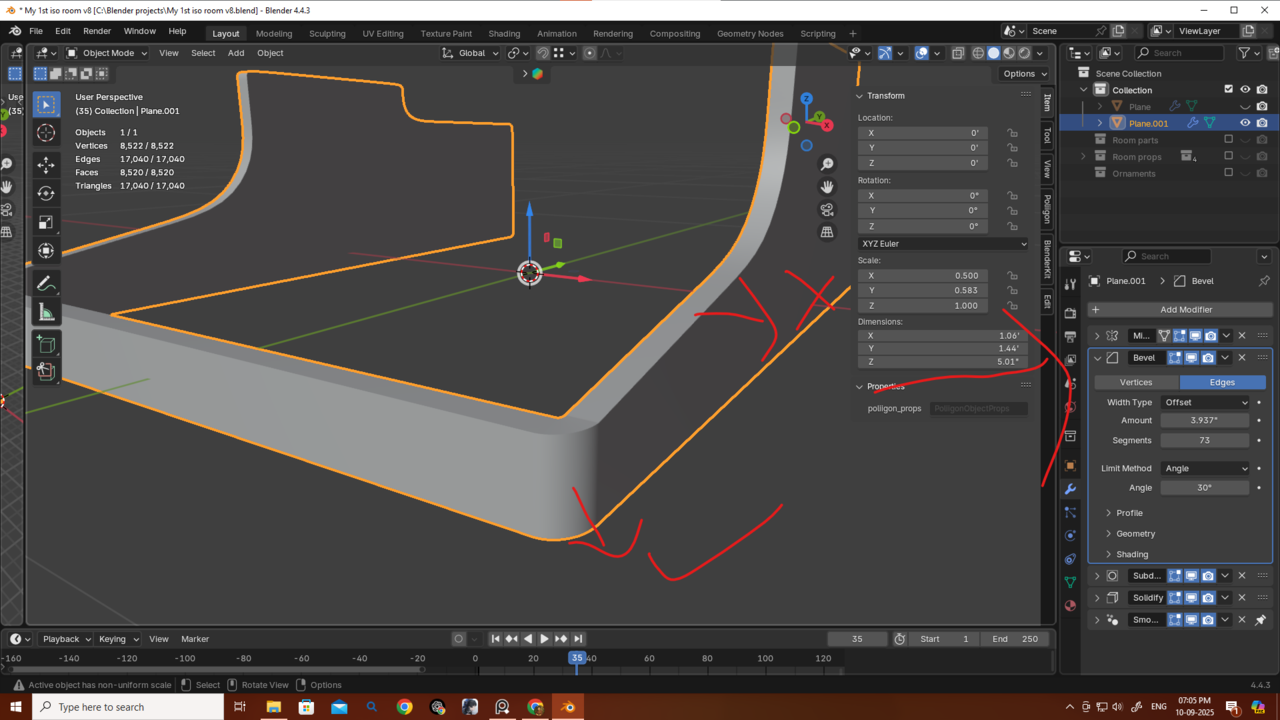
Thanks as always — I really appreciate the hard work you guys put in for all of us.

