Hi shanr, there are many ways to do this. It depends on what you want exactly and on the topology.
For instance with a simplified model:
Select the top faces (notice the missing face!):
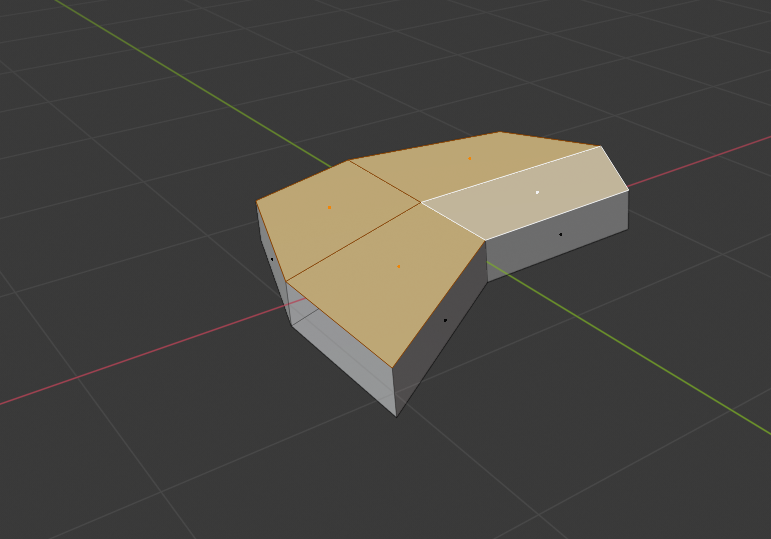
Press I followed by B to inset these faces without the border (where the face is missing):
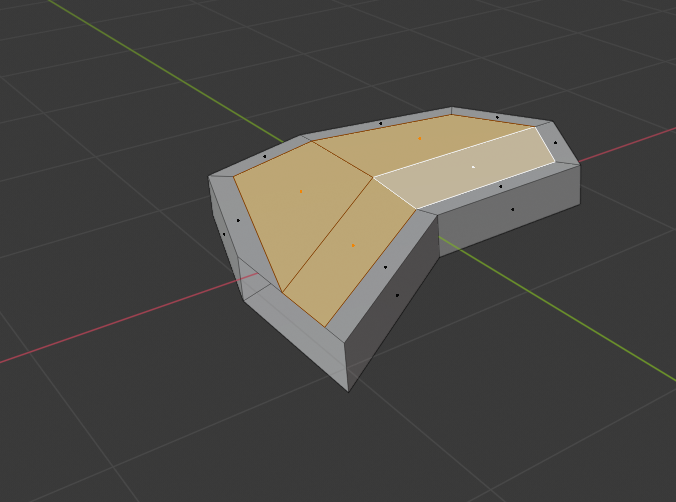
Select the outer edge:
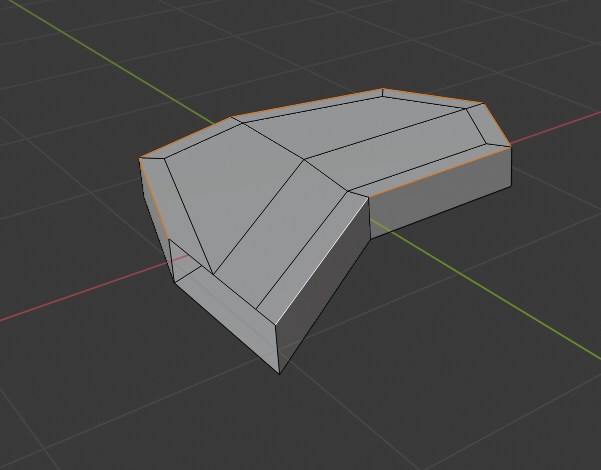
And bring it down as much as you like and where it needs to be sharper:
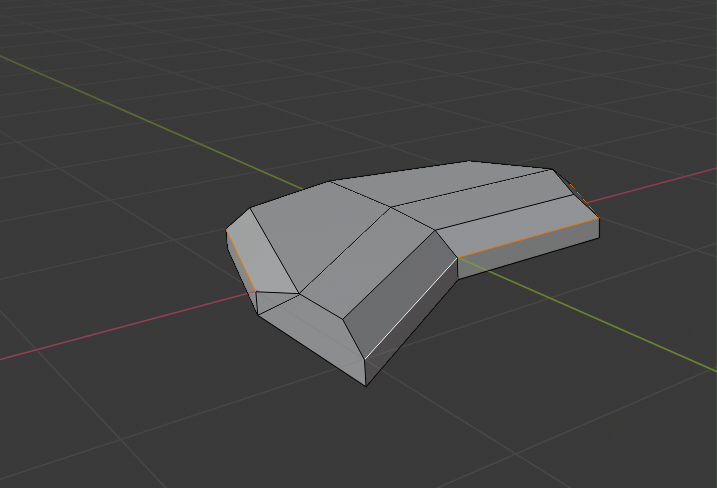
You can also do this on the other side if you want.
Alternatively, you can make an edge loop with CTRL+R on the side:
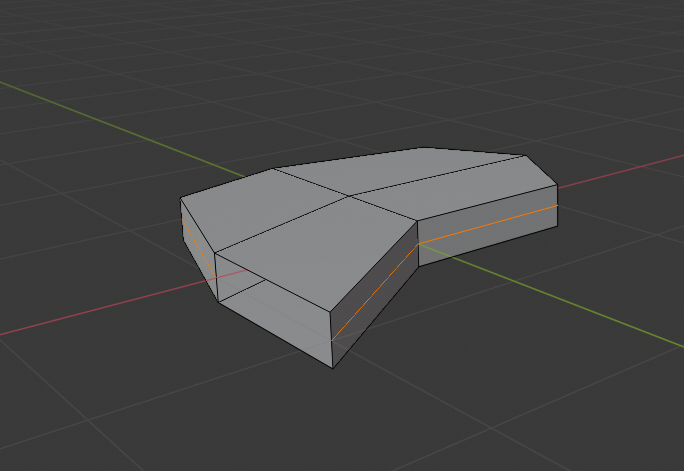
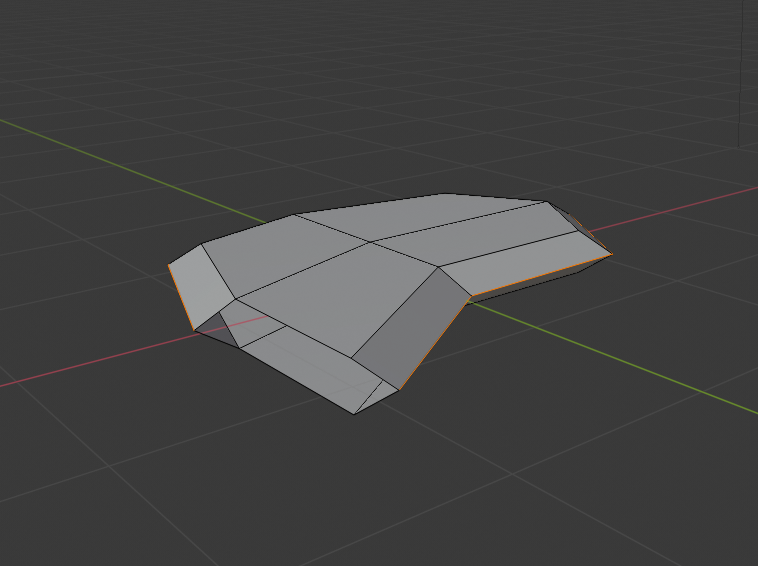
And scale it with ALT+S where and how much you want:
Hope this is helpful.

