[edit: while I was writing this I didn’t see your replies]
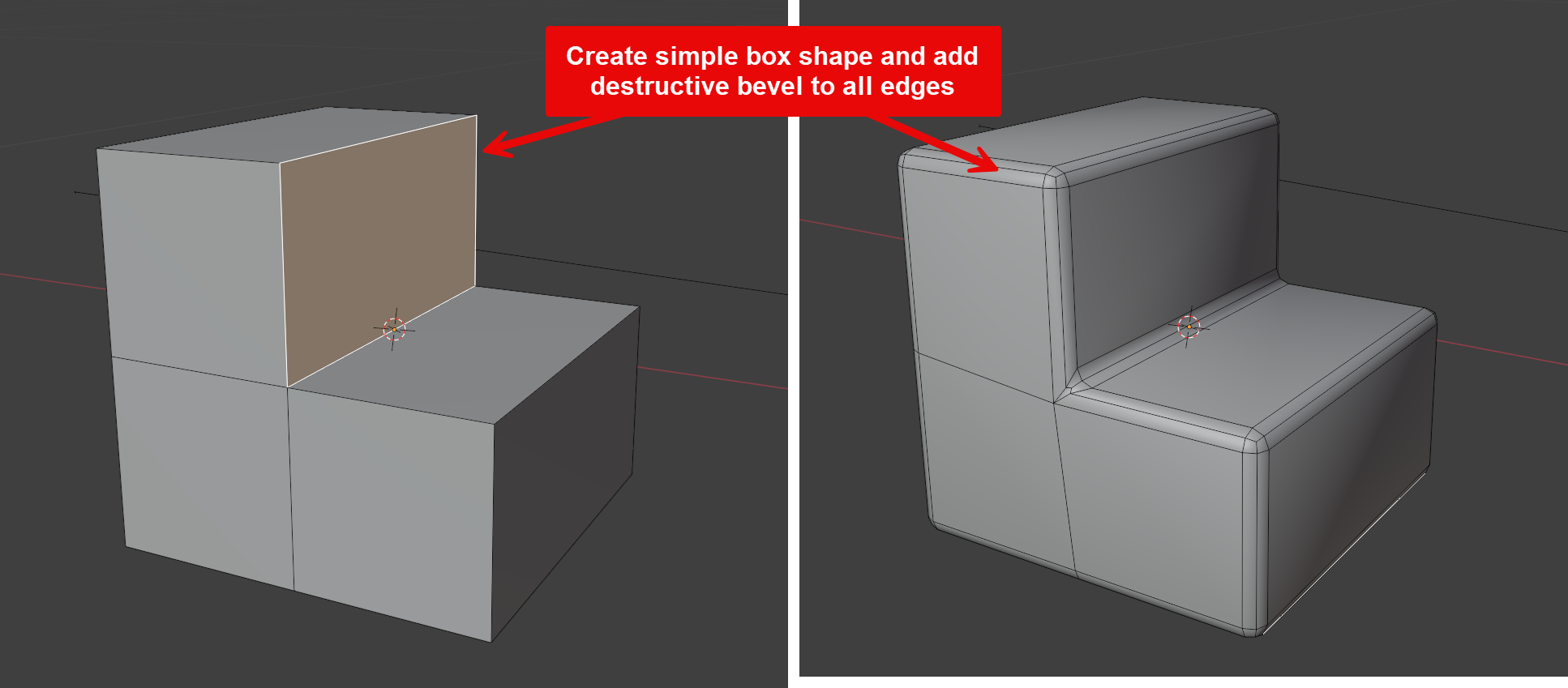
I don’t think you HAVE TO restart as it’s a flat shape and you only have a 2 segment bevel. However it does look like you’ve applied destructive bevels not through the modifier? Def learn how to use bevel modifier with edges and weights
You could just dissolve the edges causing problems. But in this case you’d need to do quite a lot of clean up and redoing it might be quicker. I’m still learning but the biggest thing I’ve learnt is how much start, fail, try again there is. It’s frustrating but it seems like this is the way.
A good idea would be to practice on a separate simple shape to properly understand what’s required and if it’s worth it vs starting again
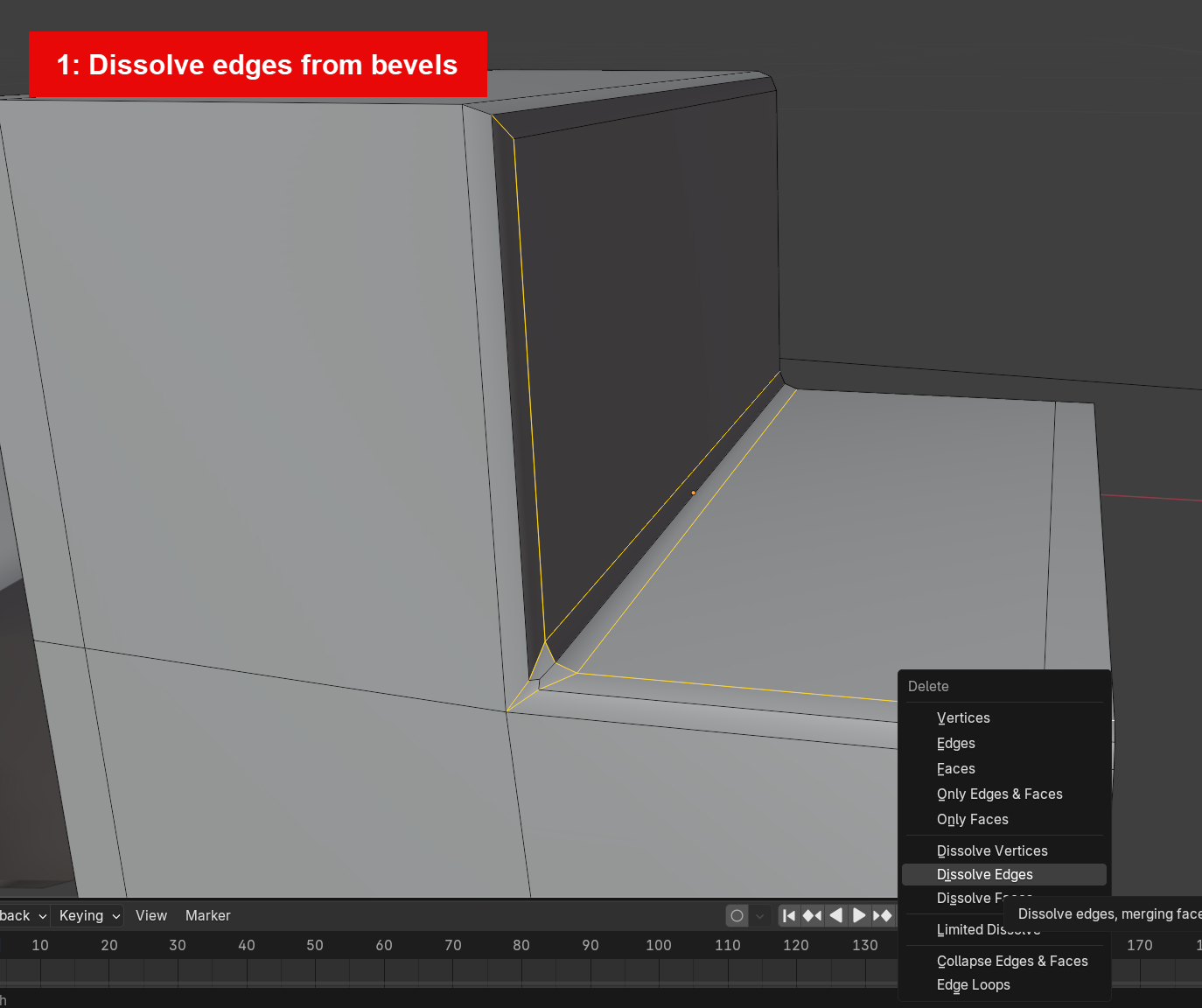
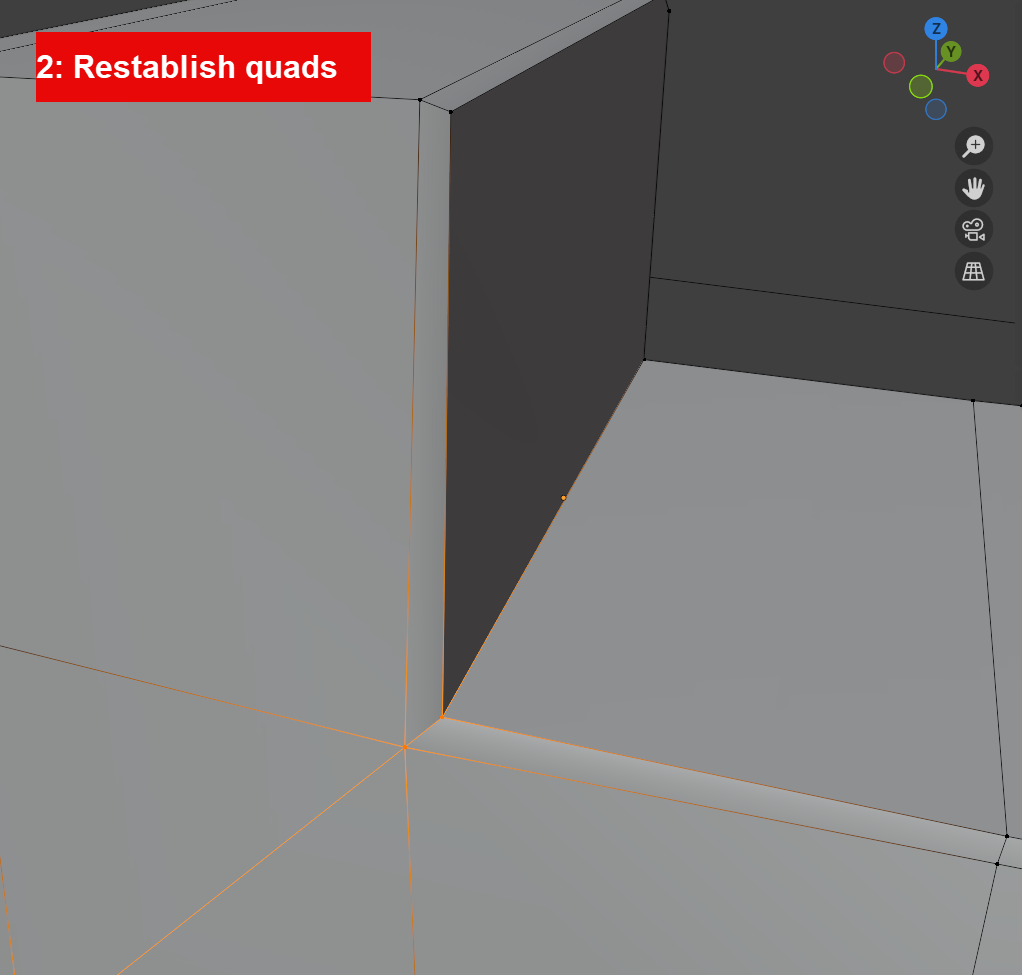
2. This could potentially take some time as you’ll need to snap vertices back from where the bevel moved them and you’ll need to be methodical about the approach to make sure you’re snapping back to the original positions
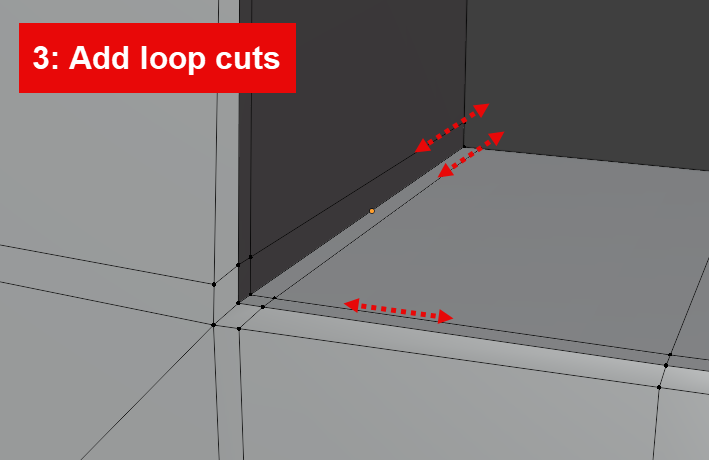
With 3 ideally you’d resolve the loops where needed and not let them run across the whole of the model