Hey Chunk, The cord tutorial es a bit different. The main difference I found is that you first extend the cord to the desire lenght and then add a curve, and also extend it. So both objects match in length. I didn’t like that approach so I combined both tutorials and I think this is a more procedural method.
However, if you move one vertex of the curve to make it longer, as said, I get gaps, unless I keep incrementing the Screw iterations.
Even when in the array modifier I’ve set up fit curve and selected the NurbsPath curve.
Is there a way so when I move a point of the NurbsPath to make it longer I don’t get those gaps? (Increasing the number of iterations automatically?)
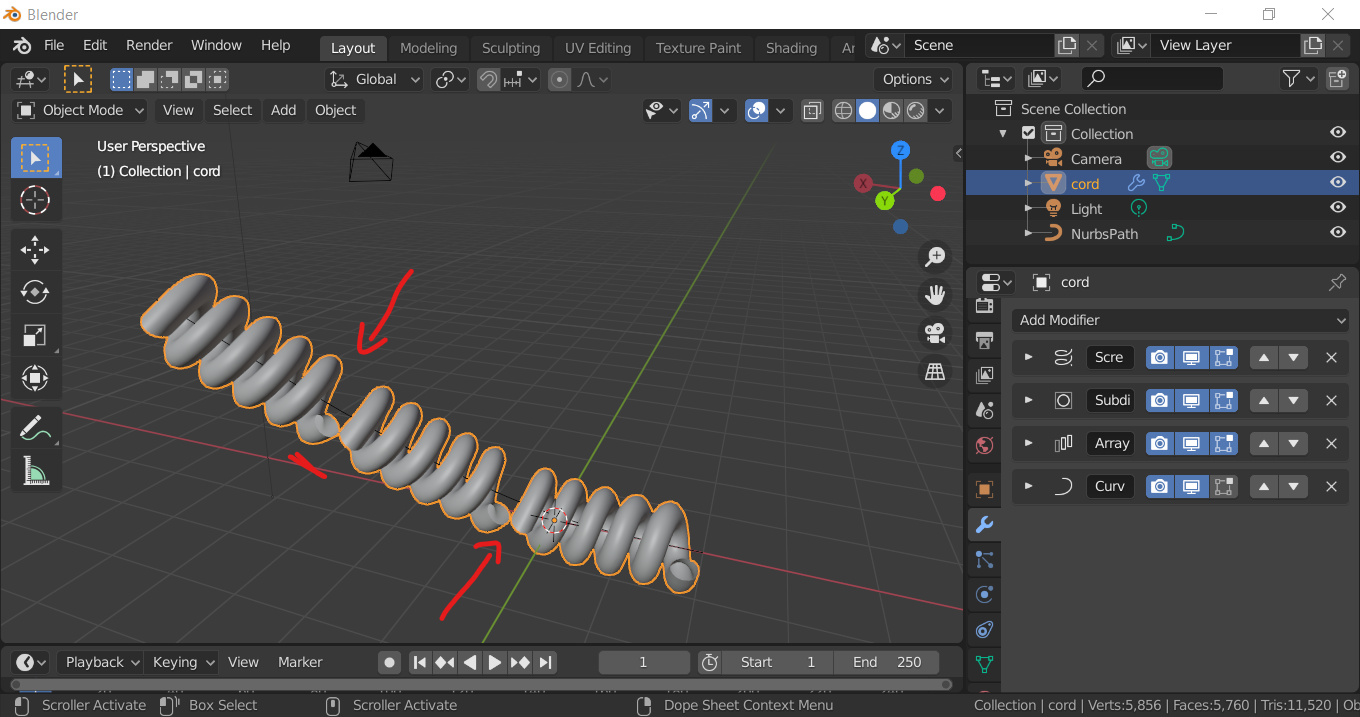
Also, in the Cord tutorial on youtube, I see you sudvide the Curve, using the Curves tool? Where is it located in Blender 2.83 or how do I activate it?
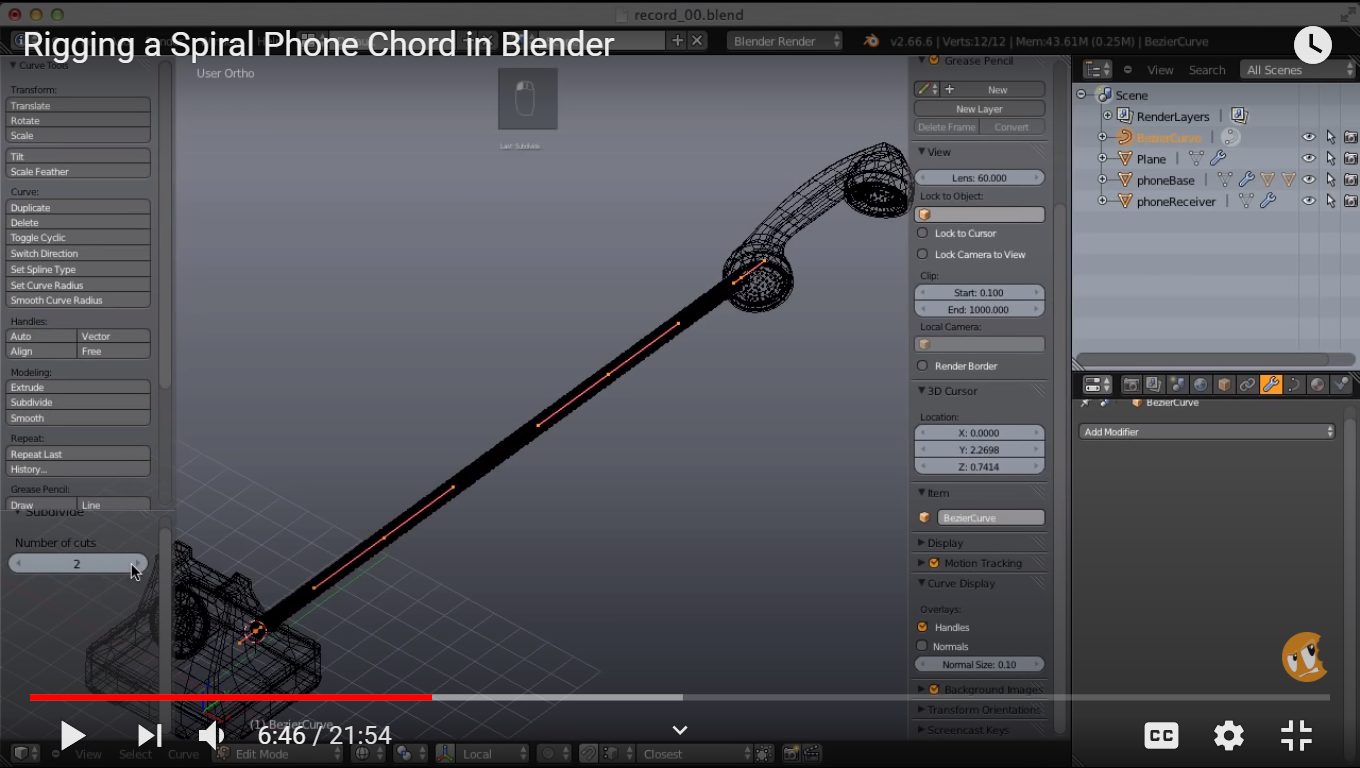
Thank you.

