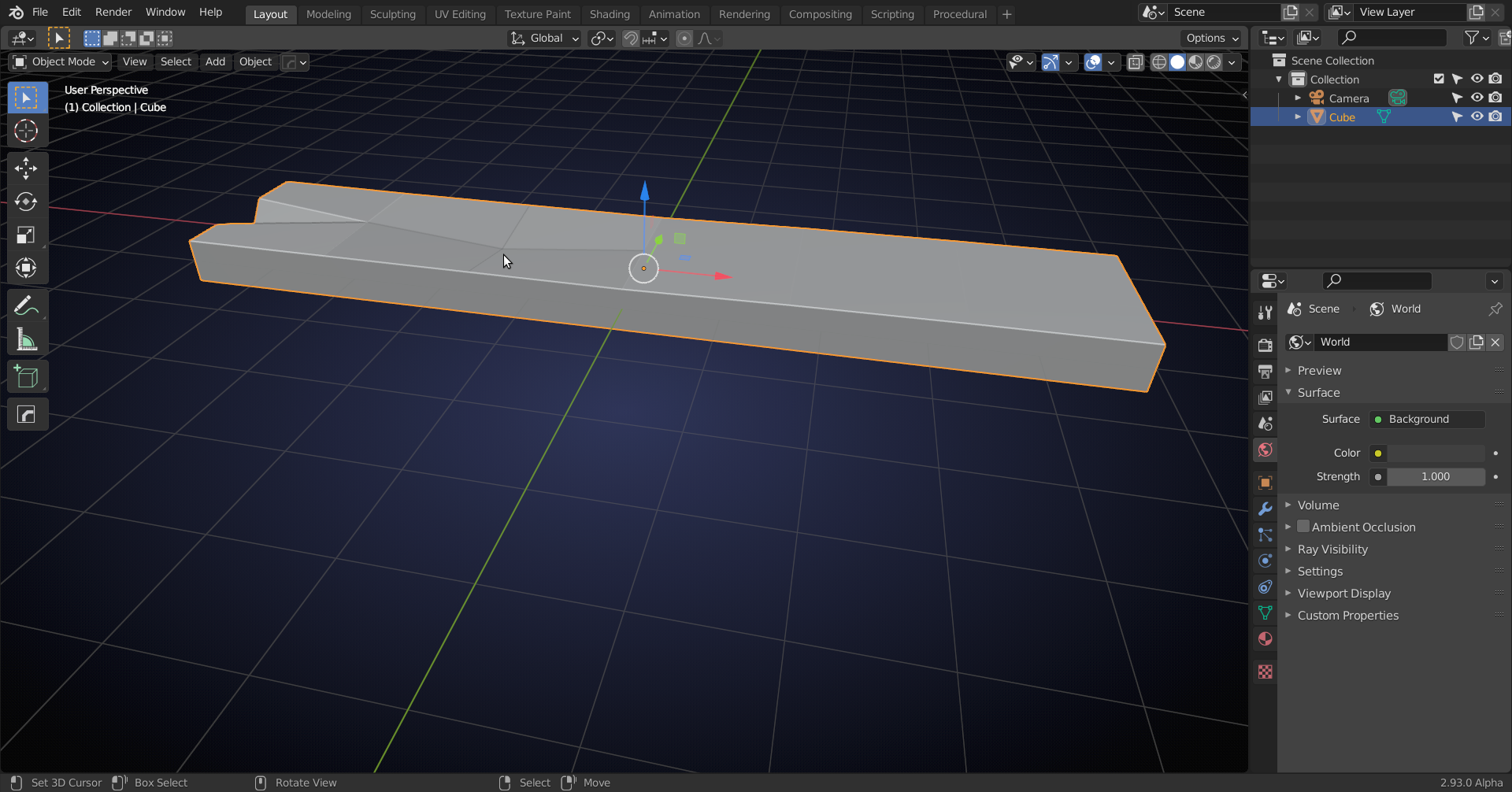
If you mean something like this:
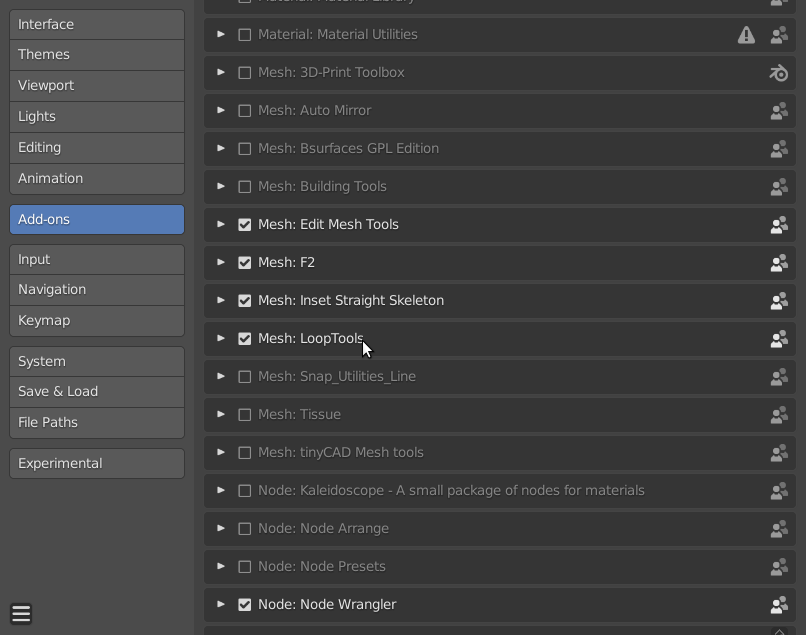
You can enable the LoopTools Addon (very useful!) in your Preferences:
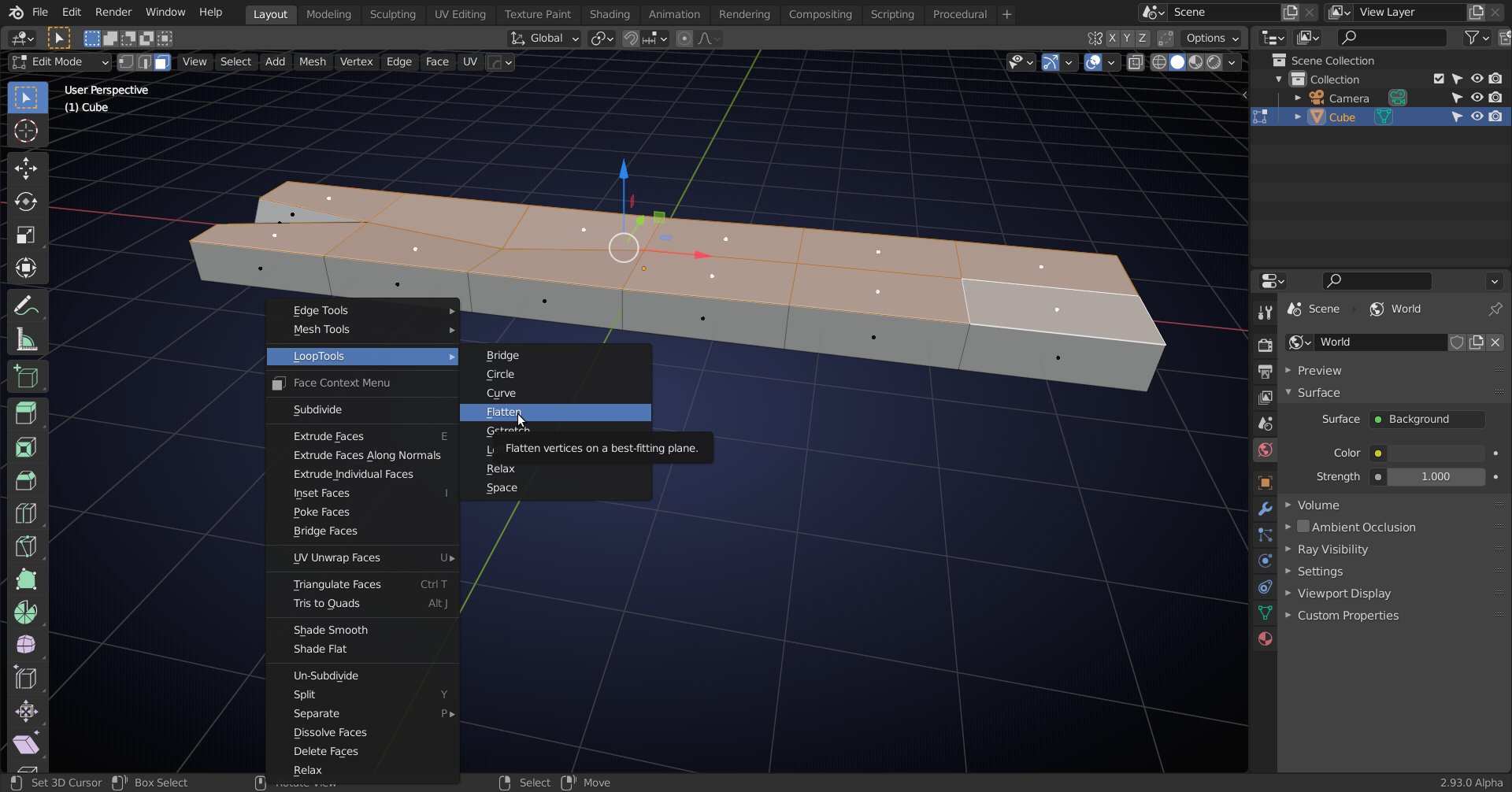
Then, in Edit Mode, select the ‘top’ Faces and press W (when using right-click-select) or right click next to the Mesh (when using left-click-select) to bring up the ‘specials’ menu and go to LoopTools > Flatten:
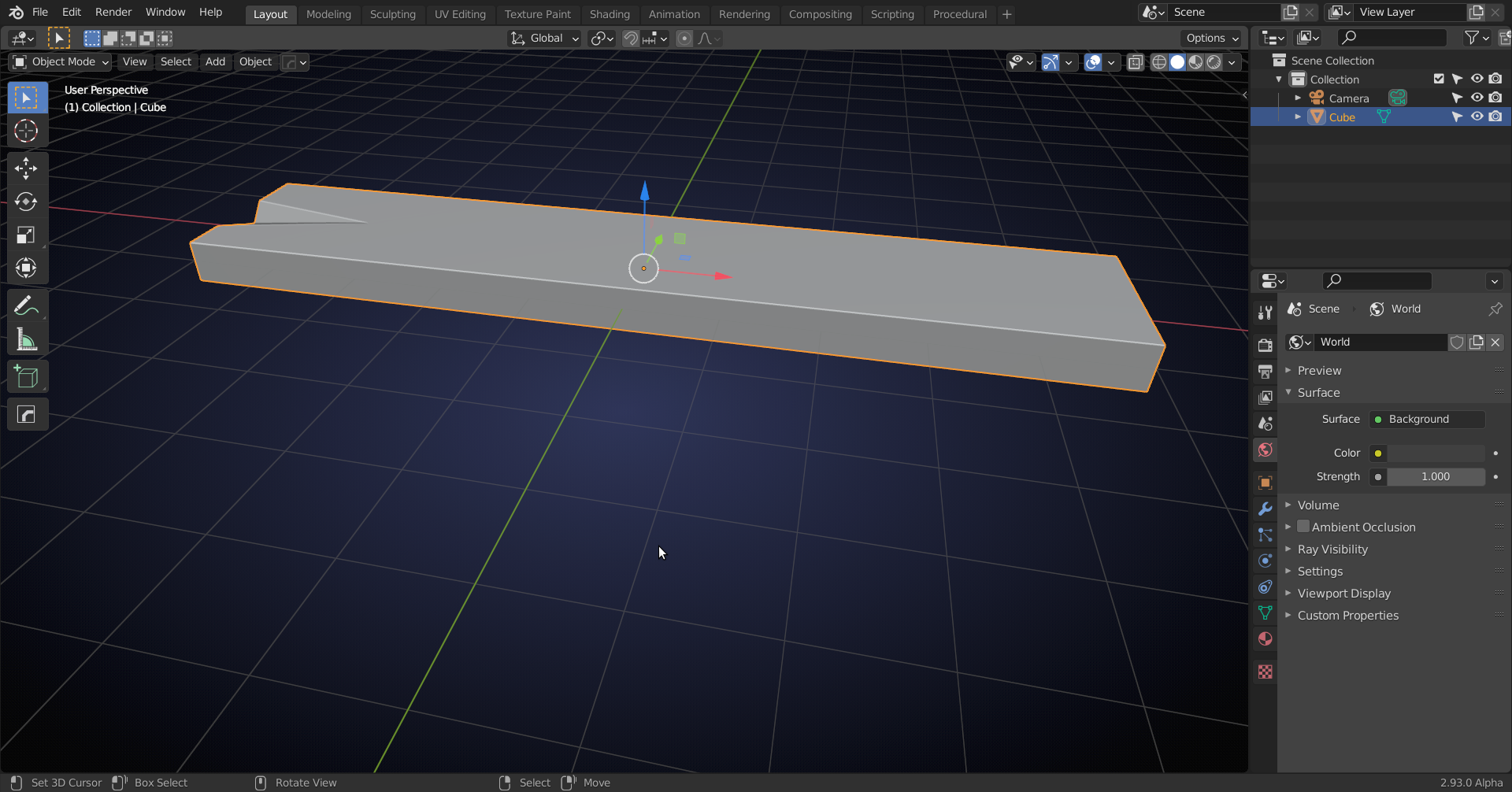
This will be the result:
This can happen when you are moving the ‘wrong’ Vertex, but the fix is relatively easy and this still happens to experienced users sometimes, so don’t stress out too much about avoiding it and just know how to repair the damage 😉
(Btw: I’ve shown this with a Vertex in the ‘middle’ of the plank, but it can also happen with side Vertices, of course.)

