Okay, I see what you mean now.
You cannot (as far as I know) disable the constraint Axis Overlay. You can however increase the display size of your Vertices, which will make it easier to see them, even when the transform Axis is shown:
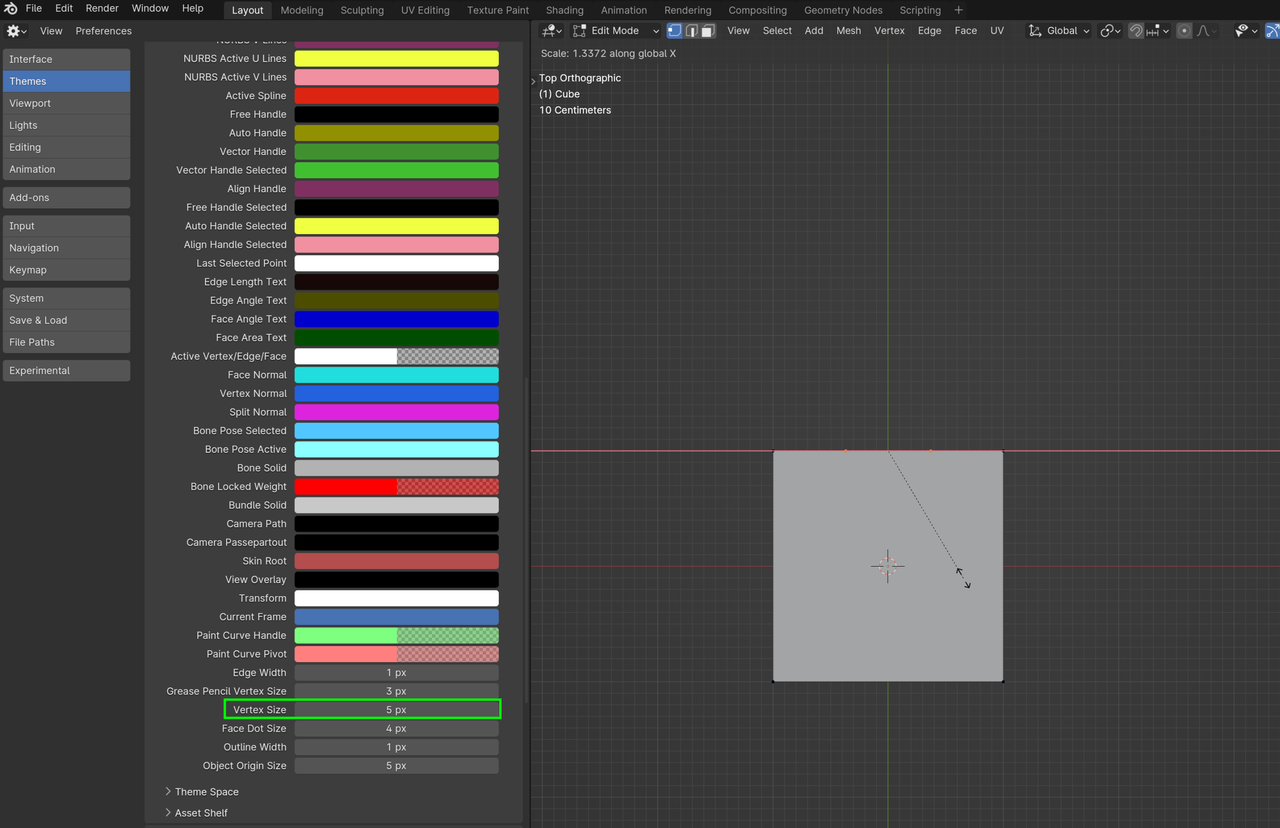
It’s in your Preferences under Themes, 3D Viewport. The default is 2 pixels.
And also, while you are Scaling, you can use that same ALT+MMB to look around your model, which might also help to see things better.

