This is hard-coded in a Python script in your startup file somewhere here (depends on your OS, but you should be able to find it):
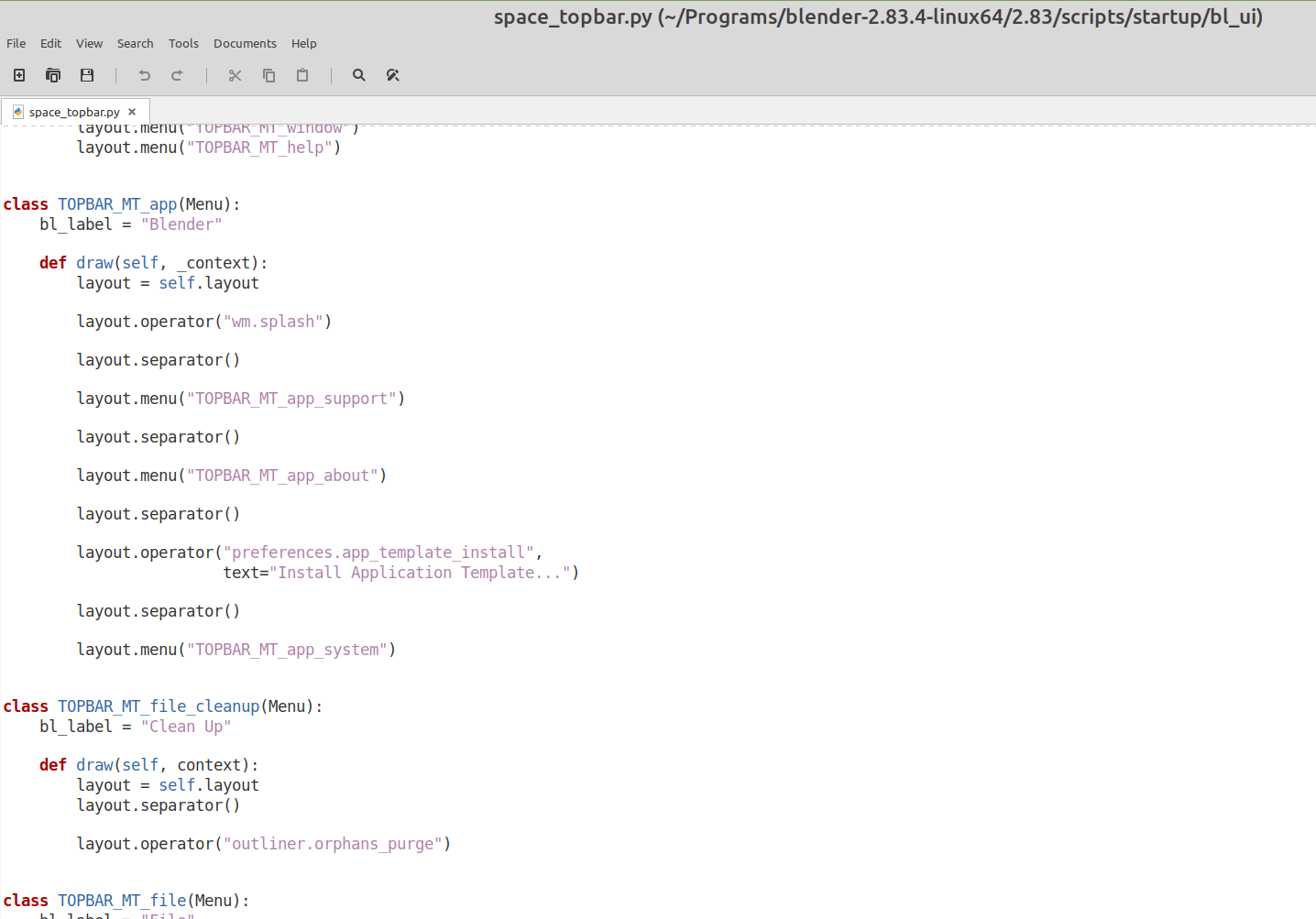
If you know Python, you might be able to make a show/hide thingy…You can’t just remove this script (tried that…).
Couldn’t find a setting in the Preferences, but shouldn’t be too difficult to expose that as a Preference (again, knowing Python…)
You are possibly the first person wanting to hide that topbar, so no-one ever bothered to make it a User Preference Setting;)

