Reply To: Help with a purchased TurboSquid model?
Forum Archive › Help with a purchased TurboSquid model? › Reply To: Help with a purchased TurboSquid model?

I discovered how to fix the issue. it wasn’t a mesh problem, it was a material problem, and it was incredibly easy to fix once I found the culprit.
TL;DR: I feel stupid. Start with the simple things first before diving into the weeds to try and solve a problem.
Background: It’s a model of a Borg cube from Star Trek. There are three meshes. One is the cube itself. Two is a lattice-work cage around the cube. Third is a central cylinder that runs from end to end. The cylinder contains the problem part of the mesh.
First, some screenshots of the cylinder.
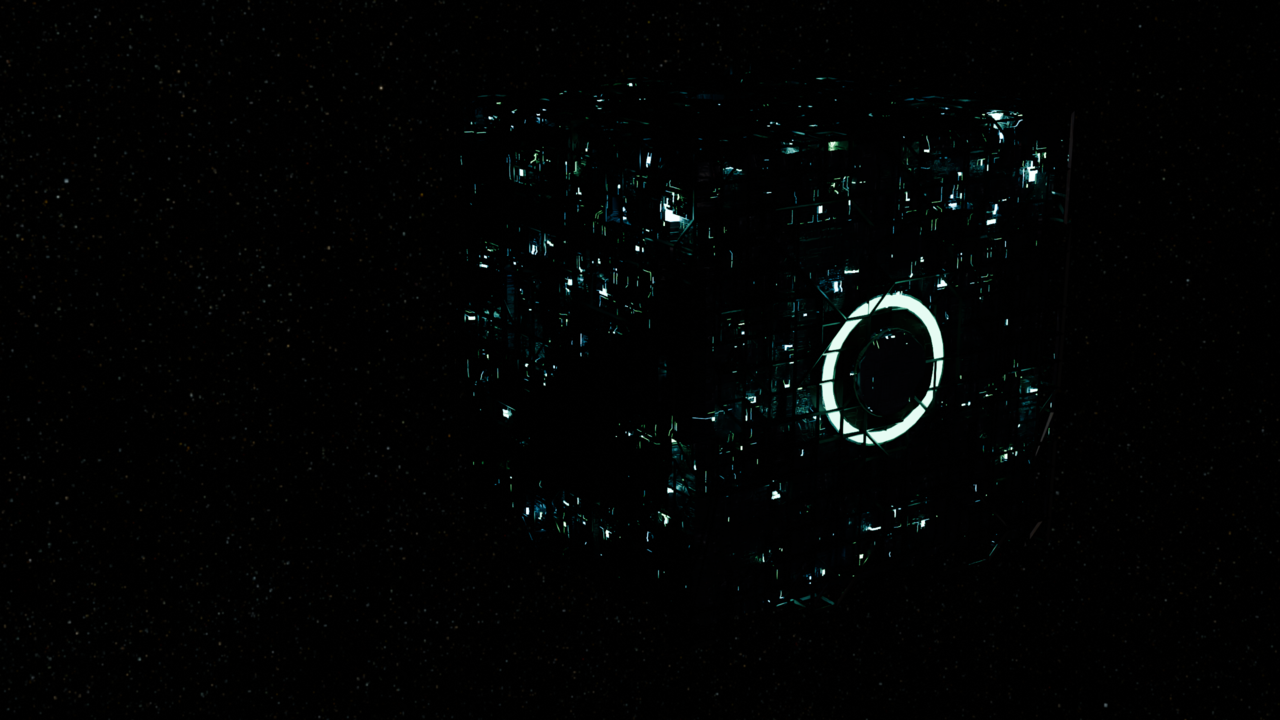
How it’s supposed to look:
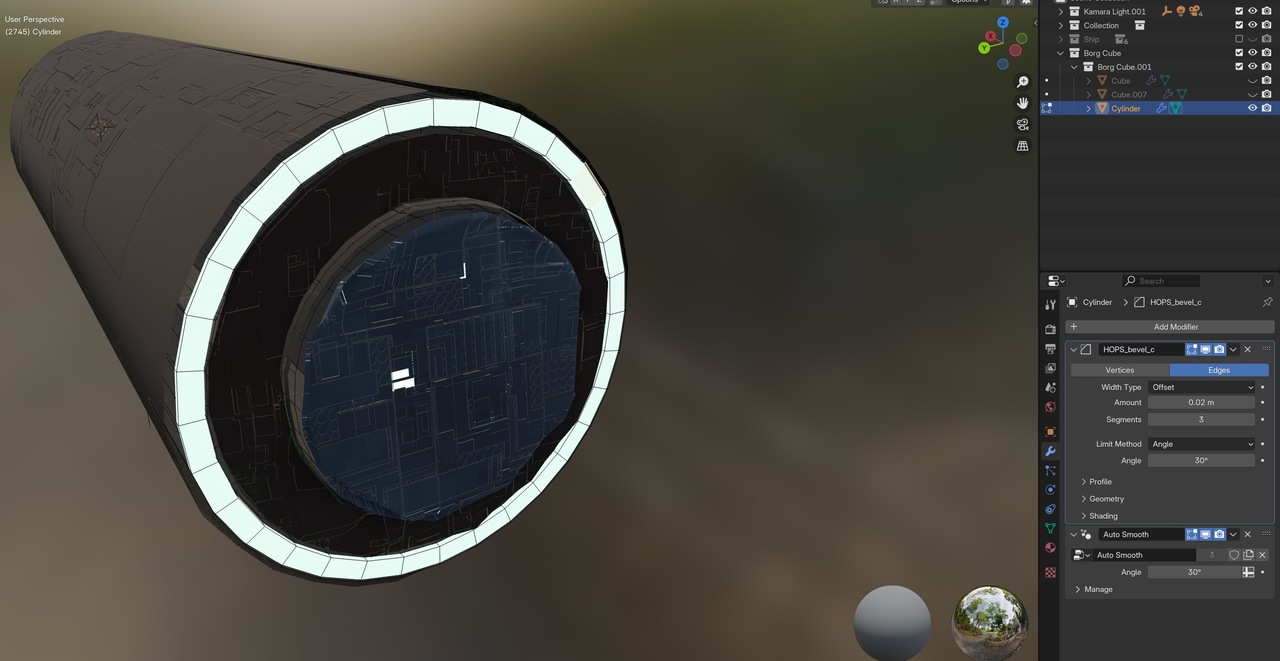
The problem as seen on the back side of the cylinder:
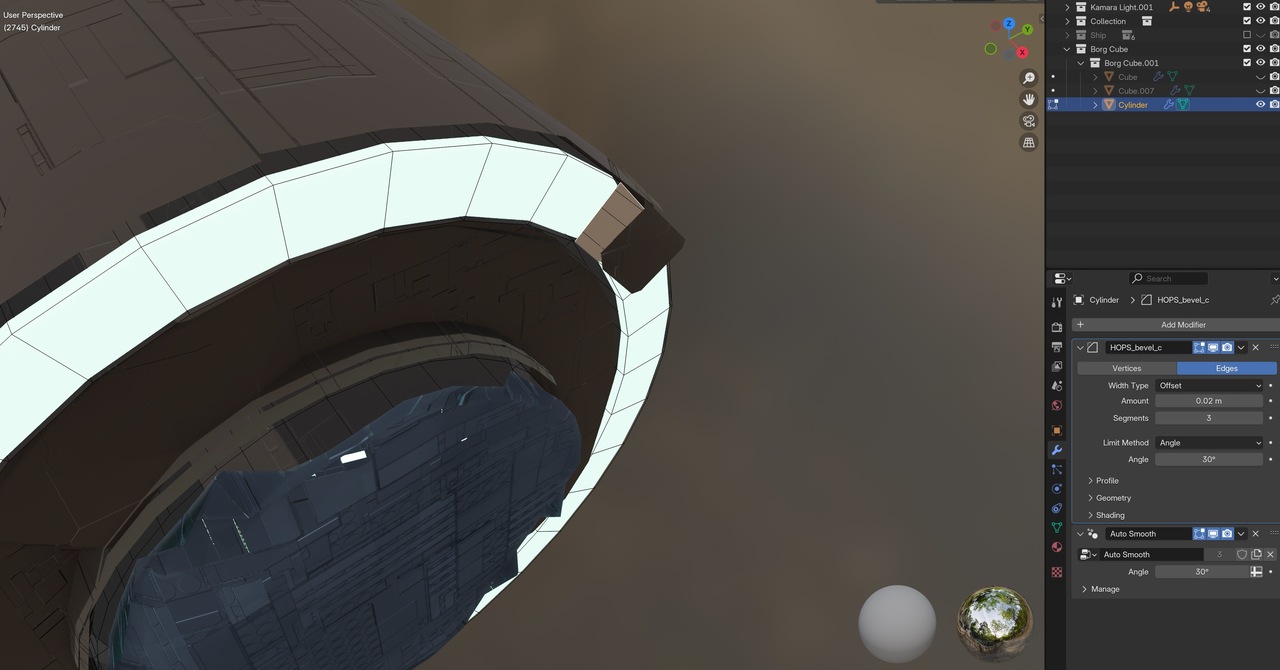
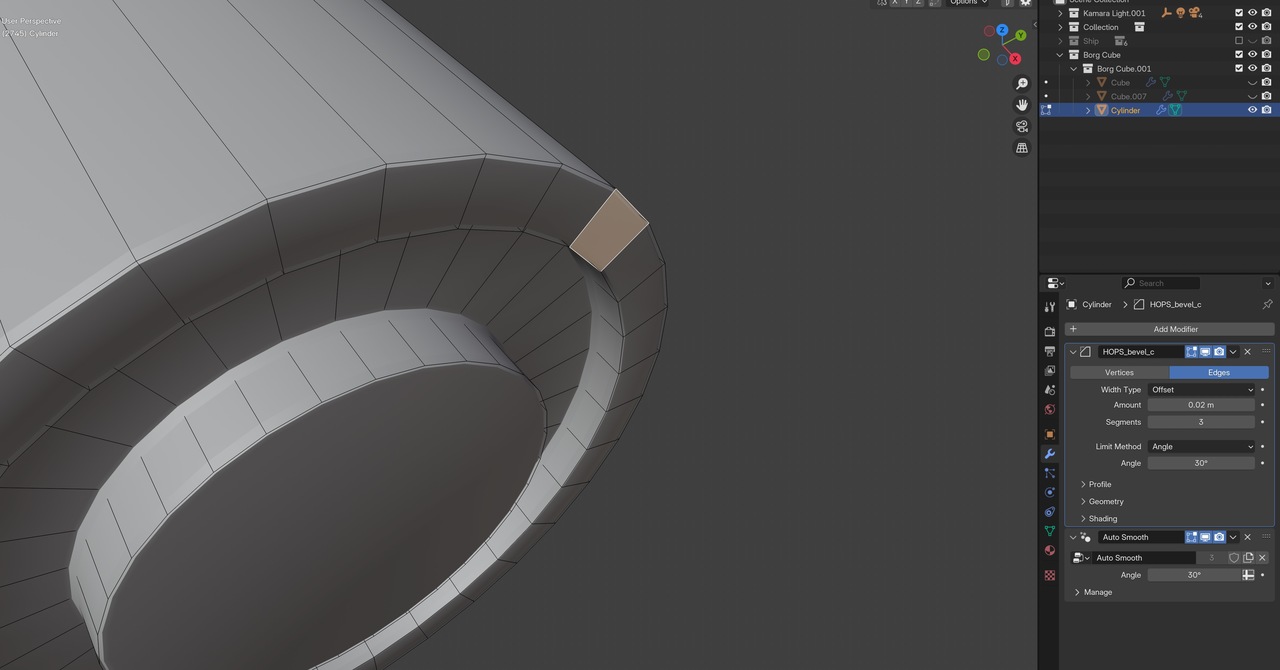
Smooth shaded and wireframe views of the problem area:
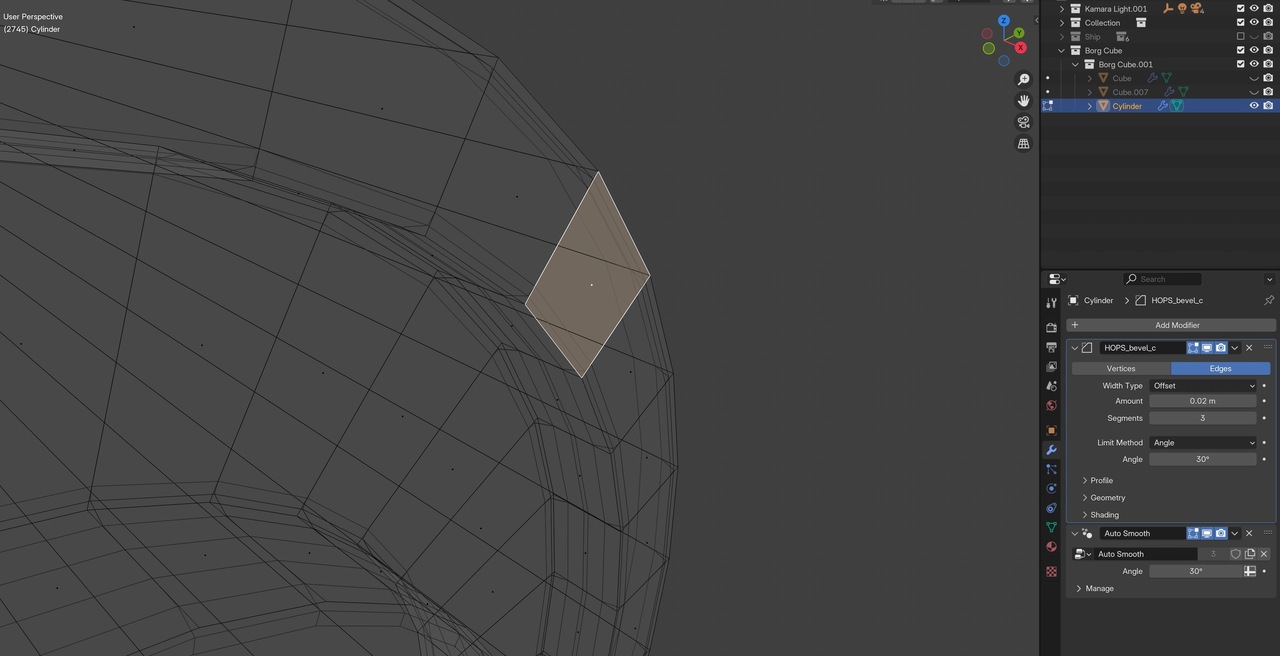
Things I have done to try and fix it:
- Move the displaced face along the cylinder’s longitudinal axis.
- Delete the face and replace it with a copy of an adjacent face.
- Copy the displaced face and move the copy along the long axis, then delete the displaced face.
- Change random parameters of the modifiers.
All of these efforts produced wonky results.
I started a brute-force analysis as I prepared to provide screenshots for this post. I looked at adjacent panels and went through their properties one by one to see what was different between the problem panel and the others.
When I got to the Material Properties, I twirled open the Surfaces section and discovered that the Displacement values were different. I asked myself, why? In a “forest for the trees” moment of lucidity, I noticed that the material assigned to this one panel was different than the material assigned to the other panels. So I assigned the correct material to this one panel, and the problem was solved. (I feel like I should have noticed the material discrepancy right away, even before I contacted TurboSquid support.)
Ta-daa!
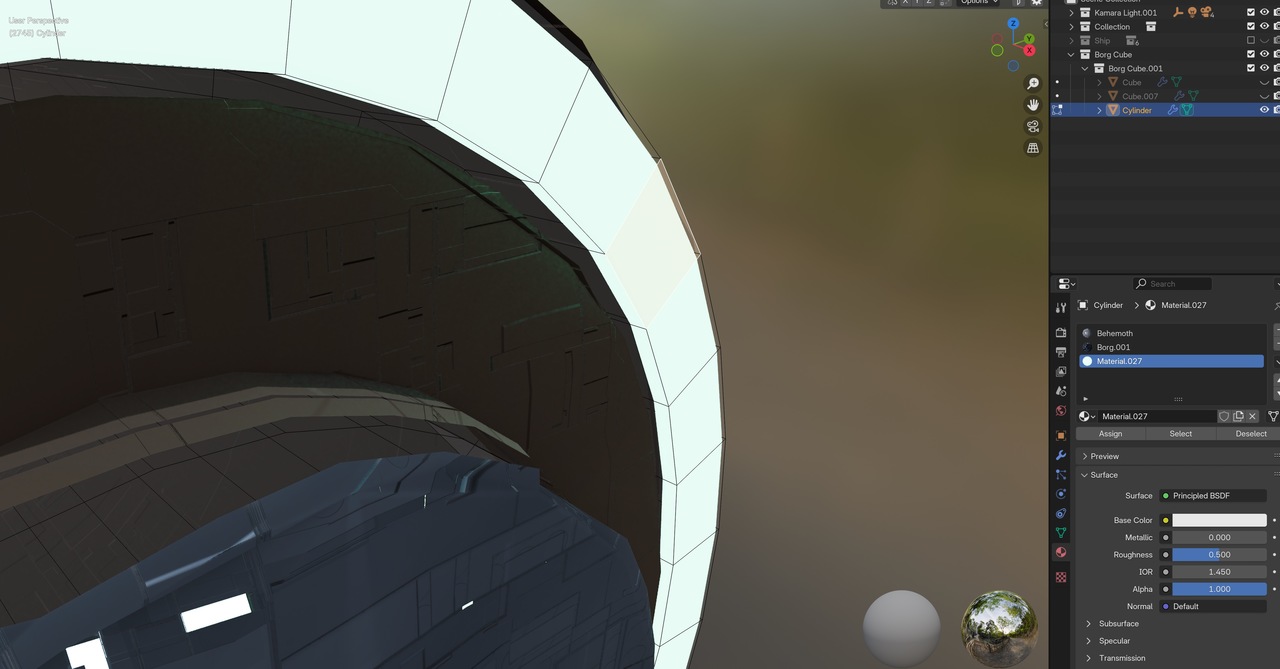
Thank you, Dwayne, for the detailed Discord instructions. I managed to get to the CGCookie Discord server via Safari; not done the Mac Discord app yet. Although I didn’t need to share my screen for this issue, I’ve noted your instructions for future reference.
Reminder to myself: K.I.S.S. (To anyone reading this that’s not familiar with that acronym, it means Keep It Simple, Stupid)
Much better now: