A lot more work, but start like this:
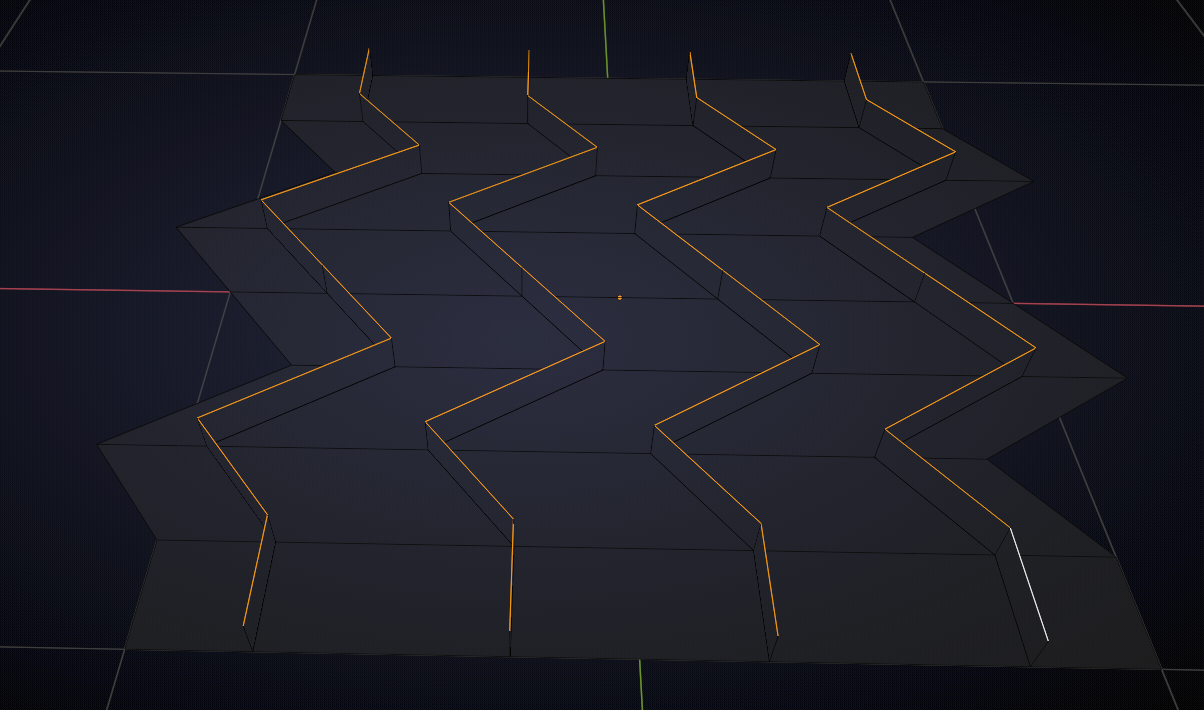
then make sure the normals of all the ‘upright’ Faces are in the same direction (doesn’t matter which direction):
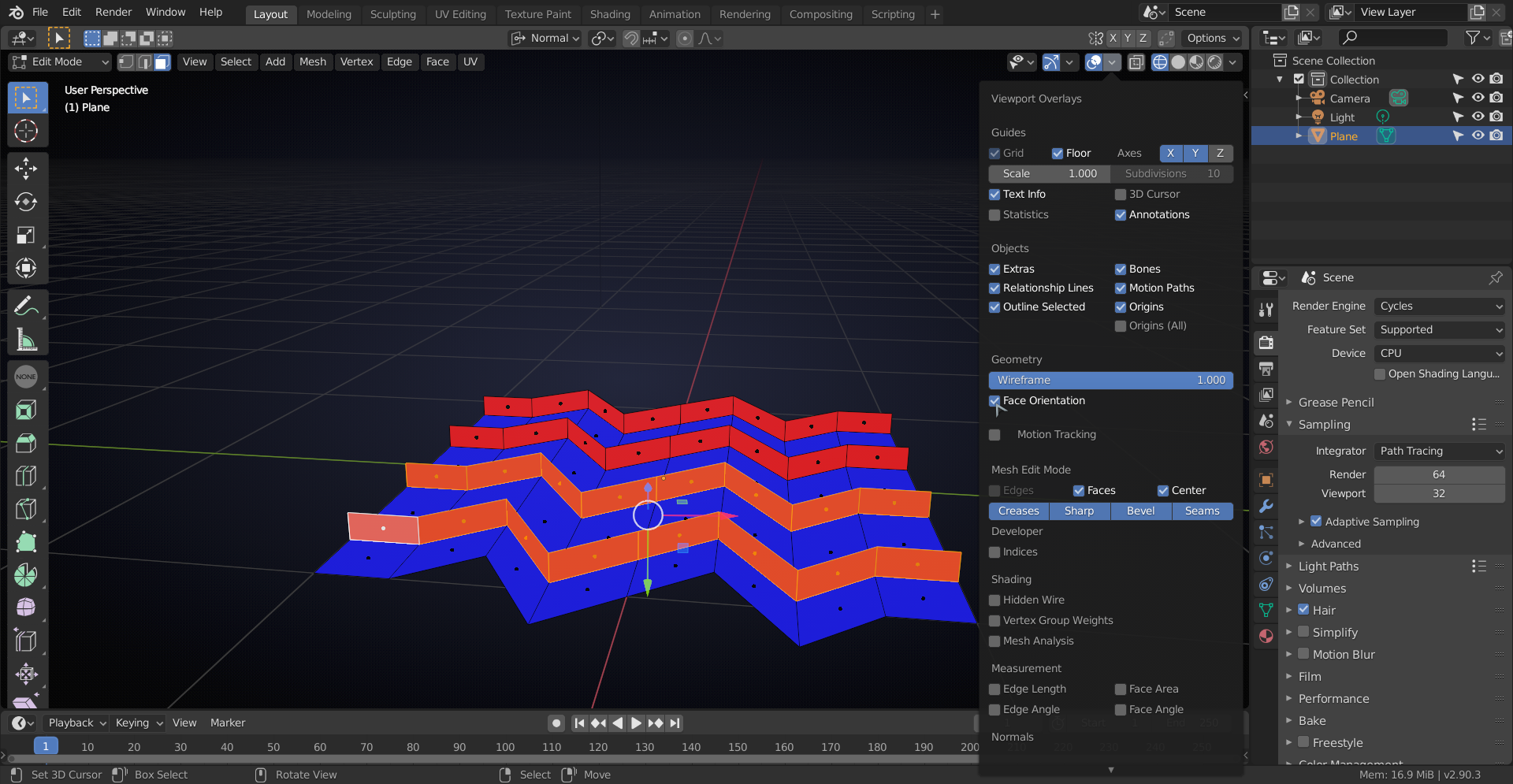
(use ALT+N to Flip the Normals of the Faces that are ‘wrong’).
Then select paralel Faces and Extrude them all the same distance (here I pressed: E .1):
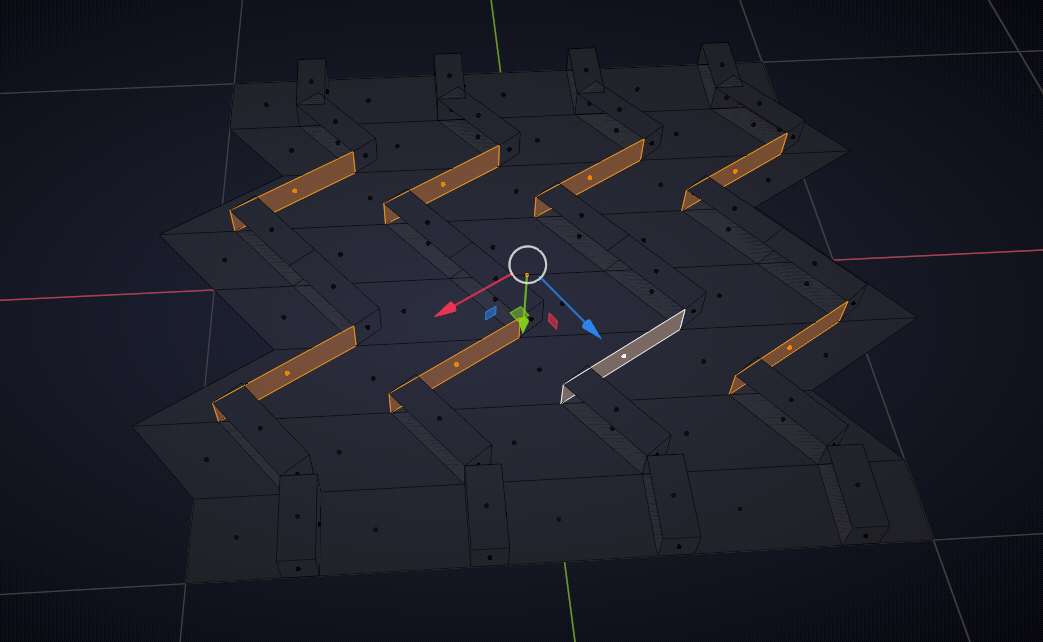
Now they’re all even thickness, but there is still a lot of work to be done; fill the holes that came with the extrusions and the delete the (here selected) ‘floor’ Faces:
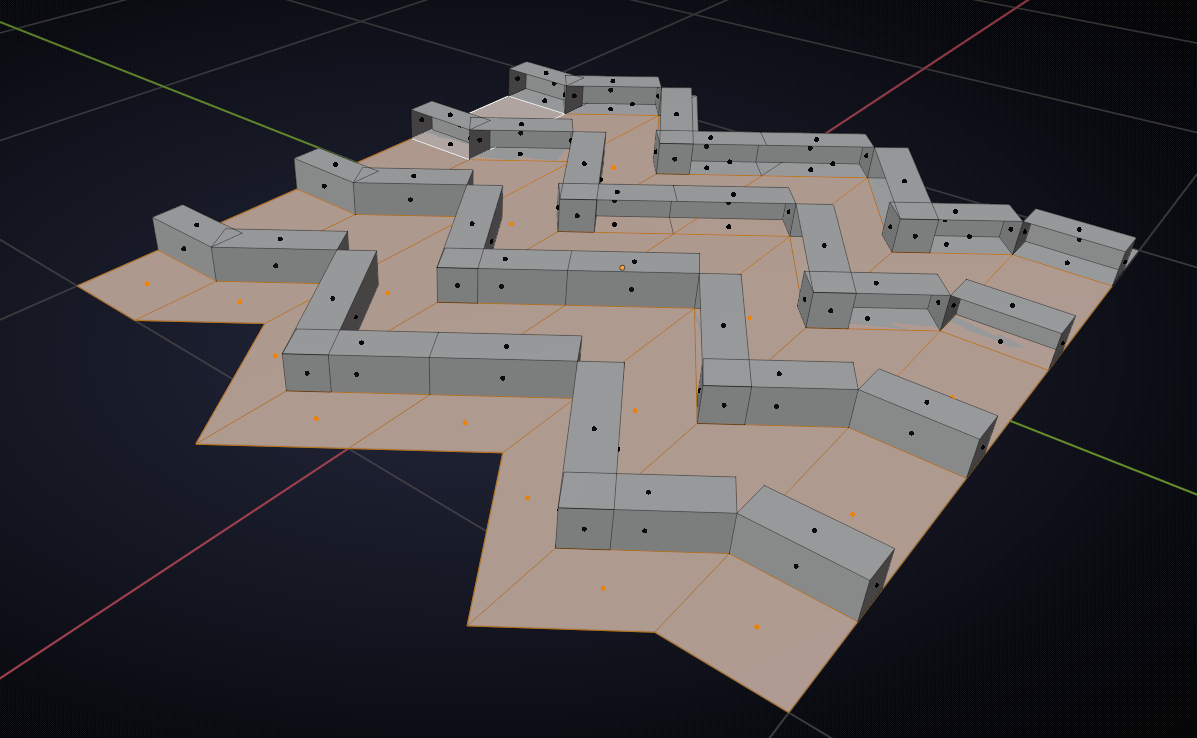
Then extend Edges where needed by making a Custom Transform to get the correct direction:
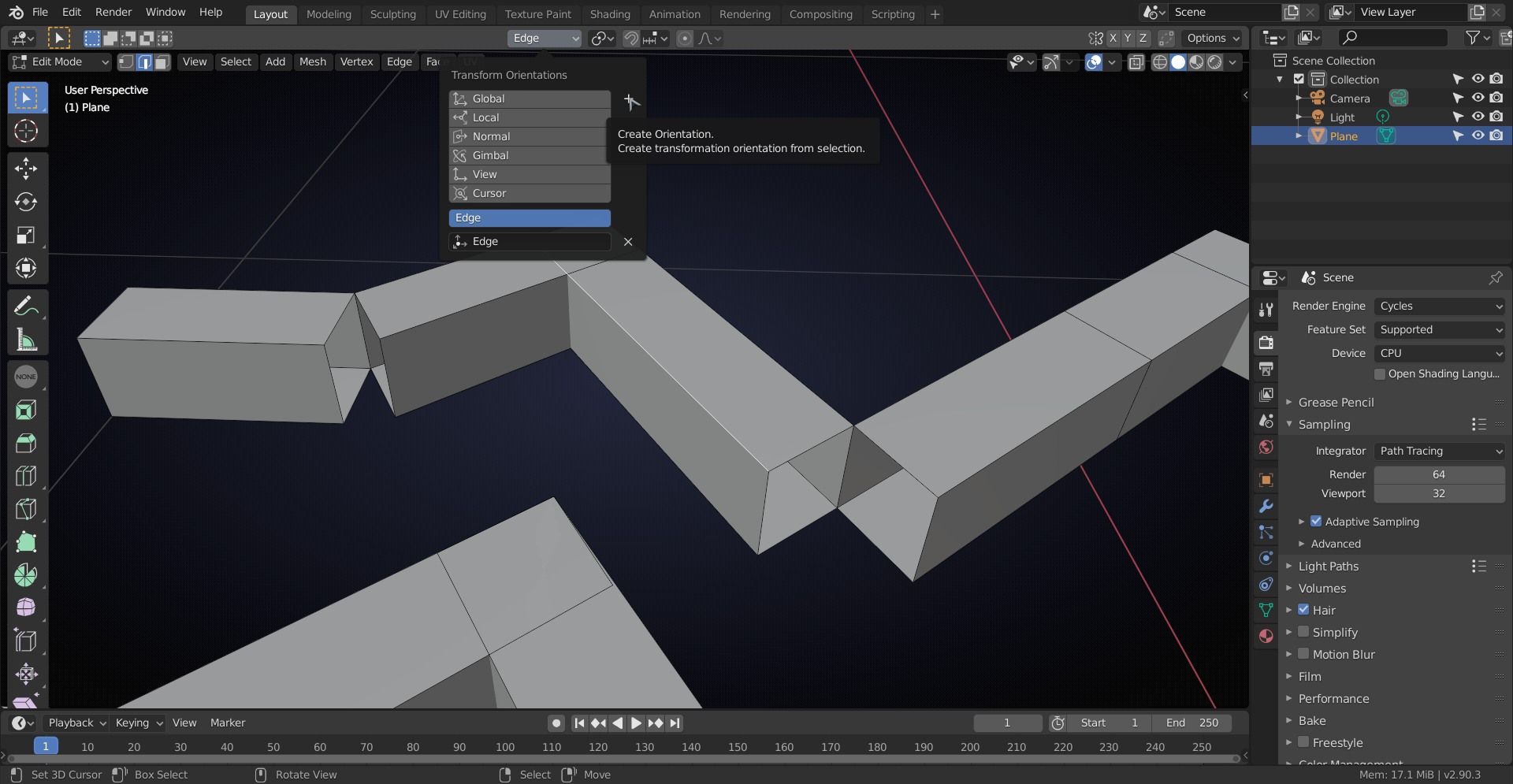
so you can snap the vertical edges to where they need to go:
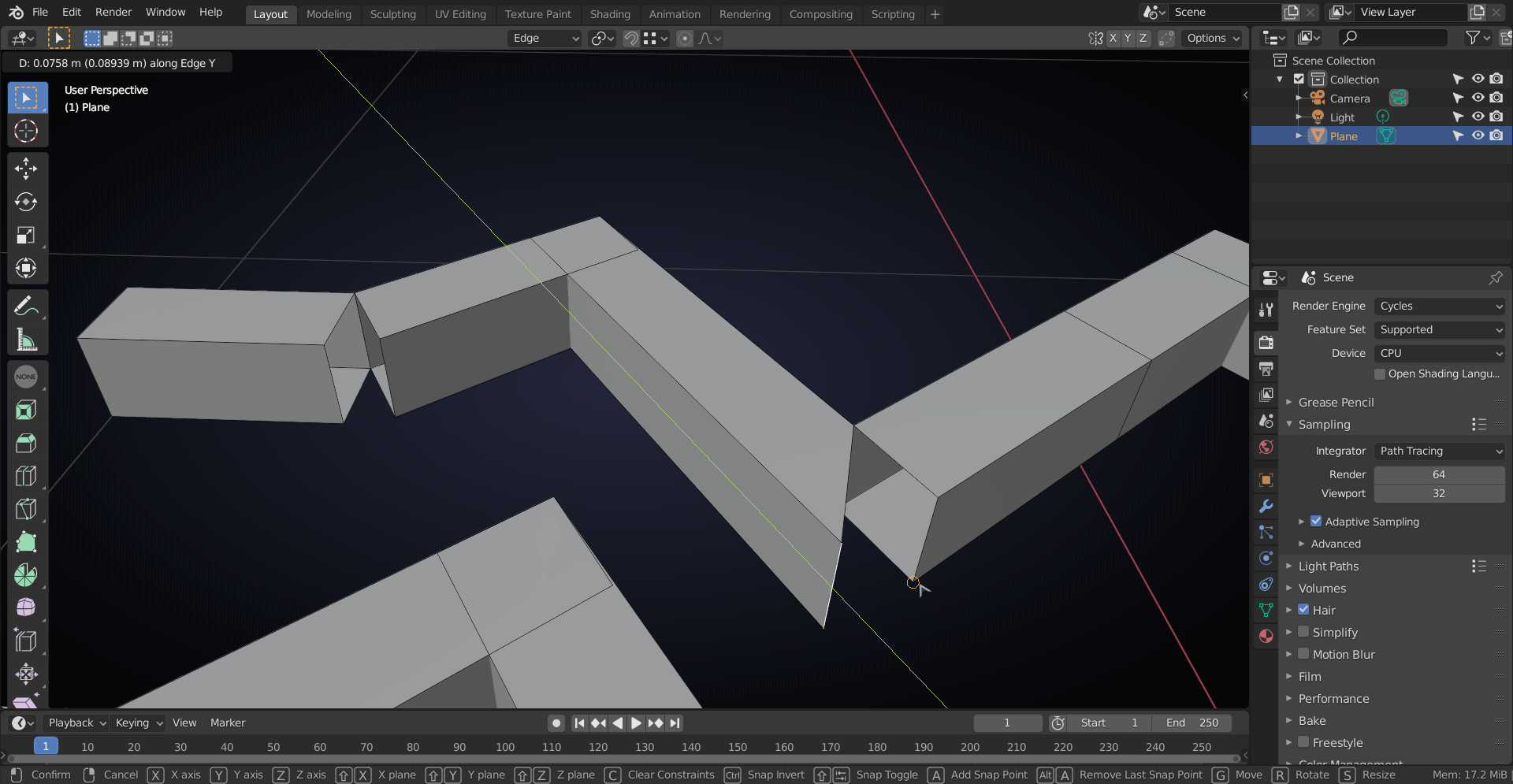
And when you’ve done all that, Merge by Distance and then simply connect the treads again.
Don’t forget to delete all unnecessary Faces…

