With an extrude of 0.02 under geometry of the curve settings. Converted to a mesh. Straighten the UV’s and used an empty to drive the x location of the mapping node of the shader.
You could save yourself some work next time; Curves already have UV’s:
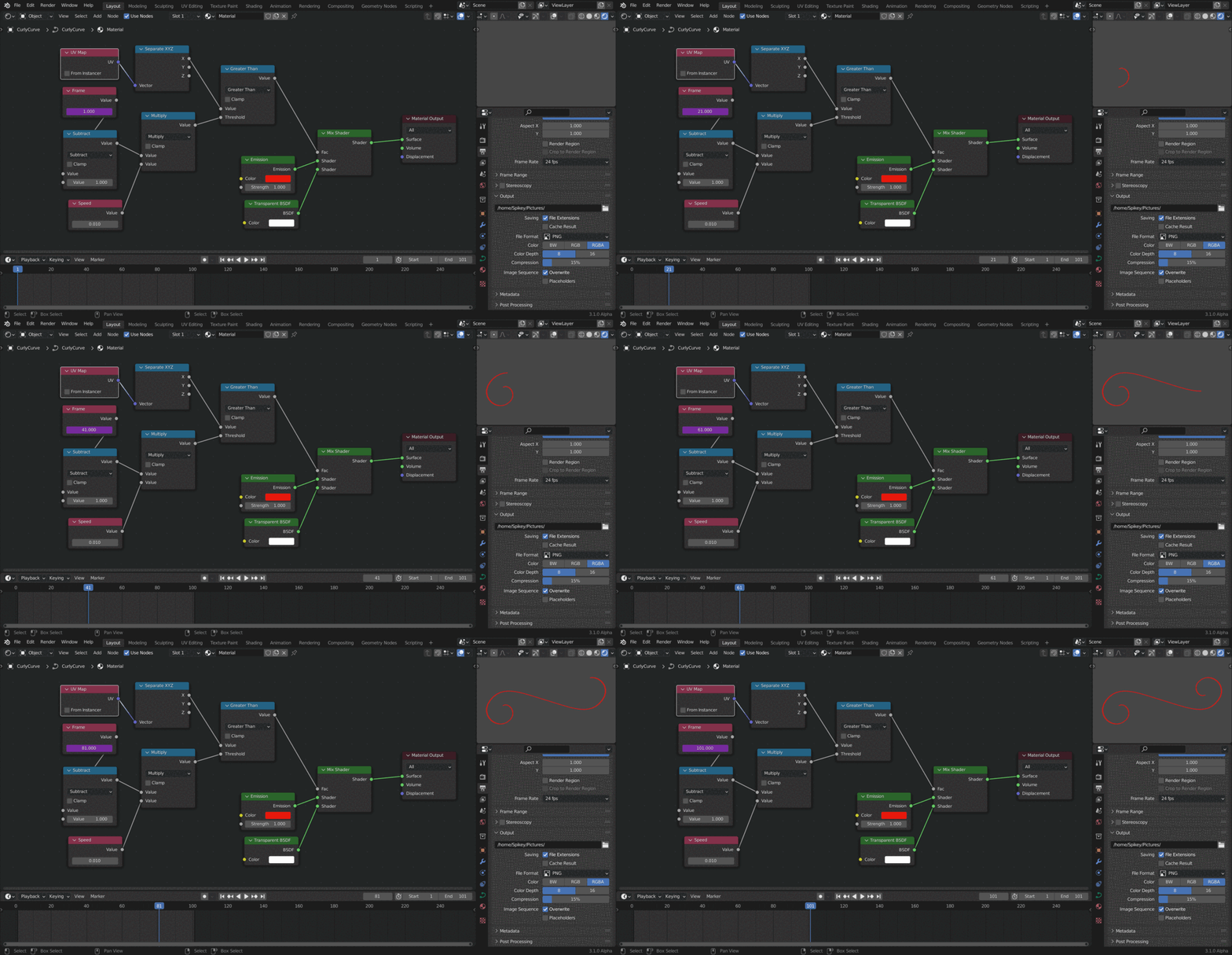 The only thing you probably need to do, is ‘un-stretch’ the Curve:
Curve to Mesh, LoopTools > Space, Mesh to Curve.
I didn’t use Extrude, but Bevel on the Curve to get line thickness.

