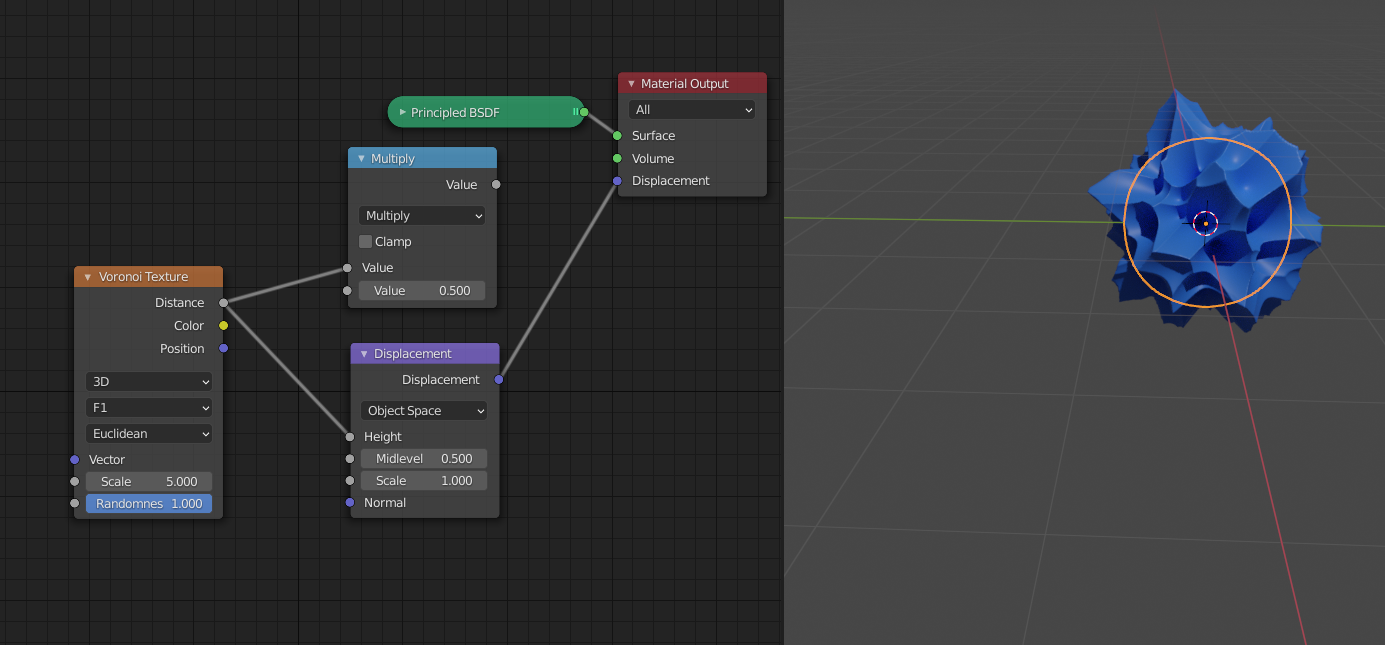
@vpanggabean1980 when you are using the Math Node, you are plugging a grey (single value) socket in to a purple (3 values for X, Y and Z) one. What happens then is that Blender fills in this one value into all three values of the Vector (sometimes called “broadcasting” in programming). This means that the displacement will happen in all three axes in the same amount:
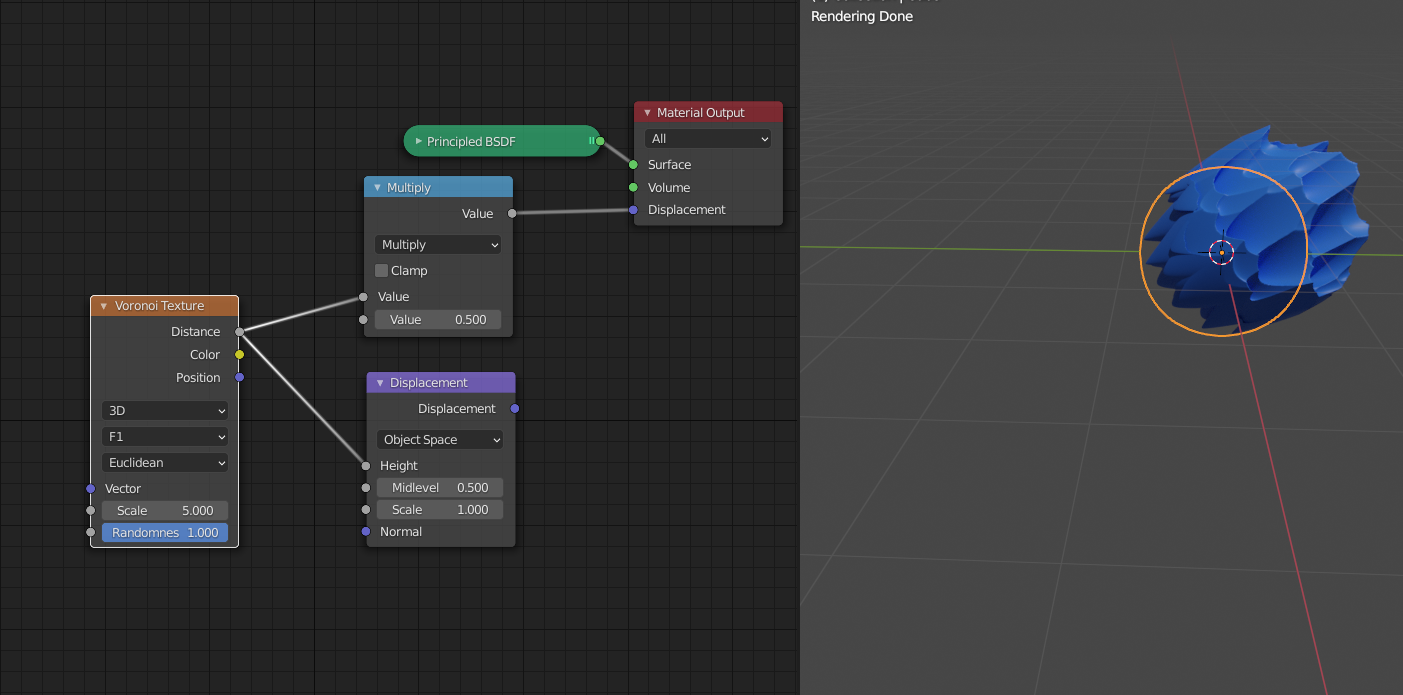
Making the 3 dimensional Voronoi texture effectively into a 1 dimensional texture.
While you actually want (or at least this is how it is meant to be):