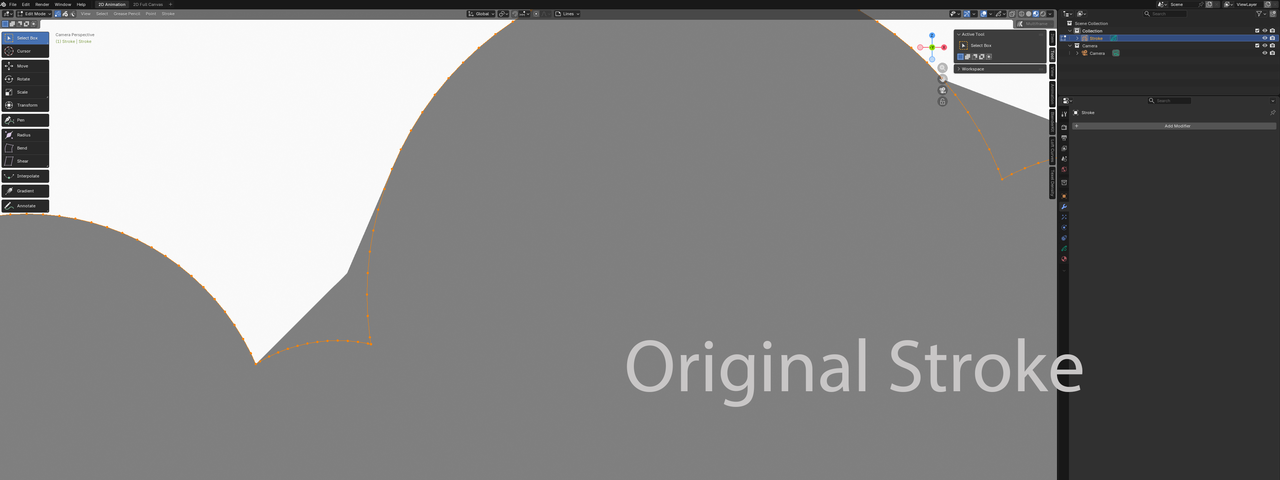
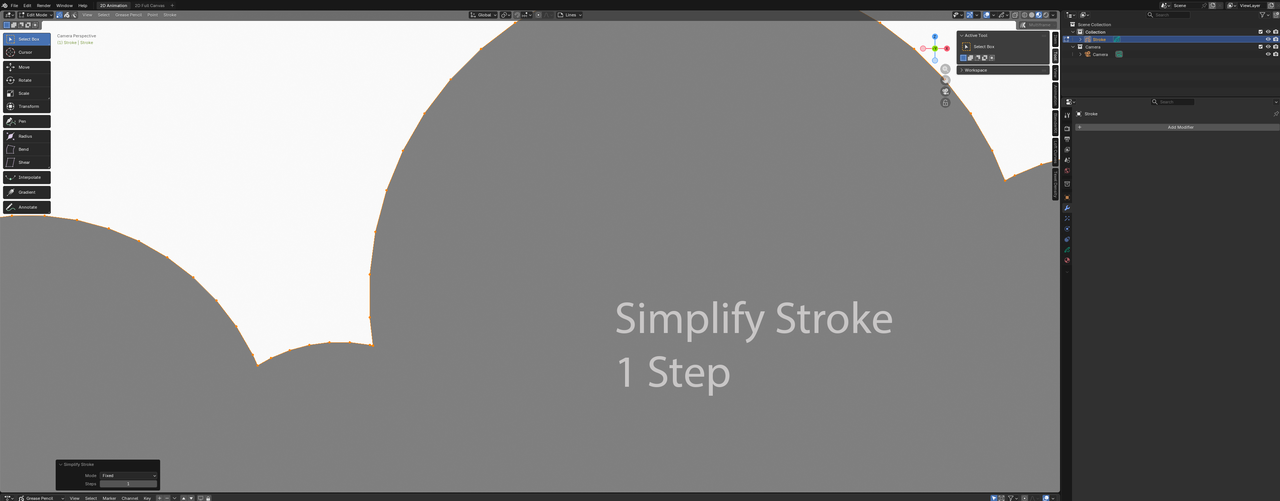
I seem to have fixed the problem, albeit perhaps sweeping the problem under the rug with the fix. With a fresh file, I followed the video; use the trim tool, select all the geometry and Ctrl+J, then fill the object. I found I was still experiencing the same problem.
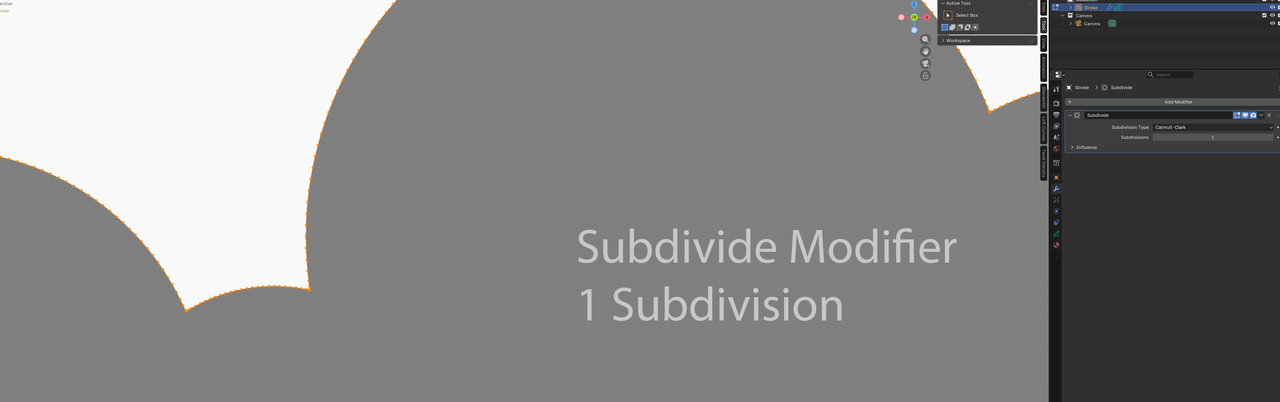
I found that adding a Subdivide Modifier (1 Subdivision), it instantly removed the problem, so started doing some digging.
Alternatively, Right-clicking after selecting the stroke in edit mode brings up options:
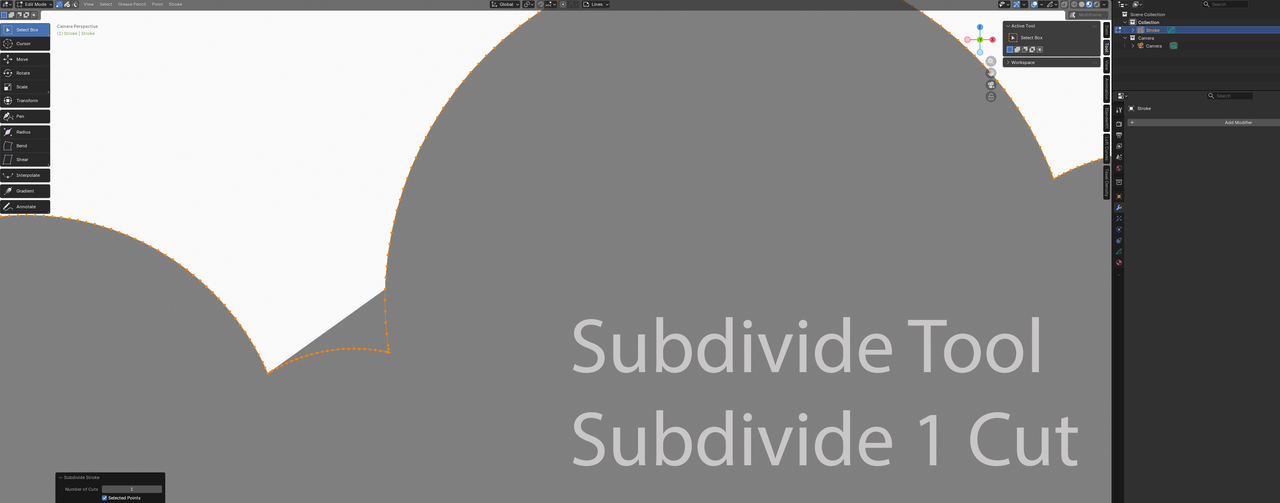
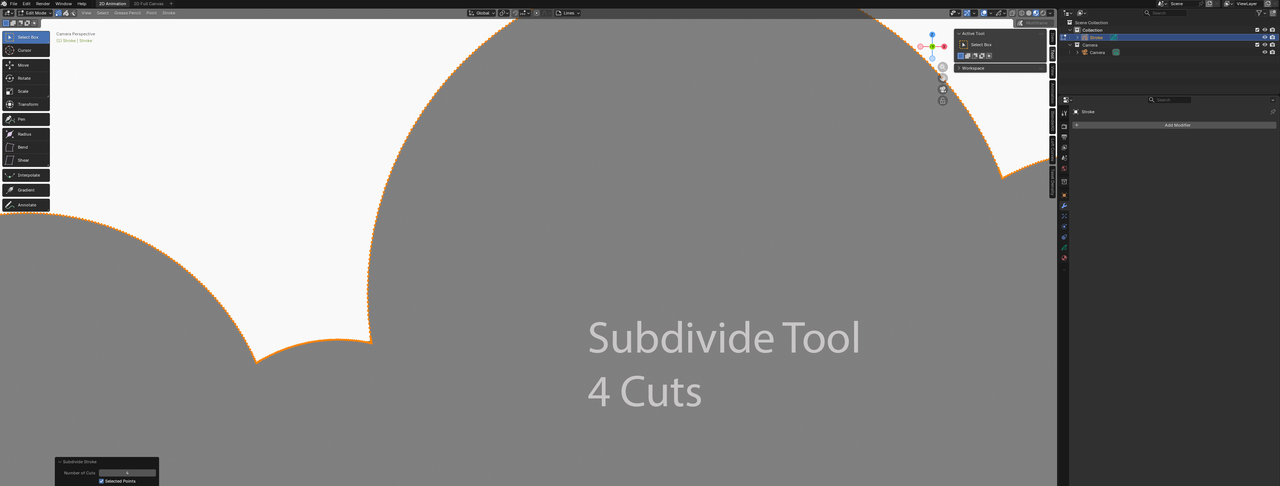
- Subdivide– Similar to the modifier, however found that I needed to do 4 cuts for the same result
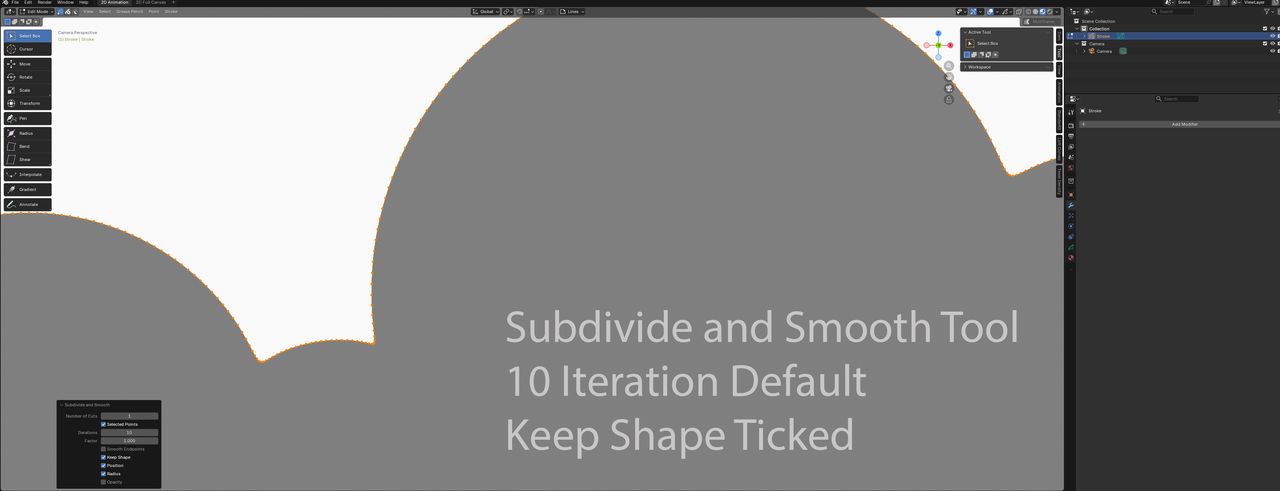
- Subdivide and Smooth– Despite the tool smoothing out the corners, the default settings achieves the same results (Working with 10 Iterations). Ticking the box for Keep Shape, makes it work almost like the Subdivide Mod, by maintaining the original shape as much as possible
- Simplify– Works immediately with 1 iteration
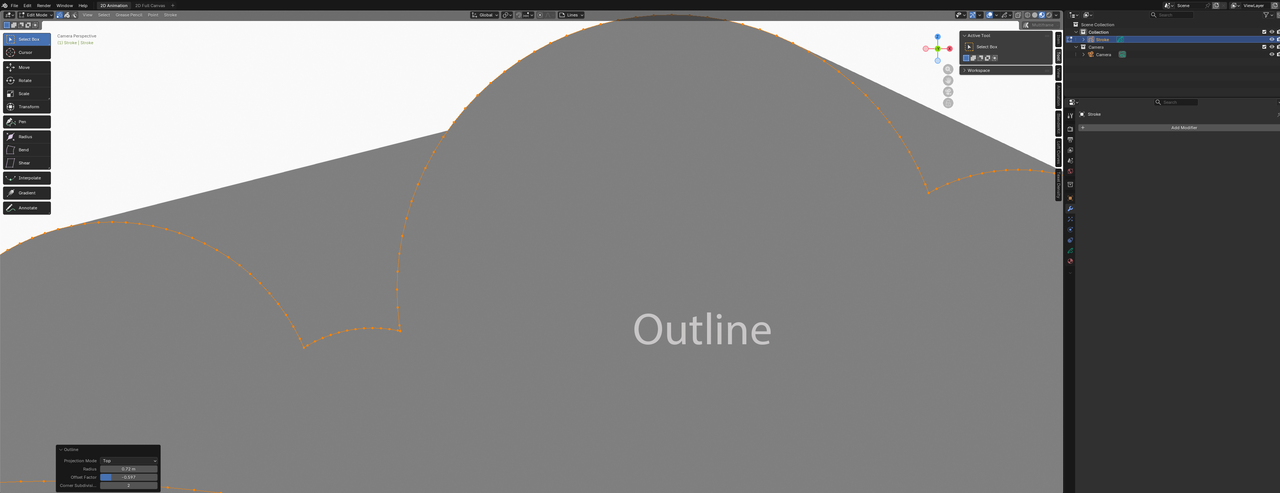
- Outline– The problem amplified across the whole object
How does the Subdivide modifier and Subdivide tool distribute additional vertices? At 1 level, it seems the results are not similar.