@williamatics If I understand you correctly you are wondering how you can better manage the intersecting parts you describe, is that right ?
The key is to avoid those intersections to be sharp. You would maybe want to have a split line (a gap) between two parts. For example, the body/side-rail interface can be treated as following:
-Duplicate the side rail,scale it up a little bit, and boolean (difference) the duplicated one on the body. Best is using BoolTool (free addon) for that:
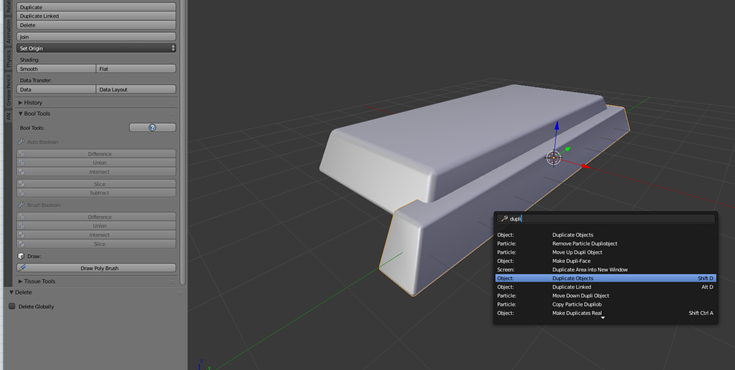
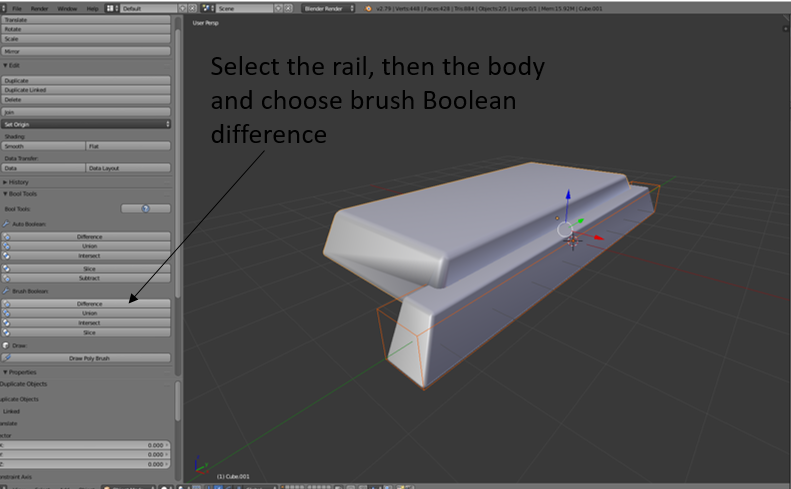
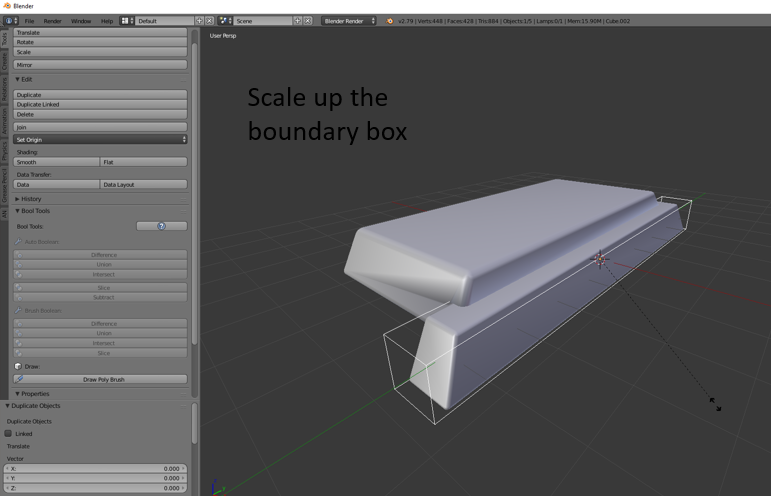
The problem now is the object looks messy. Select the body, go to the object data and activate Autosmooth, set to a value like 30º (you might want to adjust depending on your geometry).
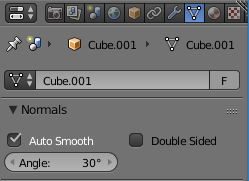
Now you should nice flat surfaces:

Later on you will have to apply the boolean modifier to better fix the geometry (bevels for example), and add more details such as bolts, screws etc etc.
If you want to have them joined as one big object, chose the union boolean instead of the difference 🙂
Hope that helps!

