In 2.66 there is also a Vertex Slide in the Vertex Menu (CTRL+V) with the shortcut: SHIFT+V.
When using Vertex Slide with two (connected) Vertices selected, you are actually sliding two Vertices, which makes it possible to do something like this:
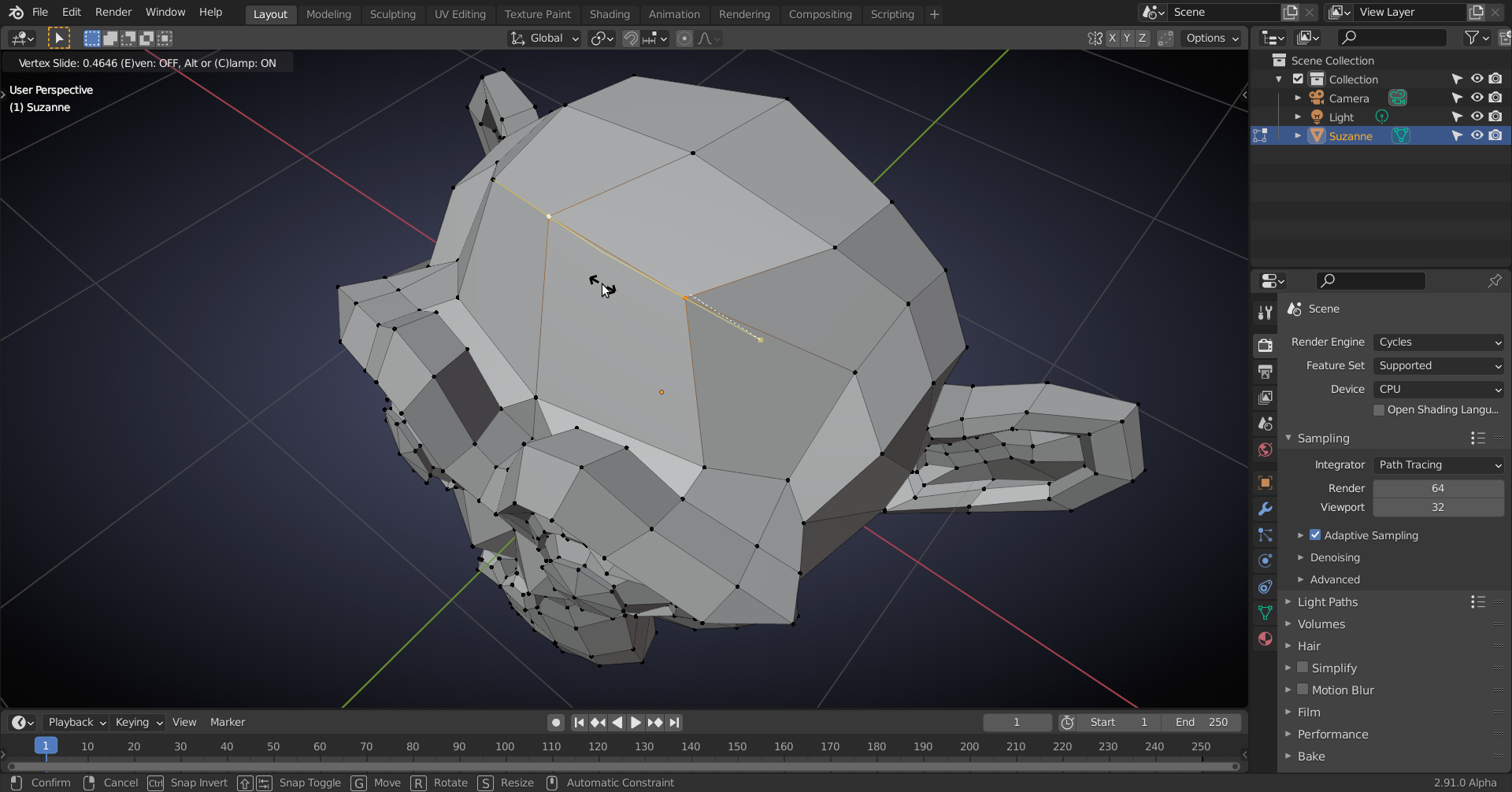
You can even (but that is very finnicky and I didn’t manage to record that)) slide them in two different directions.
Edge Slide always slides the Edge/Edges/Edge loop. When using the ‘newer’ (from version 2.63 onwards, I think) hotkey G,G then when you have a Vertex selected you get Vertex Slide and when an Edge (or two connected Vertices, etc) is selected you enter Edge Slide.
An Edge Slide can also be achieved by sliding the Vertices one by one in the same direction and by the same amount.

