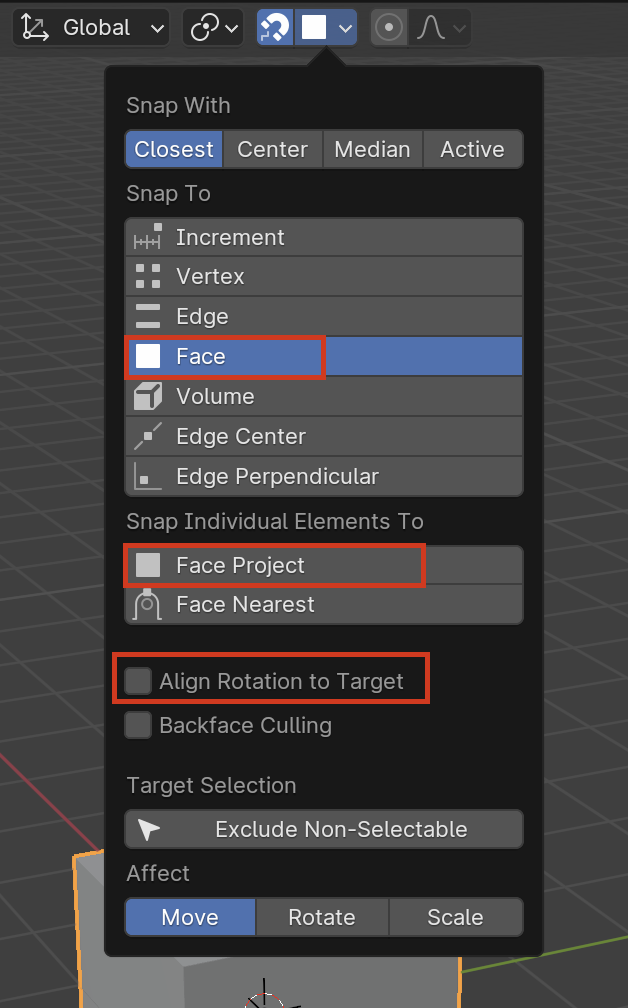
Bit of a convoluted answer I think, but it would involve pivot points, transform orientations and snapping’s. I think it’s better if I point you to a couple of videos where stuff like this is used to achieve the goal.
https://cgcookie.com/lessons/mesh-normals-and-shading-3c7b99fa623e95e5
https://cgcookie.com/lessons/pivots-snapping-and-proportional-editing
https://cgcookie.com/lessons/mesh-components-and-object-origins
In this lesson at around 17:50, JL re-orients the local axis to align with whatever he wants
https://cgcookie.com/lessons/modeling-the-left-leg-i
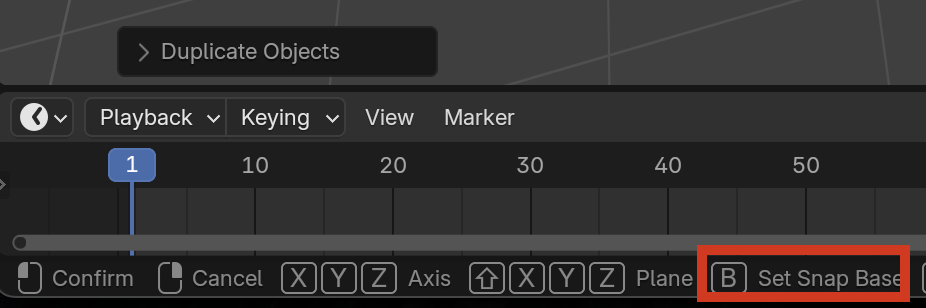
You can also use B when snapping to set a base:
You can turn on Face Orientation when Snapping to get your object to align with the normal with aligning the rotation to the target.