Hi @kolki
Texture painting in 2.80 has become a lot easier!
If (with the object you want to paint selected) you go to the Texture Paint Workspace, Then on the right, where it says No Textures, you can add textures like base color, roughness, etc.
Now you can select any slot and start painting.
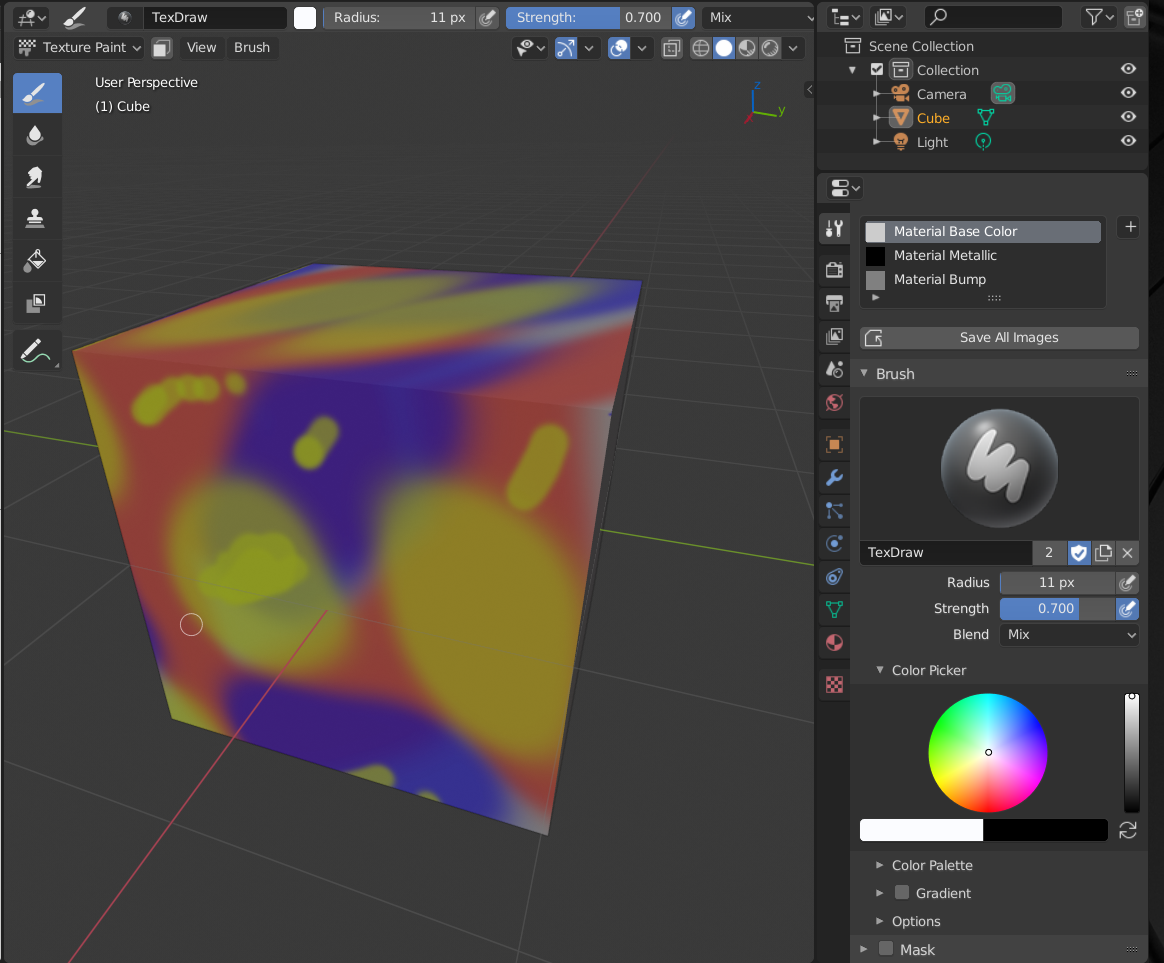
I solid shading, you will only see the selected slot (the one you are painting):
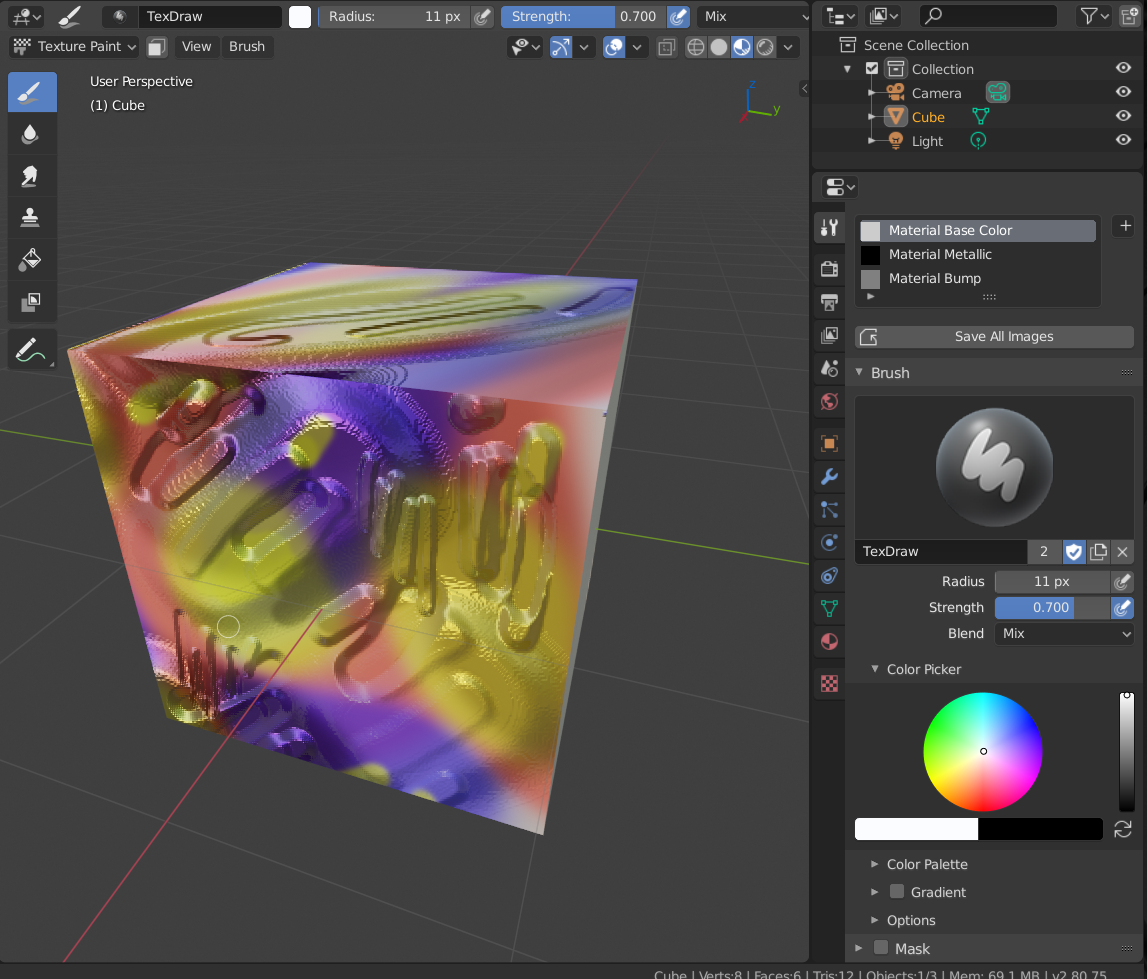
And in Lookdev you will see the result of all the textures together, already plugged in in a Principled Shader:
I hope this is what you meant and that I didn’t hurt your eyes;)

