Hi Thomas @sphere ,
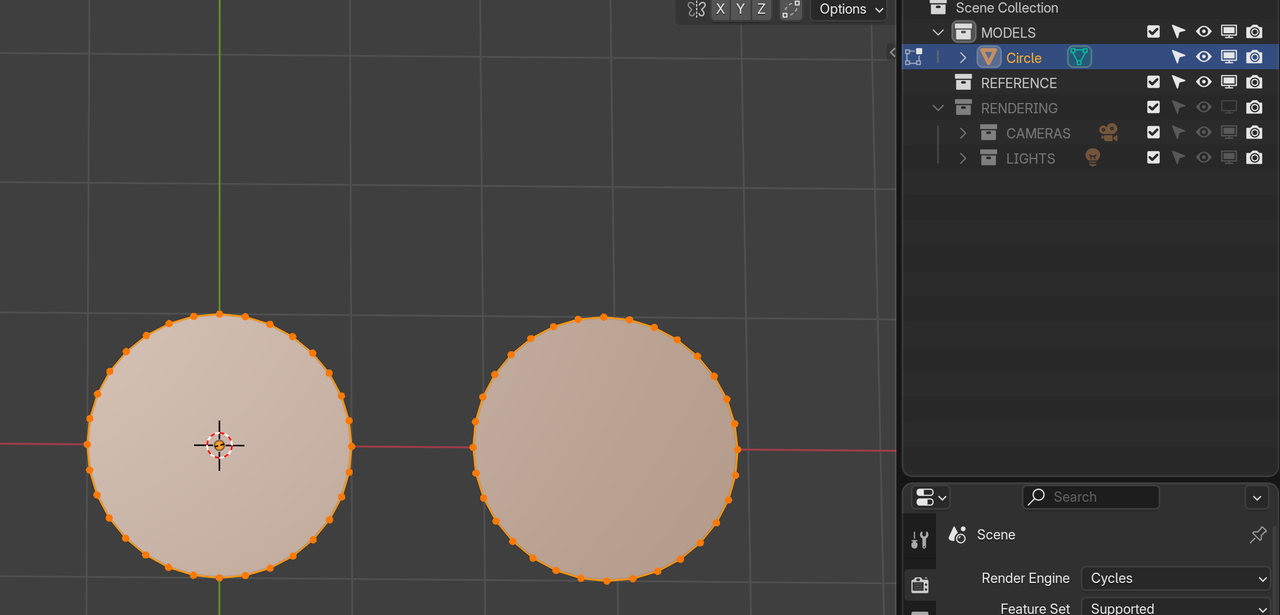
If you Duplicate in Object Mode, you get two Objects, but only the Duplicated one is Selected. When you then switch to Edit Mode, you get this:
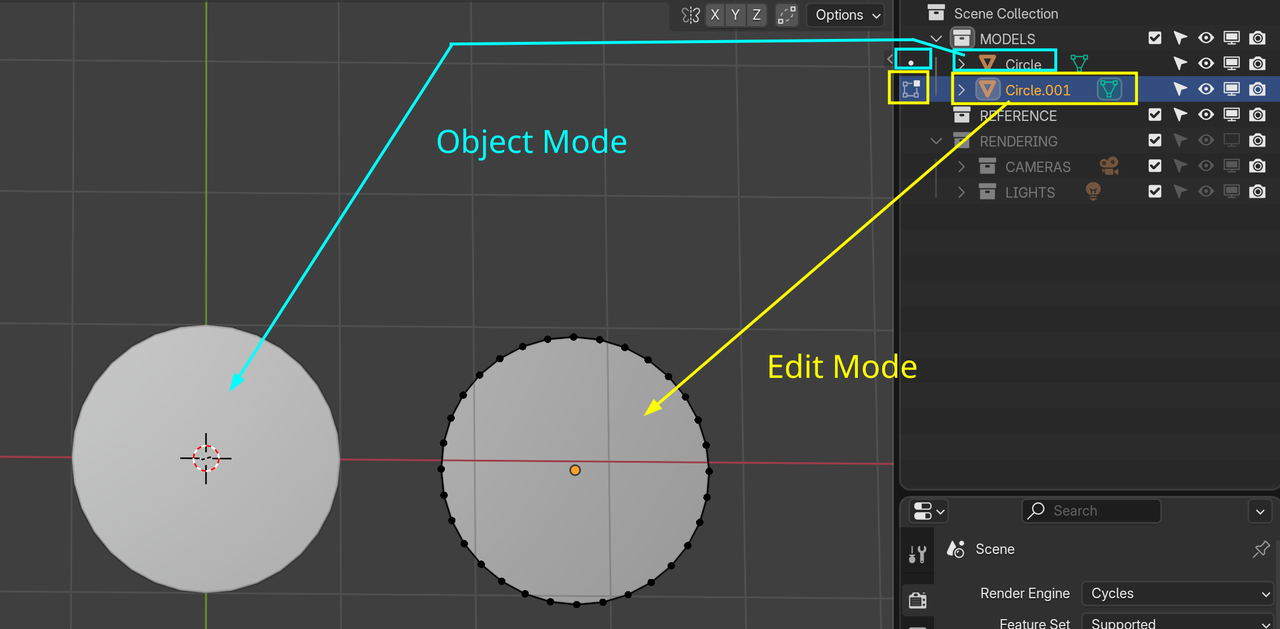
If you now switch back to Object Mode and SHIFT Select the original Object (so both are now Selected) and then switch to Edit Mode:
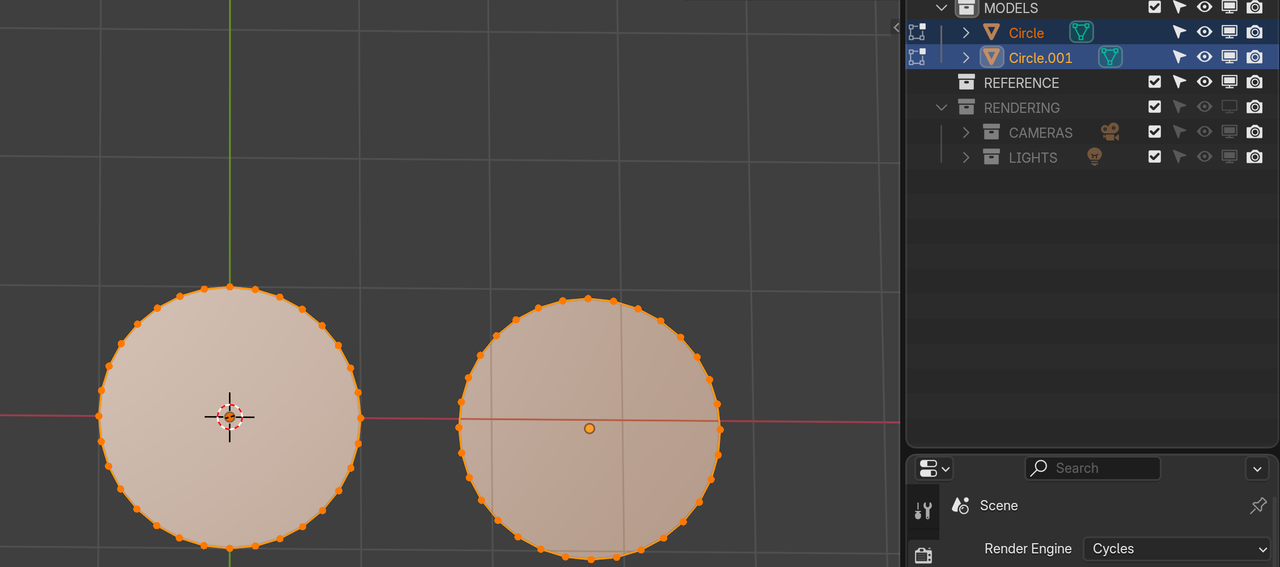
Note that you can Select Faces, Edges and Vertices of both Mesh Objects, but you cannot connect Vertices from the different Objects, so the Bridge Edge Loops from the example in the video, won’t work.
If you had Duplicated in Edit Mode, you only have 1 Object: